How to Turn Off YouTube Shorts (and Keep Your Favorite Channels)
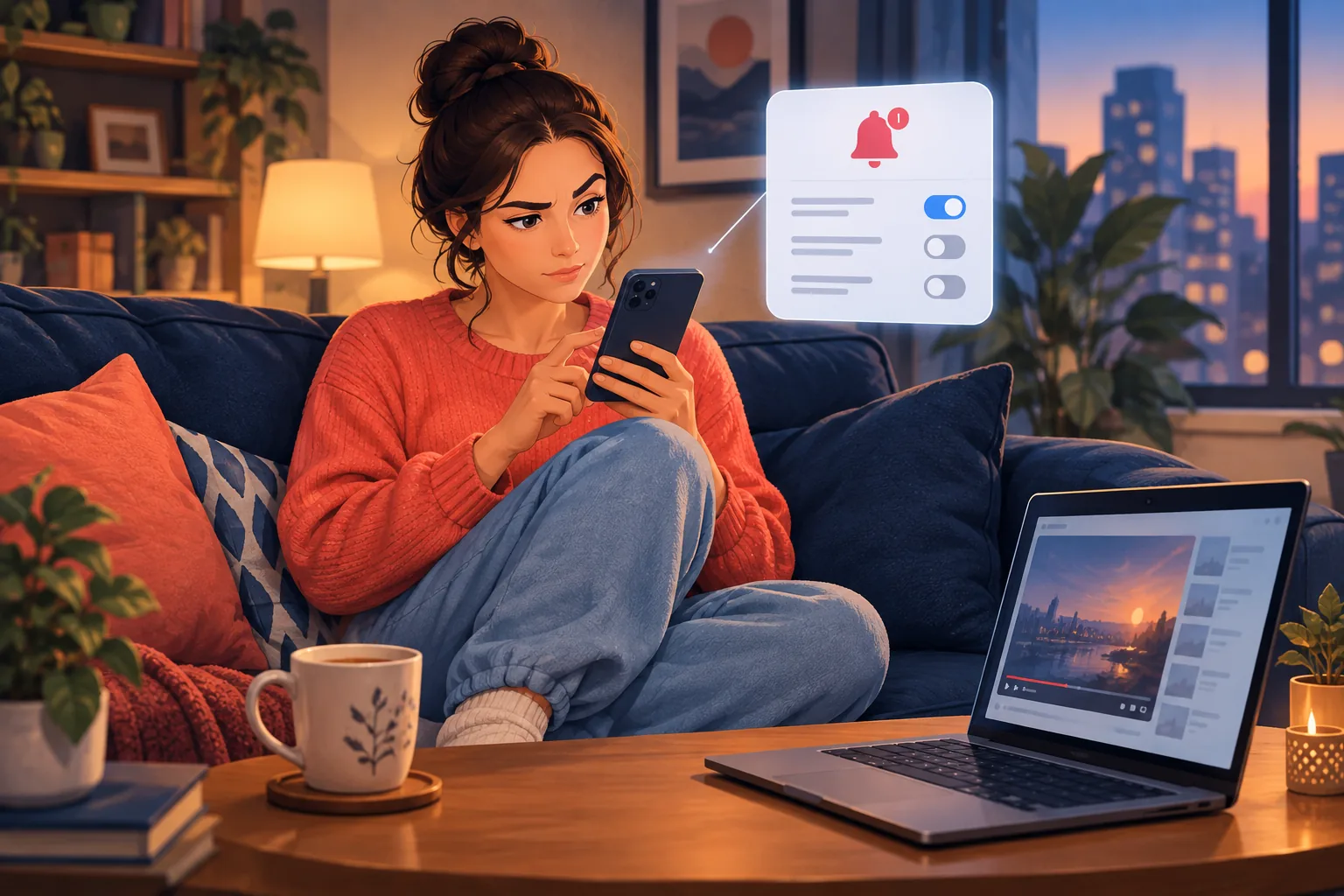
How to turn off YouTube Shorts in 2026: set the Shorts feed limit to zero, see fewer Shorts on Home, handle PC and kids, and still catch every upload.
Step-by-step guides on YouTube email notifications and never missing an upload.

How to turn off YouTube Shorts in 2026: set the Shorts feed limit to zero, see fewer Shorts on Home, handle PC and kids, and still catch every upload.

The 12 best history YouTube channels in 2026, from military history to ancient Rome and food history, how often each one posts, and how to never miss one.

The 12 best educational YouTube channels for science, math, engineering and history in 2026, how often each really uploads, and how to never miss one.

How to subscribe to a YouTube channel on a phone, computer or TV, why the default bell skips uploads, and how to get an email for every new video.

How to find a YouTube channel by name, @handle, video, history or topic, why some won't show up in search, and how to keep track of one once you find it.

What happens when you subscribe to a YouTube channel? It's free and fills your feed, but YouTube only alerts you to highlights. All 7 effects, explained.

Can you use YouTube without a Google account? Yes, to watch. See what you lose signed out, how to sign up without Gmail, and how to follow channels by email.

How to reset your YouTube algorithm on phone or computer: clear watch and search history, wipe old feedback, pause history, and keep your favorite channels.

How to turn off YouTube notifications on iPhone, Android and computer: one channel, all alerts, recommendations, emails, and how to keep the channels you love.

How to manage YouTube subscriptions on phone and computer: see your full list, remove channels, sort and organize them, and get alerts from the ones you love.

How to turn on YouTube notifications for a channel on iPhone, Android and desktop: the bell, the app setting, device permission, and a backup that never misses.

YouTube notification settings explained: All vs Personalized, the account toggles, scheduled digest, quiet hours, and the setup that misses the fewest uploads.

Find out when any YouTube channel uploads: 5 ways to read its real upload schedule, plus how to know the moment a new video drops without checking.

How to build YouTube email notifications with Google Sheets and Apps Script, why the DIY script keeps breaking, and the reliable fix that needs no code.

Want YouTube upload email alerts for a channel? Set up a new video email notification in under a minute, with no RSS feed or automation to build.

Google Alerts can't reliably tell you when a YouTube channel uploads. Here's why it fails and the email alert that actually works, within the hour.

Want to track multiple YouTube channels in one place? Get every upload from all your favorite channels in one inbox, within the hour, no bell, no app.

Yes, you can follow a YouTube channel without subscribing. Here are 5 quiet ways to track uploads, ranked, with email alerts as the cleanest option.

How to get notified when a YouTuber uploads without the YouTube app: email alerts, RSS, and automation compared, with the reliable option ranked first.

How to never miss a YouTube video in 2026: 7 ways to catch every upload, from the bell and Subs feed to RSS and email alerts, ranked by reliability.

How to find a YouTube channel's hidden RSS feed, read it, and turn a YouTube RSS feed into email alerts for every new upload. Full 2026 guide.

Want to get an email when a YouTube channel uploads? Here are 5 methods compared for 2026, from RSS and IFTTT to the simplest one-click option.