
How to Get Notified When a YouTuber Uploads (Without the App)
How to get notified when a YouTuber uploads without the YouTube app: email alerts, RSS, and automation compared, with the reliable option ranked first.
Sublark Team
Content Team
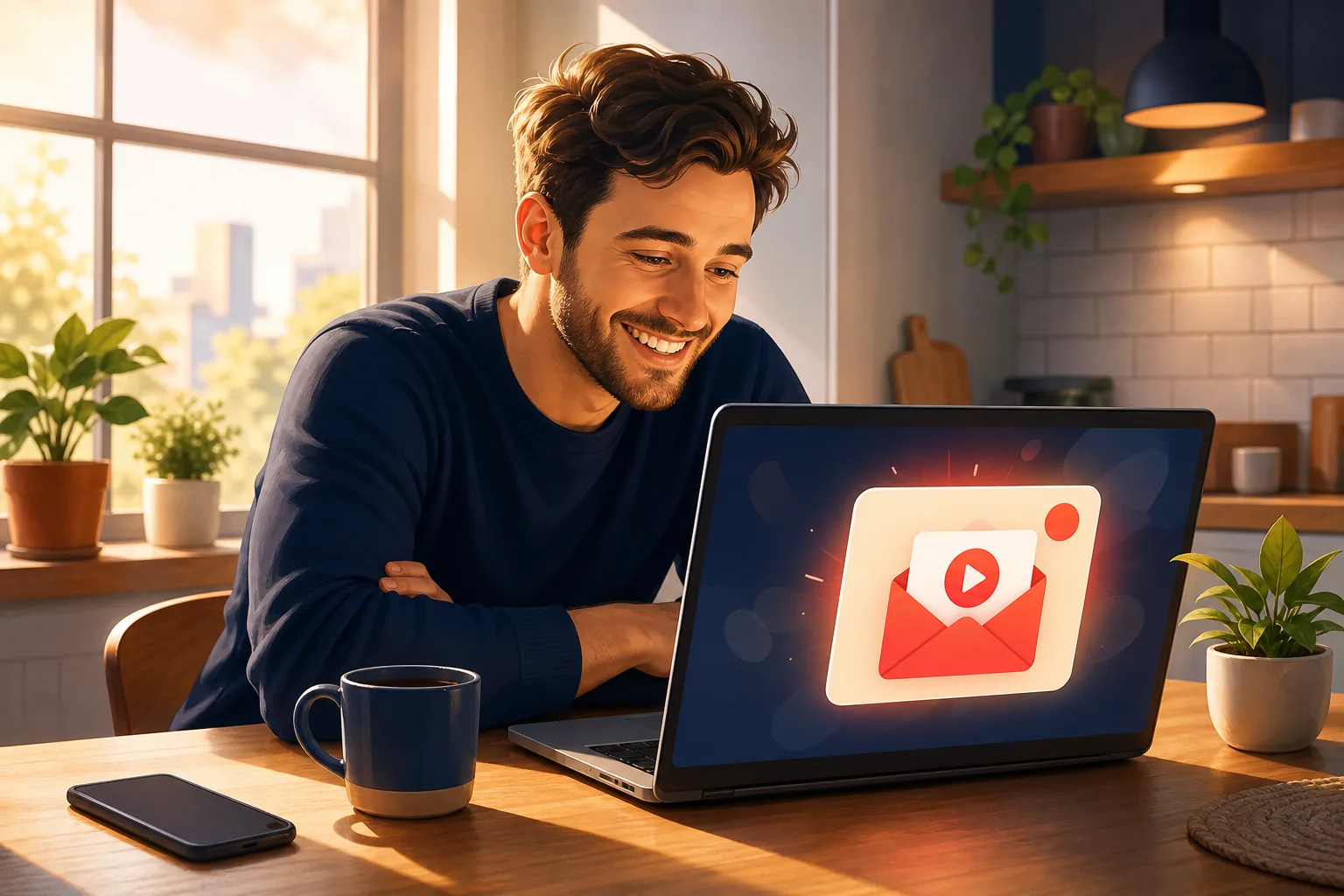
You do not use the YouTube app much, or you are tired of it pinging you and still missing videos. Good news: you can get notified the moment a YouTuber uploads without the app at all.
In this guide:
- Why the app and bell are not the answer
- Method 1: Email alerts (the reliable one, no app needed)
- Method 2: A channel's RSS feed
- Method 3: Automation tools like IFTTT and Zapier
- Method 4: Browser extensions and notifier apps
- Which method to pick
Why the app and bell are not the answer
The YouTube app and its bell are not the reliable answer, because YouTube no longer guarantees a notification even when you ask for one. That is the whole reason people look for a way to get notified outside the app.
Three limits explain the gap. YouTube caps notifications at 3 per channel in 24 hours. It times delivery to predicted engagement instead of sending on every upload. And since February 2026 it skips subscribers it considers inactive, silently, even with the bell set to "All."
There is also the app itself. Push notifications only reach a phone with the app installed and signed in, and many people would rather not add one more thing buzzing at them. So the real question is how to get a dependable alert on a channel you own, like your inbox. The methods below all work without the app, ranked from most reliable to most fiddly. For the full picture of email as the channel you control, see the email notifications hub.

Method 1: Email alerts (the reliable one, no app needed)
Email alerts are the most reliable way to get notified when a YouTuber uploads, because email is the one channel YouTube cannot cap, delay by an engagement score, or suppress for inactivity. This is exactly what Sublark does, and it needs no app at all.
Here is the whole setup:
- Go to Sublark and search for the YouTuber you want to follow.
- Enter your email on that channel's alert page.
- When the channel uploads, Sublark emails you within the hour. Every upload, no daily cap, no bell roulette.
There is no app to install, no account to create, and no channel ID to dig up. The alert lands in your inbox, so it reaches any device, your phone, a shared laptop, a work screen, without the YouTube app anywhere in the picture. It is free for viewers, and you can search any channel in seconds.
Why email beats a push
A push notification has to survive YouTube's caps and timing to even get sent, and it needs the app running. An email has none of those gates. Newsletter open rates industry-wide average 37 to 41%, and unlike a push, every email actually reaches the inbox and waits there until you open it.
You can track one YouTuber or a long list. Want an alert every time MrBeast or Mark Rober posts a new build, or when Marques Brownlee drops a review? Add each one and every future upload arrives in your inbox. For seven ways to catch uploads compared side by side, see how to never miss a YouTube video.

Method 2: A channel's RSS feed
A channel's RSS feed lets you see new uploads without the app or the algorithm, because every YouTube channel publishes a public feed of its videos. Point an RSS reader at that feed and new videos appear in order, untouched by ranking.
The feed lives at youtube.com/feeds/videos.xml?channel_id=CHANNEL_ID. You find the channel's ID, build that URL, and add it to a reader like Feedly or Inoreader. It is clean, free, and does not need a YouTube account, since the feed is public.
The friction is setup and habit. You have to dig up each channel ID, add each feed, and still open the reader to see what is new. RSS is great for organizing many channels in one place, but on its own it is another thing to check. Our YouTube RSS feed guide walks through finding the ID and turning a feed into inbox alerts, so a Veritasium deep dive lands in your email instead of a feed you have to remember to open.
Method 3: Automation tools like IFTTT and Zapier
Automation platforms like IFTTT and Zapier can watch a channel and email you on a new upload, using a prebuilt "if new video, then send email" recipe. They work entirely outside the app and are flexible if you already use those tools.
You connect your YouTube or Google account, pick the new-upload trigger, filter to the specific YouTuber, and add an email action. From then on the automation fires when it detects a video from that creator.
The trade-offs are real. Both poll on an interval rather than the moment a video goes live, free plans limit how often they check, and the Google connection can break quietly when permissions change. For a viewer who just wants to know when Linus Tech Tips or Fireship posts, this is more machinery than the job needs. Our get an email when a channel uploads guide compares these tools head to head.

Method 4: Browser extensions and notifier apps
Browser extensions and notifier apps watch channels and flash an on-screen alert when a new video appears, which is handy while you are at your computer. They live in your browser or system tray and pop a card when they detect an upload.
The catch is that most only reach you inside the tool. A browser extension works only while your browser is open and your machine is awake, so overnight uploads, which is when many creators post, happen while your computer sleeps. Standalone notifier apps vary in quality: some are solid, others poll infrequently or quietly stop working.
The useful question is not "does it detect the upload" but "how does it reach you." An alert trapped in an app you have to open is barely better than checking your subscriptions feed. We ranked the ones worth using in our best YouTube notification apps guide.
Which method to pick
Pick the method that matches how much setup you want and where you need the alert to reach you. All four work without the YouTube app, but they are not equal on effort or reliability.
- Email alerts (Sublark): Search, enter email, done. Within the hour of every upload, no cap, any device, free for viewers, no account.
- RSS feed: Algorithm-free and yours, but per-channel setup and still a feed to open.
- IFTTT / Zapier: Powerful and customizable, but interval-based, often paid, and prone to silent breakage.
- Browser extensions / notifier apps: Fine at your desk, but useless while your computer sleeps, and many only alert on-screen.
If you want the least effort and the most reach, choose email. It is the one option that needs nothing installed, works on any device, and sends on every upload without an algorithm deciding first. Search your favorite YouTuber on Sublark and your inbox becomes the alert the app never delivered.

If you also make videos
Creators can flip this around: claim your channel and turn upload alerts into an email list of your real fans, no lead magnet required. Start at the email notifications hub to see how the alert side works.
Get an upload alert without the app
Search any YouTube channel on Sublark, enter your email, and get a reliable alert within the hour of every upload. Free for viewers, no app, no account, nothing to configure.
Find your YouTuber- Free for viewers
- Emails you within the hour of every upload
- No app, no account, works on any device
Are you a creator? Give your subscribers reliable upload alerts →
Frequently Asked Questions
How do I get notified when a YouTuber uploads without the app?
Use an email alert service like Sublark. You search the channel, enter your email, and get an alert within the hour of every upload, free for viewers, with no app to install and no account required. Because the alert lands in your inbox, it reaches any device. YouTube's own RSS feed and automation tools like IFTTT can also notify you without the app, but they need per-channel setup and poll on a delay. Email is the simplest set-and-forget option.
Can I get an email when a YouTuber posts a new video?
Yes, from a third-party service, since YouTube ended its own upload emails on August 13, 2020. Sublark watches the channel and emails you within the hour of every new video, free for viewers, with nothing to configure. You can also pipe a channel's RSS feed into a feed-to-email tool like Blogtrottr, or build an IFTTT applet, though those take more setup and run on a polling interval. YouTube itself no longer sends any upload email.
Do I need a YouTube account to get upload alerts?
No. An email alert service like Sublark does not require a YouTube or Google account. You only give an email address on the channel's alert page, and you get an email within the hour of every upload. This is useful if you avoid the app, share a device, or simply do not want another login. RSS feeds also work without an account, since a channel's feed is public. The bell, by contrast, needs you signed in.
Is getting notified without the app actually reliable?
Email is more reliable than the bell for a structural reason. YouTube caps bell notifications at 3 per channel in 24 hours, times delivery to predicted engagement, and since February 2026 skips subscribers it considers inactive. An email alert has none of those filters, so it sends on every upload. Newsletter open rates industry-wide average 37 to 41%, and unlike a push, an email always reaches the inbox and waits there until you open it.
What is the easiest way to follow a YouTuber outside YouTube?
Email is the easiest, because there is nothing to install and nothing to keep running. With Sublark you search the channel, enter your email once, and every future upload arrives in your inbox within the hour. RSS gives you an algorithm-free feed but means finding each channel ID and opening a reader. Automation apps like IFTTT or Zapier work but break quietly when Google permissions change. For most viewers, an email alert is the least-effort path.
Never Miss a YouTube Upload Again
Get an email the moment your favorite YouTube channels upload a new video. No missed notifications, no algorithm deciding for you — just a simple alert in your inbox.
Get Email Alerts — Free- Free forever
- Instant upload alerts
- Unsubscribe anytime
Are you a creator? Give your subscribers reliable upload alerts →
Written by Sublark Team
Content Team
Related Articles
12 Best Educational YouTube Channels in 2026 (+ How Often They Post)
The 12 best educational YouTube channels for science, math, engineering and history in 2026, how often each really uploads, and how to never miss one.

12 Best History YouTube Channels in 2026 (+ How Often They Post)
The 12 best history YouTube channels in 2026, from military history to ancient Rome and food history, how often each one posts, and how to never miss one.
Best YouTube Notification Apps & Tools in 2026 (Ranked)
The best YouTube notification apps in 2026, ranked and compared. RSS tools, IFTTT, browser extensions, and the one-click email option that never misses.
Never miss an upload from your favorite channels
Get a simple email alert every time a channel you love posts a new video. Free, instant, no algorithm in the way.
Get Email Alerts — Free