
Why Does YouTube Keep Signing Me Out? 8 Causes and Fixes (2026)
Why does YouTube keep signing you out? The 8 real causes on computers, phones and TVs, the fix for each, and how to keep upload alerts coming meanwhile.
Sublark Team
Content Team
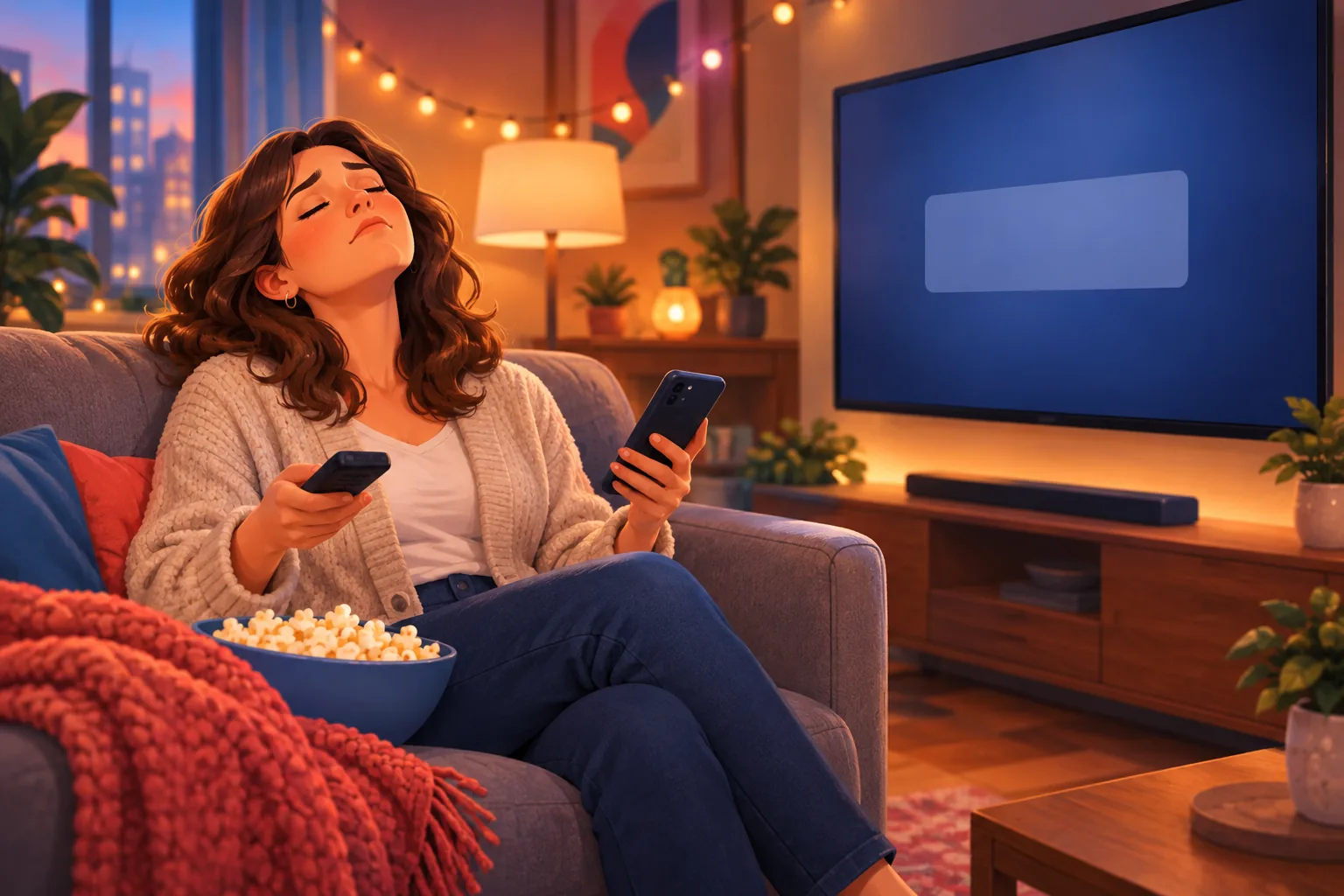
You open YouTube and the Sign in button is back, for the third time this week. Your subscriptions, your bell settings and your upload alerts vanish with it until you sign in again.
In this guide:
- What you lose when YouTube signs you out
- The 8 causes, with a fix for each
- Quick fixes by device
- How to keep upload alerts coming anyway
What happens when YouTube signs you out
When YouTube signs you out, that device loses your subscriptions, your bell settings and your upload alerts. YouTube Help says "A Google Account lets you use many YouTube features including Like, Subscribe, Watch Later, and Watch History." Signed out, YouTube treats you like a stranger.
Your upload alerts go with it, because bell and notification settings belong to your account, not your device. YouTube's troubleshooting for missing notifications starts with one check: "Make sure that you're signed in to the account with the notification settings you've set."
A device that keeps dropping your account keeps dropping your alerts too. For other alert problems, see our hub on YouTube notifications not working.
Why does YouTube keep signing me out? 8 causes
YouTube signs you out when the session that remembers you is deleted, ended or blocked. Causes 1 to 5 are settings you control. Causes 6 to 8 cover TVs, shared households and YouTube's own outages.
1. Your browser deletes site data when it closes
If YouTube signs you out every time you reopen your browser, the browser is probably wiping its saved site data on exit. Chrome calls this option "Delete data sites have saved to your device when you close all windows." Chrome Help says sites set this way "are less likely to remember you from one visit to the next."
Cookie-cleaning extensions and PC cleaner apps do the same. Chrome Help warns that "If you delete cookies, you may get signed out of sites that remember you."
Fix: in Chrome, go to Settings > Privacy and security > Site settings > Additional content settings > On-device site data, and choose Allow sites to save data on your device. Other browsers have a similar "clear on exit" privacy option. Remove cleaner extensions you do not need.
2. You are watching in an Incognito or private window
Incognito sign-ins never last. Chrome Help says "After your Incognito session ends, Chrome doesn't retain site data." Close the last Incognito window and your YouTube sign-in ends with it.
Fix: open YouTube in a normal window. Keep private windows for one-off browsing where you do not need your subscriptions.
3. You changed your Google password
A password change signs you out almost everywhere at once. Google Account Help says "If you change or reset your password, you'll be signed out everywhere except" three kinds of device. Those are devices you use to verify sign-ins, some devices with third-party apps you have given access, and helpful home devices.
Your TV, game console and second browser are not on that list, so each needs a fresh sign-in.
Fix: sign in once on each device. If you did not change the password yourself, go straight to cause 4.
4. Google ended your sessions after a security alert
Security alerts can sign out every device. Google Account Help says "When you tell us the activity wasn't you, your account will be signed out on all other devices." Anyone with access to your account can also sign a device out from the account's device list.
Fix: open your Google Account, go to Security & sign-in, find Your devices, and select Manage all devices, as Google explains. Sign out of anything you do not recognize. Then change your password and run Google's Security Checkup.
5. Your work or school account has a session limit
Work and school Google accounts can be set to expire on purpose. Google Workspace admins control "how long users can access Google services" before signing in again, and Google's admin guide puts the default web session at 14 days. When it runs out, a "Verify it's you" page appears.
That limit hits YouTube in a browser, not the phone app. Google notes "You can't configure session lengths for native mobile apps."
Fix: use a personal Google Account for YouTube, or ask your admin about the session policy.
6. The YouTube app on your TV or console needs a reset
TV and console apps go stale. YouTube Help's sign-in troubleshooting for smart TVs, streaming devices and game consoles lists four checks:
- Install the latest version of the YouTube app.
- Sign in with a Google Account.
- Reset the YouTube app in its Settings. YouTube notes this signs you out.
- Make sure your console is supported.
Then sign in again by scanning the QR code or going to yt.be/activate on your phone, as YouTube Help describes.
Also rule out revoked access. If someone removed YouTube on TV from your Google Account's permissions, YouTube Help says that "will sign you out of any device using the YouTube on TV app with that account."
YouTube TV, the paid live TV service, is a separate app with its own sign-in help.
7. Someone switched to Guest mode or another account
On a shared TV, "signed out" is often someone else's choice. YouTube Help says "Guest mode lets others use YouTube on your TV or game console while signed out." If a family member picks Guest or their own profile, your account looks gone the next time you sit down.
Phones and computers have the same trap: a work account or Brand Account has its own subscriptions, so switching accounts looks like a sign-out. See YouTube unsubscribing you from channels for that lookalike.
Fix: on a TV, open the left menu, select your profile picture to reach the accounts page, and pick your own account. On a phone or computer, tap your profile picture, then Switch account.
8. YouTube had a sign-in outage
Sometimes it is not you. On September 15, 2026, 9to5Google reported a login bug on Xbox, PlayStation, smart TVs and streaming hardware. "Even with the proper password, some users were reporting they were unable to log back in after being kicked out," it wrote. YouTube later said the issue was "fully fixed."
Earlier, on February 17, 2026, an outage logged some YouTube TV subscribers out of their accounts. Google acknowledged "issues accessing YouTube," Cord Cutters News reported.
Fix: if every device dropped you at once, check the YouTube Help Community or @TeamYouTube on X before you reset anything.
Quick fixes by device
The right first fix depends on which device keeps signing you out. Find yours in the table.
| Where it happens | Most likely cause | First fix |
|---|---|---|
| Computer browser | Delete-on-close setting, Incognito, cleaner extension | Allow sites to save data; use a normal window |
| iPhone or Android phone | A broken app install or device account problem | Restart the phone; uninstall and reinstall the YouTube app; on Android, add your Google Account again |
| Smart TV, streaming stick, console | Old app, password change, Guest mode | Update and reset the app; sign in at yt.be/activate |
| Every device at once | Password change, security alert, outage | Check your device list; check @TeamYouTube |
After you sign back in, re-check the bell on your favorite channels. Our YouTube notification settings guide explains each option, and desktop notifications on Chrome covers browser alerts.
How to keep upload alerts when YouTube signs you out
The reliable way to keep upload alerts is one that lives outside your YouTube account. Sublark emails you when a channel uploads, usually within the hour. It needs only your email address and no YouTube or Google sign-in, so sign-outs, password changes and TV resets cannot touch it.
It also covers a gap that staying signed in does not. Even with the bell on All, YouTube Help says that if you have not watched a channel in a while, "you'll only receive notifications for that channel inside the app."
Search the channel and enter your email address. Some channels send a quick confirmation email first. Fans use it for MrBeast, Veritasium, Mark Rober and Marques Brownlee. To skip the account entirely, see YouTube without a Google account.
Upload alerts that survive every sign-out
Get an email within the hour of every upload from the channels you follow. No YouTube sign-in needed. Free for viewers.
Find a channel
The bottom line
Why does YouTube keep signing me out? Usually a setting deletes your session: a browser that clears data on exit, Incognito, a password change or a security alert. On TVs, look at an old app or a family member's Guest mode, and now and then YouTube has an outage. Fix the cause, sign back in, re-check your bells, and put an email alert on the channels that matter most.
Frequently Asked Questions
Why does YouTube keep signing me out on my computer?
Your browser is most likely deleting the data that keeps you signed in. In Chrome, check Settings, then Privacy and security, then Site settings, then Additional content settings, then On-device site data. If it says to delete data when you close all windows, switch it to Allow sites to save data on your device. Incognito windows and cookie-cleaning extensions cause the same repeat sign-outs, so use a normal window for YouTube and remove any cleaner add-ons.
Why does YouTube keep signing me out on my TV?
On a smart TV, streaming stick or game console, the usual causes are an outdated YouTube app, a recent Google password change, or someone in the house picking Guest mode or another account. YouTube Help suggests updating the app, signing in with a Google Account and resetting the app in its Settings. Then sign in again by scanning the QR code or visiting yt.be/activate on your phone. If every TV dropped you at once, check whether YouTube is having an outage.
Does changing my Google password sign me out of YouTube?
Yes. Google Account Help says that if you change or reset your password, you will be signed out everywhere except a few devices: ones you use to verify it's you at sign-in, some devices with third-party apps you have given account access, and helpful home devices. That means your TV, game console and other browsers usually need a fresh sign-in. It should happen once. If sign-outs keep repeating after that, look at the other causes.
Do I still get YouTube notifications when I'm signed out?
No. Your subscriptions, bell settings and notification settings belong to your Google Account, so a signed-out app or browser gets none of them. YouTube Help's own troubleshooting starts with making sure you are signed in to the account with the notification settings you set. If YouTube keeps signing you out, a free Sublark email alert keeps upload news coming, because it needs only your email address and no YouTube sign-in.
How do I stop YouTube from signing me out?
Fix the cause, not the symptom. Let your browser keep site data, avoid Incognito for YouTube, and remove cookie-cleaning extensions. Keep the YouTube app updated on every phone, TV and console, and sign in once on each device after any password change. Check your Google Account's device list for sessions you do not recognize. If you use a work or school account, switch to a personal one, because admins can set sessions to expire.
Is 'Sign in to confirm you're not a bot' the same as being signed out?
No. It is a separate check that YouTube shows to some viewers who are already signed out, before a video plays. YouTube has not published an official explanation of what triggers it, and viewer reports often mention VPNs and shared networks. The message itself asks you to sign in. If you were signed in moments earlier, your session was dropped, so work through the eight causes in this guide to find out why.
Stop missing uploads when YouTube signs you out
Search any YouTube channel on Sublark, enter your email, and get an alert within the hour of every upload. No YouTube sign-in, no bell, no app required.
Find your channel- Free for viewers
- Within the hour of every upload
- Works on every device
Are you a creator? Give your subscribers reliable upload alerts →
Written by Sublark Team
Content Team
Related Articles
Do YouTubers Know When You Subscribe? (+10 Questions)
Do YouTubers know when you subscribe? Not by name. Here's what creators actually see, plus 10 common YouTube notification questions answered.
How to Turn Off YouTube Notifications (Without Missing Uploads)
How to turn off YouTube notifications on iPhone, Android and computer: one channel, all alerts, recommendations, emails, and how to keep the channels you love.
How to Turn Off YouTube Shorts (and Keep Your Favorite Channels)
How to turn off YouTube Shorts in 2026: set the Shorts feed limit to zero, see fewer Shorts on Home, handle PC and kids, and still catch every upload.
Never miss an upload from your favorite channels
Get a simple email alert every time a channel you love posts a new video. Free, instant, no algorithm in the way.
Get Email Alerts — Free