
Do YouTubers Know When You Subscribe? (+10 Questions)
Do YouTubers know when you subscribe? Not by name. Here's what creators actually see, plus 10 common YouTube notification questions answered.
Sublark Team
Content Team
You just hit Subscribe on a channel and paused: can the creator see it was you? It is a fair question, and the answer is more private than most people assume.
In this guide:
- Do YouTubers know when you subscribe? (the full answer)
- Can they see exactly who subscribed?
- Do they know when you unsubscribe?
- 10 more YouTube notification and subscription questions, answered
- What the Subscribe button does and does not do for you
- The reliable way to actually hear about uploads
Do YouTubers know when you subscribe?
YouTubers do not know when you subscribe, at least not by name. When you press Subscribe, the channel's total subscriber count goes up by one, and that number is the only thing the creator sees change in real time.
YouTube does not send a creator a personal alert that says "this specific person just subscribed." Big channels like MrBeast gain thousands of subscribers a day, so a per-viewer ping would be pointless noise. Instead, the platform reports a running total the creator watches over time.
There is one narrow exception. In YouTube Studio, a creator can see a short list of recent subscribers, but it only includes viewers who set their own subscriptions to public. That setting is off by default, so most people who subscribe stay completely anonymous to the creator. You become a number, not a name.
The one setting that changes this
Your subscriptions are private by default. Only if you go into your YouTube privacy settings and make your subscriptions public can a creator see your account in their recent-subscribers list. Leave it private, and every subscribe you make is invisible to the creator by name.
Can YouTubers see exactly who subscribed to them?
YouTubers cannot see a full list of everyone who subscribed. They can only see the individual accounts of subscribers who chose to make their subscriptions public, which is a small slice of any channel's audience.
In YouTube Studio, the recent-subscribers panel shows a partial roster, names and avatars of public subscribers, plus the overall count that includes everyone. A creator like Mark Rober can glance at a handful of public new subscribers, but the vast majority of his audience with private subscriptions never appears there.
So the honest answer is that creators trust the number, not the names. They know how many people subscribed. They do not know who most of those people are. If privacy matters to you, the default private setting already keeps you out of that list.
Do YouTubers see when you unsubscribe?
YouTubers see the subscriber count drop when you unsubscribe, but they do not see that it was you. YouTube reports the change as a number, never as a named departure.
When you unsubscribe, the channel's total falls by one, and the analytics graph in Studio may show a small dip. A creator like Veritasium can watch those trends day to day, but YouTube never sends an alert saying a particular account left, and it does not add you to any "people who unsubscribed" list.
Unsubscribing is exactly as anonymous as subscribing for anyone with private subscriptions. You can join and leave a channel freely without the creator ever tying the change to your name.
10 more YouTube notification questions, answered
Below are ten of the most common People Also Ask questions about YouTube subscriptions and notifications, each with a short, direct answer. These clear up the confusion between subscribing, the bell, and actually hearing about uploads.
1. Does subscribing notify the creator instantly?
No. Subscribing updates the channel's total count and, for public subscribers, may add you to the Studio recent list, but no instant personal notification is sent to the creator. The only real-time change is the count ticking up by one.
2. Do YouTubers know if you have notifications on?
No. Whether you tapped the bell for "All," "Personalized," or "None" is your private setting. Creators see aggregate notification stats in Studio, like how many bell notifications were sent, but never which individual viewer has the bell on or off. Your bell choice is invisible to the creator by name.
3. Does the creator get notified when you turn on the bell?
No. Toggling the bell does not send the creator any alert about you. The bell only tells YouTube how you want to be notified. Since the February 2026 bell change, even "All" no longer guarantees you get pushed every upload, but that is between you and YouTube, not the creator.
4. Can a YouTuber see if you watched their video?
Not individually. Creators see total views, watch time, and rough audience demographics in aggregate, never a named list of who watched. Your specific viewing is bundled into anonymous totals, so plain watching stays private unless you take a visible action like commenting.
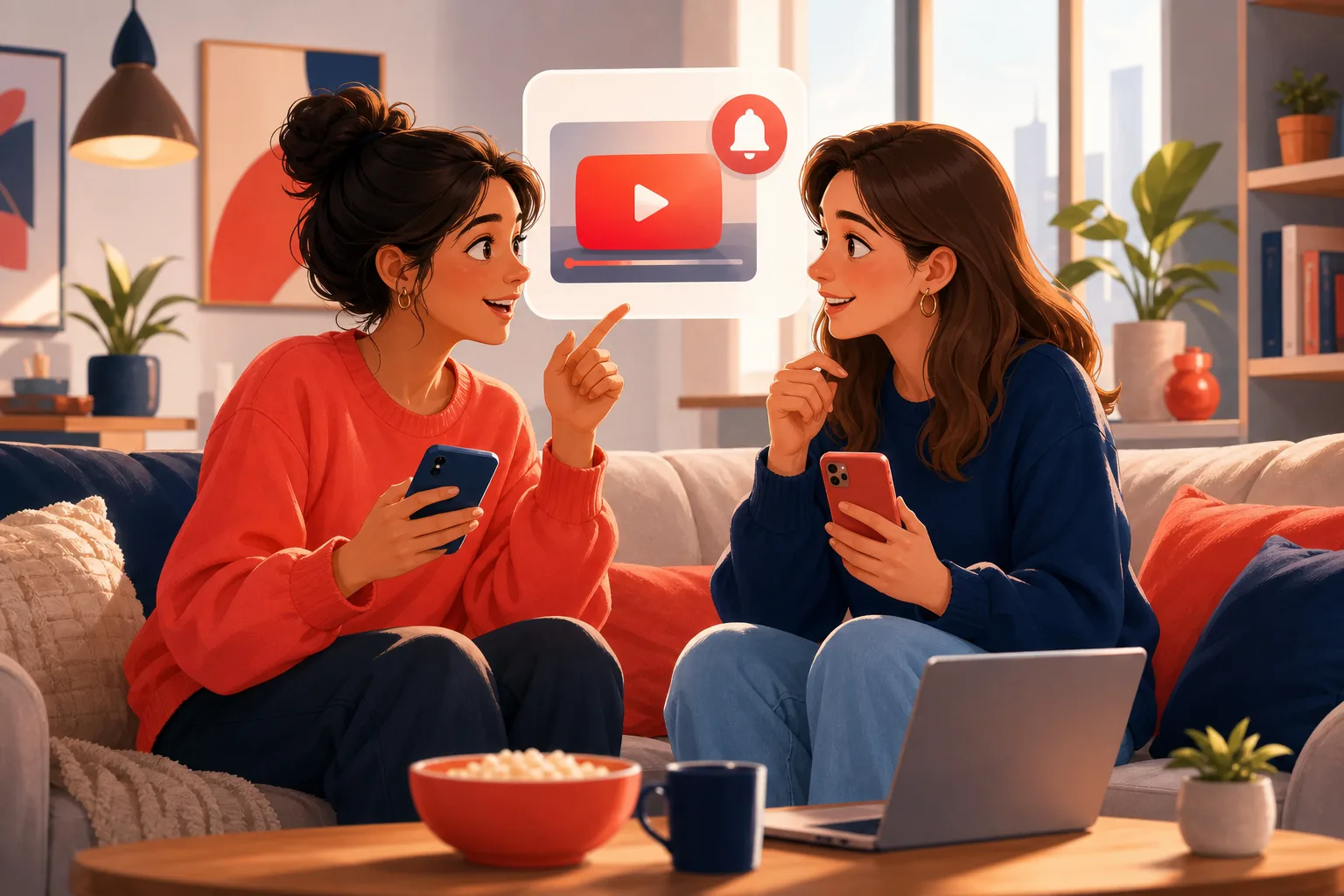
5. Does YouTube tell subscribers every time a channel uploads?
Not reliably. YouTube caps notifications at 3 per channel in 24 hours, times each push to predicted engagement, and skips subscribers it treats as inactive. So subscribing does not guarantee you hear about every upload. We break this down in our guide on why you're not getting notifications even with the bell on.
6. Why do I subscribe but never get notified?
Because subscribing and getting notified are two different things. A subscription adds a channel to your feed; the bell controls pushes, and the bell is heavily filtered. YouTube's 3-per-day cap and its inactive-subscriber suppression mean a subscription alone often produces no alert at all.
7. Do creators know who their most loyal viewers are?
Only loosely. Studio shows aggregate loyalty metrics, like returning-viewer percentages, but not a ranked list of named superfans. A creator like Marques Brownlee can see that a share of his audience returns often, without knowing which individual accounts they are.
8. Is subscribing the same as following on other platforms?
Functionally similar, but quieter. Subscribing adds the channel to your YouTube feed the way following adds someone on other apps. The difference is reliability: a follow elsewhere often pushes every post, while a YouTube subscription runs through the filtered bell, so uploads slip past.
9. Can I hear about uploads without subscribing at all?
Yes. You can use a channel's public RSS feed, or an email alert service that watches uploads from the outside and emails you within the hour. Neither requires pressing Subscribe, and neither is visible to the creator. This keeps your following completely private.
10. Does unsubscribing hurt the creator I like?
Only by one on their count, and they will not know it was you. If you unsubscribe just to clean up your feed but still want the videos, you do not have to lose touch. You can follow uploads by email instead, so you keep every new video without the subscription clutter.

What the Subscribe button does and does not do for you
The Subscribe button adds a channel to your Subscriptions feed and counts you toward the creator's total. What it does not do is guarantee you a notification when that channel uploads.
This surprises a lot of people. You assume subscribing means "tell me when there's a new video," but subscribing and notifications are separate systems. The subscription puts videos in a feed you have to open; the bell, a second, much stricter layer, decides whether you get an actual push.
And that bell layer is unreliable by design. YouTube ended its own upload emails in 2020 citing a low open rate, caps pushes at 3 per channel a day, and since February 2026 silently skips subscribers it labels inactive. So you can be fully subscribed with the bell on "All" and still miss uploads. The full list of causes and fixes lives on our notifications-not-working hub.
The reliable way to actually hear about uploads
If your real goal is to never miss an upload, the reliable channel is email, because it sits entirely outside YouTube's filtered bell. You get an alert within the hour of every upload, and nothing about it touches your YouTube account or shows up to the creator.
Sublark does exactly this. You search for a channel, enter your email on its alert page, and Sublark emails you within the hour of every new video, no bell, no app, no subscribe required. Because it watches the channel's public uploads from the outside, your follow stays private, the creator never sees you, and your YouTube subscriptions are untouched.
That is the clean split most people want. Subscribe if you want the channel in your feed and want to add to its count. But for the actual "tell me the moment there's a new video" job, let email do it, since email has none of the bell's caps, targeting, or activity tests.
Follow quietly, hear reliably
Want a heads-up when Fireship drops a quick dev explainer or when Linus Tech Tips posts a new build, without it showing in your subs or reaching the creator? Add each channel on Sublark and every future upload lands in your inbox within the hour. Viewer alerts are free.
Here is the whole idea in one line. Do YouTubers know when you subscribe? Not by name, and a subscription does not even guarantee you hear about their uploads. If you want to follow privately and reliably, search your favorite channel on Sublark and let email be the alert the bell never was. For every fix on the notification side, start with our notifications-not-working guide.
Hear about every upload, privately
Search any YouTube channel on Sublark, enter your email, and get an alert within the hour of every upload. No subscribe, nothing public, free for viewers.
Find your channel- Free for viewers
- No YouTube account, nothing the creator can see
- Emails you within the hour of every upload
Are you a creator? Give your subscribers reliable upload alerts →
Frequently Asked Questions
Do YouTubers know when you subscribe?
Not by name. When you subscribe, the creator's total subscriber count goes up by one, and that is the only signal they get in real time. YouTube does not tell a creator which individual person subscribed or send them a personal alert. In YouTube Studio a creator can see recent subscribers only if those viewers made their subscriptions public, which is off by default. So most subscribes are anonymous to the creator, who sees a number rise, not a name.
Can YouTubers see exactly who subscribed to them?
Only for viewers whose subscriptions are set to public. YouTube Studio shows a creator a partial list of recent subscribers, but it includes just the accounts that chose to make their subscriptions visible. Anyone with private subscriptions, which is the default setting, stays hidden and counts only toward the total number. Creators cannot pull a full list of everyone who subscribed. They see a count they trust and a short, incomplete roster of public subscribers on top of it.
Do YouTubers see when you unsubscribe?
They see the number drop, not who left. When you unsubscribe, the creator's subscriber count decreases by one, and YouTube Studio may show a small dip in the analytics graph. But YouTube never names the person who unsubscribed or sends the creator an alert about it. Unsubscribing is as anonymous as subscribing for viewers with private subscriptions. A creator can watch trends in the aggregate, yet no individual departure is ever tied back to your account by name.
Does subscribing to a YouTube channel notify the creator?
No personal notification is sent. Subscribing updates the channel's subscriber count and, for public subscribers, may add you to the recent-subscribers list in Studio, but the creator does not get a ping saying you specifically joined. Large channels gain thousands of subscribers a day, so a per-person alert would be unworkable anyway. The only real-time thing that happens is the count ticking up. If you want to follow quietly, keep your subscriptions private or use email alerts that never touch your YouTube account.
Will a YouTuber know if I subscribe and then watch their videos?
Not as an individual. Creators see aggregate analytics, like total views, watch time, and rough audience demographics, but never a named list of who watched what. Your specific viewing is bundled into anonymous totals. Even if you comment or like a video, that action is public, but your plain watching and subscribing are not tied to your name in any report the creator can see. Your identity stays private unless you take a visible action like commenting on the channel.
Never Miss a YouTube Upload Again
Get an email the moment your favorite YouTube channels upload a new video. No missed notifications, no algorithm deciding for you — just a simple alert in your inbox.
Get Email Alerts — Free- Free forever
- Instant upload alerts
- Unsubscribe anytime
Are you a creator? Give your subscribers reliable upload alerts →
Written by Sublark Team
Content Team
Related Articles

How to Turn Off YouTube Notifications (Without Missing Uploads)
How to turn off YouTube notifications on iPhone, Android and computer: one channel, all alerts, recommendations, emails, and how to keep the channels you love.

How to Turn Off YouTube Shorts (and Keep Your Favorite Channels)
How to turn off YouTube Shorts in 2026: set the Shorts feed limit to zero, see fewer Shorts on Home, handle PC and kids, and still catch every upload.
Not Getting YouTube Notifications Even With the Bell On (2026)
Bell on All but still no YouTube notifications? Here are the real 2026 reasons your alerts stopped, plus every fix and the one that never fails.
Never miss an upload from your favorite channels
Get a simple email alert every time a channel you love posts a new video. Free, instant, no algorithm in the way.
Get Email Alerts — Free