
YouTube's 2026 Bell Change: Why 'All' No Longer Means All
YouTube's bell change quietly skips inactive subscribers since Feb 2026, even set to All. Here's exactly what changed, who's hit, and what still works.
Sublark Team
Content Team
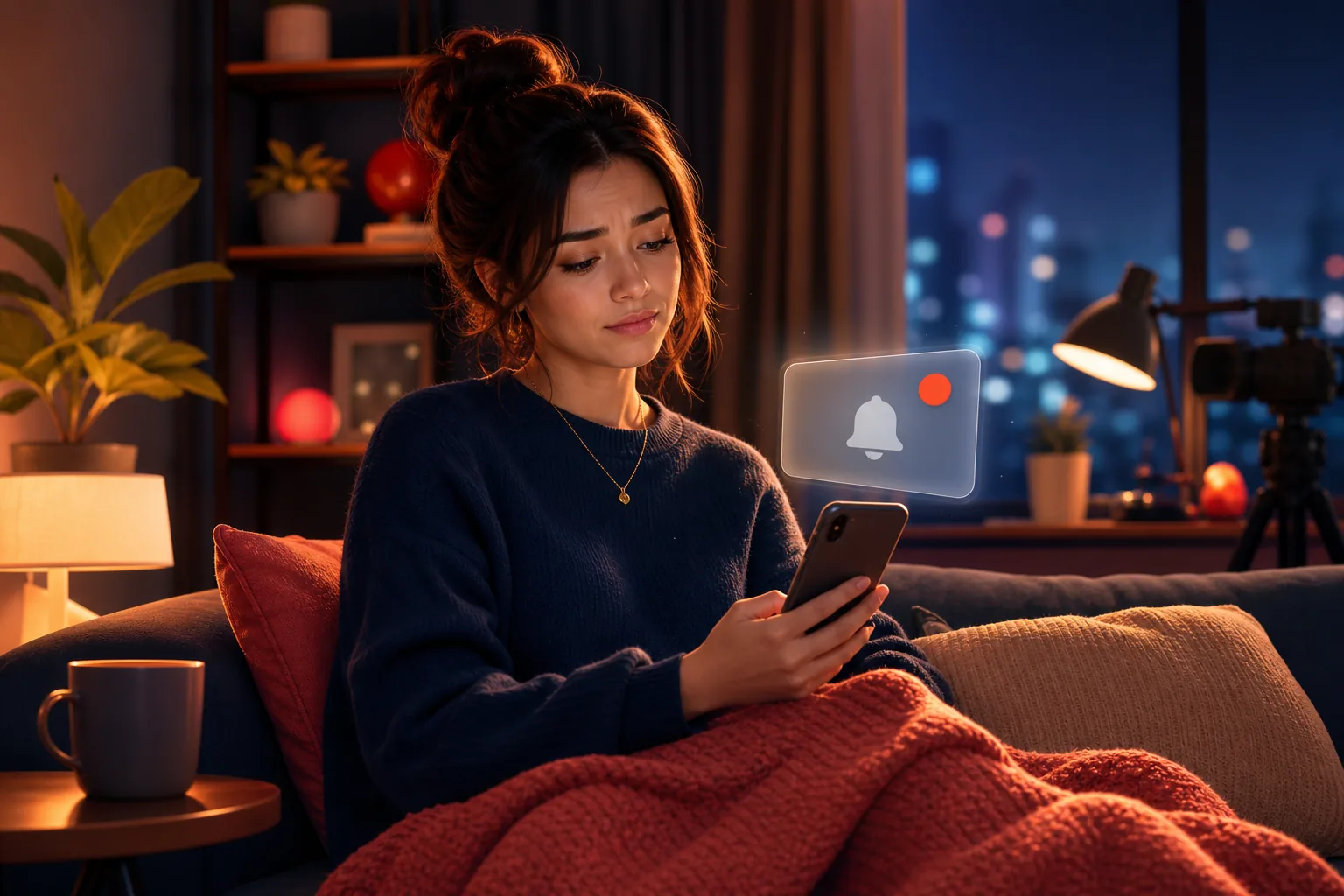
You turned the bell to "All," so YouTube should tell you about every upload. Since February 2026, that is no longer true, and the setting will not warn you.
This is the YouTube bell change around inactive subscribers, explained in full. As of September 2026, the change has been live for roughly seven months, yet the bell still displays "All" while YouTube silently skips people it decides have gone quiet.
In this guide:
- What the bell historically promised you
- The March 2025 experiment that started it
- How YouTube now decides you are "inactive"
- Why the bell still says "All" while alerts stop
- Who is affected and who is not
- How to tell if it is happening to you
- What still works, including the one channel YouTube cannot filter
What the bell historically promised
The bell was originally a simple contract: tap it, pick "All," and get a push for every upload. For years, that is how creators explained it and how viewers understood it.
When YouTube added the notification bell, "All" meant all. If you opted in on a channel, every new video was supposed to trigger an alert on your phone. That promise is why "ring the bell" became a standard line in nearly every video outro.
The reality drifted from the promise well before 2026. Even then, YouTube capped notifications at 3 per channel in any 24 hours, so a channel posting four videos in a day left you unnotified about the fourth. The bell was already a request, not a guarantee. The 2026 change made the gap official.
The March 2025 experiment that started it
The 2026 change did not appear overnight. It began as a March 2025 experiment where YouTube limited notifications from subscribers who had clicked the bell.
Creator Lon Seidman of Lon.TV documented it first. He measured the reach of his own bell notifications and found they reached only around 30% of subscribers who had explicitly opted in. Roughly seven in ten people who tapped "All" got nothing.
That experiment tested the idea that YouTube could hold back notifications for people unlikely to open them. It ran quietly for months. The signal was clear: YouTube was comfortable treating the bell as a suggestion it could override based on your behavior.
The number that reframes the bell
When only about 30% of opted-in subscribers actually receive a bell notification, "All" already means "some." The 2026 rollout simply codified what the 2025 experiment proved YouTube was willing to do.
How YouTube now decides you are "inactive"
Here is the core of the change: on February 11, 2026, YouTube made permanent a rollout that suppresses push notifications to subscribers it scores as inactive, even with the bell on "All." The trigger is engagement, not your settings.
According to the rollout coverage from PPC Land and 9to5Google, YouTube looks at whether you have recently engaged with a channel. The rough window is about a month without watching, liking, or commenting on that channel's videos.
Two details matter. First, the judgment is per channel, not per account. You can stay active on channels you watch weekly and go dark on ones you check rarely. Second, YouTube has not published the exact window, so treat "roughly a month" as an estimate.
The inactivity filter is only one reason the bell fails. It stacks on top of the older 3-notifications-per-day cap and the notifications-only-with-the-bell-on confusion. For the wider set of reasons the bell fails, see our hub on YouTube notifications not working.
Why the bell still says "All" while alerts stop
The most confusing part of the 2026 change is that nothing in your settings changes. Your bell still reads "All" while YouTube quietly decides not to deliver. The setting and the delivery are now two separate systems.
There is no toggle that flips off, no error message, and no notice in the app. You opted in, the setting confirms you opted in, and YouTube still holds back the alert because it scored you as inactive for that channel. From your side, everything looks correct.
This gap is why so many people are convinced their settings are fine yet still miss uploads. They are not wrong about the bell. They are being filtered by a layer that sits behind it. If you have felt gaslit by your own phone, this is the reason.
Your setting reflects intent, not delivery
"All" now describes what you asked for, not what YouTube will send. Checking the toggle again will not fix anything, because the toggle was never the problem.
Who is affected and who is not
The change hits casual and occasional viewers hardest, and mostly spares superfans. If you binge a creator every week, YouTube keeps notifying you. If you follow a channel you love but only watch now and then, you are the target.
Think about how you actually watch. You subscribed to MrBeast and Mark Rober for the big drops, but you might go a month between videos on a slower channel like Veritasium or a long upload from Linus Tech Tips. That gap is exactly what marks you "inactive" for those channels.
The irony is sharp. The viewers most likely to be skipped are the ones who rely on the bell precisely because they do not check YouTube daily. The people who need the reminder most are the ones least likely to get it. Creators feel this too: if you run a channel and want to reach these skipped fans, see the creators page and the creator's guide to email.
How to tell if it is happening to you
You can confirm the bell change is affecting you in about two minutes. Open your Subscriptions feed and look for recent uploads you were never notified about. Found some hours or days old with no alert? The engagement filter is skipping you.
A second tell is a pattern: you only seem to hear from channels you have watched very recently, while your "occasionally" channels have gone quiet. That is the per-channel engagement score working exactly as designed.
Before you blame the 2026 change, rule out the ordinary culprits first. A muted device, an app-level notification block, or Focus mode can produce the same silence. Our guide to fixing YouTube notifications on iPhone and Android walks through those device settings in order.
If your device is clean and the bell still misses uploads, the engagement filter is the likely cause. The catch is that this check is manual and after the fact. By the time you spot the missed upload in your feed, you have already missed it. To find out reliably, you need an alert that does not depend on YouTube's judgment at all. That is where an email alert for the channel comes in, since it sends regardless of your engagement score.
What still works, including the channel YouTube cannot filter
The reliable fix is an alert that lives outside YouTube's notification pipeline. Inside YouTube you can reduce misses, but you cannot remove the engagement filter. Outside it, you can.
Within YouTube, three habits help a little. Watch a channel occasionally to stay "active" in its eyes. Check your Subscriptions feed by hand. Keep the bell on "All" so you are at least eligible. None of these guarantees delivery, because none of them controls YouTube's scoring.
The one channel YouTube cannot filter is email, because YouTube does not run it. Sublark watches the channels you pick and emails you as soon as it detects an upload, usually within the hour. There is no 3-per-day cap, no engagement score, and no "inactive" flag, so an upload you would have missed still lands in your inbox.
Setup is one step: search a channel on Sublark, enter your email, and you are done. It is free for viewers, needs no app, and reaches you on any device. You can find any channel in seconds, learn the full method in our guide on how to get an email when a channel uploads, or compare every option in the best YouTube notification apps. Email is the channel you own, and it is the one the 2026 bell change cannot touch.
3 of 10 emails opened beats 3 of 10 pushes delivered
YouTube's engagement filter decides whether a push is even sent. An email is always sent and waits in your inbox until you open it, no engagement score required.
Get an upload alert the bell can't suppress
Search any YouTube channel on Sublark, enter your email, and get a reliable alert within the hour of every upload. No engagement filter, no daily cap, free for viewers.
Find your channel- Free for viewers
- Within the hour of every upload
- No engagement score, no inactive flag
Are you a creator? Give your subscribers reliable upload alerts →
Frequently Asked Questions
What exactly changed with the YouTube bell in 2026?
On February 11, 2026, YouTube made permanent a change that stops sending push notifications to subscribers it considers inactive, even when their bell is set to All. As of September 2026 this has been the default for over half a year. The bell toggle still shows All in your settings, so nothing looks different. Behind it, YouTube now checks whether you have recently watched, liked, or commented on a channel before it delivers an alert. If you have not engaged for roughly a month, your notifications for that channel go silent without any warning.
How does YouTube decide a subscriber is inactive?
YouTube looks at your recent engagement with a specific channel, not your overall YouTube use. Based on the February 2026 rollout coverage, the trigger is roughly a month without watching, liking, or commenting on that channel's videos. Inactivity is judged per channel, so you can still get alerts from creators you watch often while going dark on ones you only check occasionally. The exact window is not published by YouTube, so treat about one month as an estimate, not a guarantee.
Why does my bell still say All if notifications stopped?
The bell setting and the actual delivery are now two separate things. Your bell can read All while YouTube quietly declines to send the alert because it scored you as inactive for that channel. This is the confusing part of the 2026 change: there is no toggle that turns off, no error, and no message. The setting reflects your intent, but delivery depends on YouTube's engagement judgment. That gap is why so many people insist their bell is on yet still miss uploads.
How do I tell if the bell change is affecting me?
Open your Subscriptions feed and scan for recent uploads from channels you follow that you never got notified about. If you find videos that are hours or days old and you received no alert, the engagement filter is likely skipping you. Another sign is noticing you only hear from channels you have watched very recently. To confirm you never miss again, add an email alert through Sublark, which sends within the hour of every upload and does not use an engagement score.
What actually still works to get every YouTube upload?
The reliable path is an alert that lives outside YouTube's notification pipeline. An email alert from a service like Sublark is sent as soon as the upload is detected, so it cannot be capped, delayed by engagement predictions, or suppressed for inactivity. Inside YouTube, you can reduce misses by watching a channel regularly to stay active and checking your Subscriptions feed by hand. But only an external channel like email removes the engagement filter entirely and reaches you on any device.
Never Miss a YouTube Upload Again
Get an email the moment your favorite YouTube channels upload a new video. No missed notifications, no algorithm deciding for you — just a simple alert in your inbox.
Get Email Alerts — Free- Free forever
- Instant upload alerts
- Unsubscribe anytime
Are you a creator? Give your subscribers reliable upload alerts →
Written by Sublark Team
Content Team
Related Articles
Do YouTubers Know When You Subscribe? (+10 Questions)
Do YouTubers know when you subscribe? Not by name. Here's what creators actually see, plus 10 common YouTube notification questions answered.
How to Turn Off YouTube Notifications (Without Missing Uploads)
How to turn off YouTube notifications on iPhone, Android and computer: one channel, all alerts, recommendations, emails, and how to keep the channels you love.

How to Turn Off YouTube Shorts (and Keep Your Favorite Channels)
How to turn off YouTube Shorts in 2026: set the Shorts feed limit to zero, see fewer Shorts on Home, handle PC and kids, and still catch every upload.
Never miss an upload from your favorite channels
Get a simple email alert every time a channel you love posts a new video. Free, instant, no algorithm in the way.
Get Email Alerts — Free