
Not Getting YouTube Notifications Even With the Bell On (2026)
Bell on All but still no YouTube notifications? Here are the real 2026 reasons your alerts stopped, plus every fix and the one that never fails.
Sublark Team
Content Team
You set the bell to "All" and still hear nothing when your favorite channel uploads. The setting looks right, but the alert never comes.
This guide covers every real reason you are not getting YouTube notifications even with the bell on, in order of likelihood, plus the one fix that never fails.
In this guide:
- Why "bell on" no longer means "notification sent"
- The 2026 inactive-subscriber filter (the newest and biggest cause)
- Phone permission and battery settings that silently block alerts
- The 3-per-day cap and the "Personalized" trap
- A 2-minute checklist to fix it yourself
- The one channel YouTube cannot filter
Why "bell on" no longer means "notification sent"
The bell being on tells YouTube you want alerts, but it no longer guarantees you get them. Delivery and your setting are now two separate systems, and the gap between them is why your bell can read "All" while nothing arrives.
For years, tapping "All" was a simple contract: every upload, every time. That contract quietly broke. YouTube already capped notifications at 3 per channel in any 24 hours, and in 2026 it added an engagement filter on top. Your setting still says "All" because "All" describes what you asked for, not what YouTube will send.
So checking the toggle again rarely fixes anything. The toggle was never the failure point. The rest of this guide walks the delivery chain from most likely cause to least, so you can find where your alert is actually getting dropped. If your alerts stopped all at once in 2026, our breakdown of why YouTube stopped notifying you pins down the exact change. For the full map of every failure mode, see our hub on YouTube notifications not working.
The 2026 inactive-subscriber filter is the biggest cause
The newest and most common reason is YouTube's inactive-subscriber filter. Since February 11, 2026, YouTube stops sending push notifications to subscribers it scores as inactive for a channel, even with the bell on "All."
According to the rollout coverage from PPC Land and 9to5Google, YouTube checks whether you have recently watched, liked, or commented on a channel. The rough trigger is about a month without engaging with that channel's videos. The judgment is per channel, so you can still get alerts from creators you watch weekly while going dark on ones you check rarely.
This filter grew out of a 2025 experiment that reached only about 30% of opted-in subscribers. Roughly seven in ten people who tapped "All" got nothing. The same engagement logic also thins your home feed, which is why subscribed channels stop appearing in your feed even when notifications are off the table. We break down exactly what changed, who is hit, and how to confirm it in our full explainer on the 2026 bell change.
Inactivity is judged per channel
You might get every alert from MrBeast because you watch each drop, yet miss a slower upload from Veritasium you have not opened in a month. Same account, same bell, different engagement score.
Check your phone's notification permissions first
Before blaming YouTube, confirm your phone is even allowed to show YouTube alerts. A missing system permission blocks every notification no matter what the in-app bell says, and it is the most common self-inflicted cause.
On iPhone, open Settings, tap Notifications, find YouTube, and make sure "Allow Notifications" is on with alerts enabled for the Lock Screen and Banners. On Android, open Settings, then Apps, then YouTube, then Notifications, and confirm the app and its categories are switched on. If you ever tapped "Turn off" on a YouTube notification, Android may have silenced a whole category.
This one setting overrides your bell entirely. YouTube can send the push perfectly, but if the operating system is told to suppress it, you never see a thing. Fix this before touching anything else.
Battery savers quietly kill background delivery
Aggressive battery optimization is a silent notification killer, especially on Android. If the system freezes YouTube in the background to save power, the app cannot receive or display the push, and your bell setting is irrelevant.
On Android, open Settings, then Apps, then YouTube, then Battery, and set it to "Unrestricted" or turn off battery optimization for YouTube. Some phone brands add extra layers, like a separate "auto-launch" or "protected apps" list you also need to enable. On iPhone, make sure Low Power Mode is not permanently on and that Background App Refresh is enabled for YouTube.
The tell for this cause is timing: you get notifications when the app is open or recently used, but nothing when your phone has been idle for a while. That pattern points straight at background restrictions rather than YouTube itself.
Watch for delayed, batched alerts
Battery savers sometimes hold notifications and dump them all at once hours later. If your alerts arrive in a late clump, background restriction is the likely culprit. Our guide on why YouTube notifications are delayed by hours digs into this exact pattern.
The 3-per-day cap and the "Personalized" trap
Two YouTube-side settings quietly reduce your alerts even when everything on your phone is correct. The first is the notification cap; the second is a bell mode people set by accident.
YouTube limits notifications to 3 per channel per 24 hours. If a channel posts four videos in a day, or a Short, a video, and a live stream in quick succession, you simply will not be pinged about all of them. This is not a bug, and no setting removes it. A busy channel like Linus Tech Tips can hit this cap on a heavy upload day.
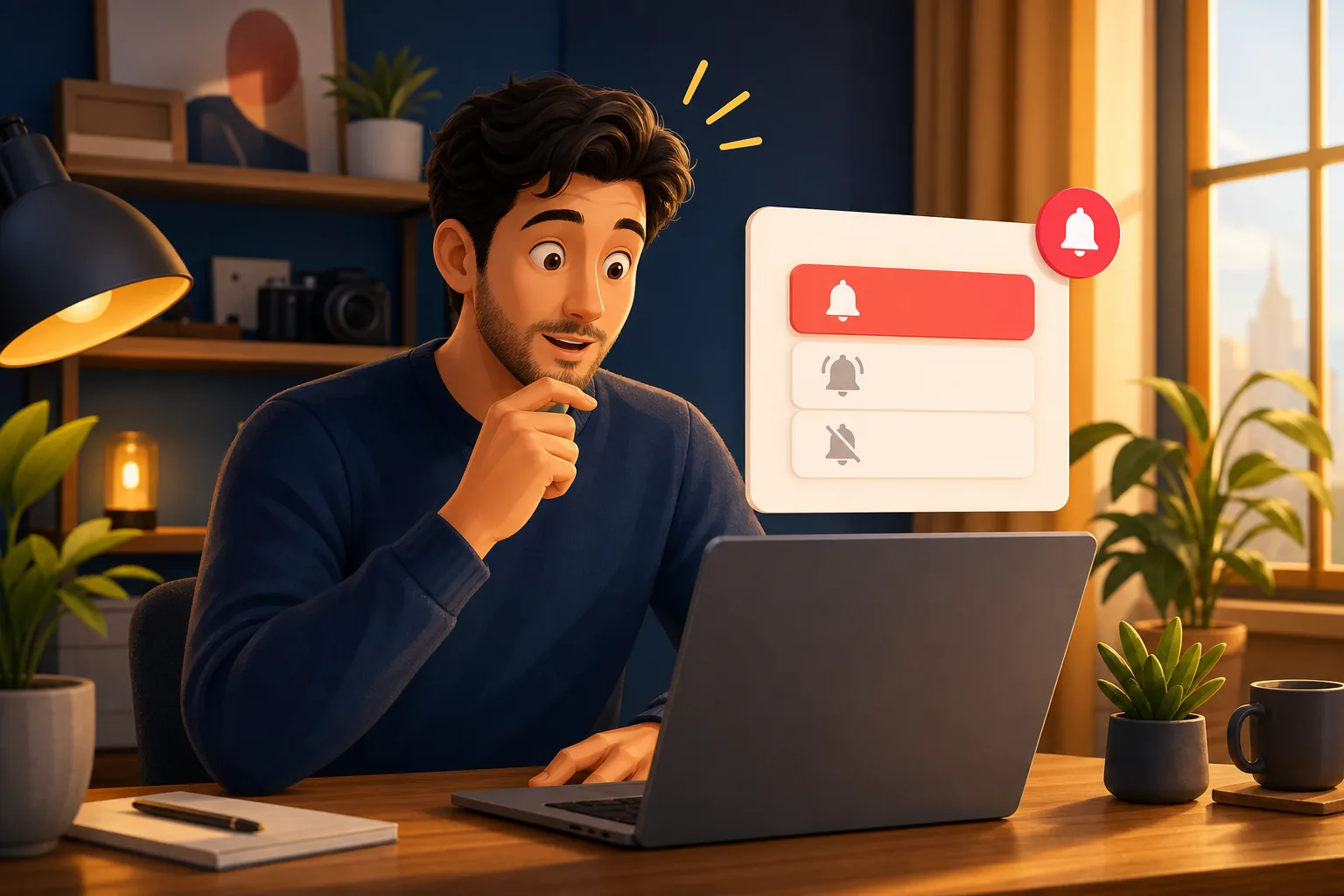
The second trap is the bell mode itself. There are three states: "All," "Personalized," and "None." "Personalized" lets YouTube decide which uploads are worth a ping based on your habits, so it can skip most of them. Open the channel page, tap the bell, and confirm it reads "All," not "Personalized." A channel like Mark Rober that posts rarely is easy to leave on the wrong mode for months without noticing.
A 2-minute checklist to fix it yourself
Run this checklist in order and you will catch the common causes fast. Each step targets a different link in the delivery chain, from your phone up to YouTube's own limits.
- System permission: Phone Settings, Notifications, YouTube, allow notifications on.
- Battery: Set YouTube to unrestricted background use; disable battery optimization for it.
- App version: Update YouTube to the latest version, then reopen it.
- Account: Confirm you are signed in to the Google account that subscribed to the channel.
- Bell mode: On the channel page, set the bell to "All," not "Personalized."
- Daily cap: Remember only 3 notifications per channel per day are possible.
If you finish all six and still miss uploads, you have likely reached the limit of what YouTube's settings can fix. At that point the 2026 engagement filter is the probable cause, and no toggle switches it off. That is when an alert outside YouTube becomes the answer.
The one channel YouTube cannot filter
The reliable fix is an alert that lives outside YouTube's notification pipeline, because YouTube cannot cap, delay, or suppress a system it does not run. Email is that channel, and it is the one the 2026 filter cannot touch.
Sublark watches the channels you pick and emails you as soon as it detects an upload, usually within the hour. There is no 3-per-day cap, no engagement score, and no "inactive" flag, so an upload you would have missed still lands in your inbox. It reaches you on any device, whether or not the YouTube app is even installed.
Setup is one step: search a channel on Sublark, enter your email, and you are done. It is free for viewers and needs no app. You can find any channel in seconds, learn the full approach in our guide on how to get an email when a channel uploads, or compare every tool in the best YouTube notification apps.
3 of 10 emails opened beats 3 of 10 pushes delivered
YouTube's filter decides whether a push is even sent. An email is always sent and waits in your inbox until you open it, no engagement score required.
Think about the channels you subscribed to for the big moments, a Mark Rober build or a MrBeast drop. If you only watch every few weeks, those are exactly the ones YouTube is most likely to go quiet on. An email alert closes that gap for good.
Get an alert the bell can't suppress
Search any YouTube channel on Sublark, enter your email, and get a reliable alert within the hour of every upload. No engagement filter, no daily cap, free for viewers.
Find your channel- Free for viewers
- Within the hour of every upload
- No engagement score, no inactive flag
Are you a creator? Give your subscribers reliable upload alerts →
Frequently Asked Questions
Why am I not getting YouTube notifications even with the bell on All?
Since February 2026, YouTube can skip push notifications to subscribers it scores as inactive, even when your bell is set to All. If you have not watched, liked, or commented on a channel for roughly a month, YouTube may go silent on that channel without changing your setting. On top of that, system-level notification permissions, battery savers, or a stale app can block delivery. Your bell setting reflects intent now, not guaranteed delivery, which is why the toggle can look correct while nothing arrives.
How do I fix YouTube notifications when the bell is already on?
Work through the delivery chain in order. First check phone Settings and confirm YouTube has notification permission enabled. Next disable battery optimization for the YouTube app so it can run in the background. Then update the app, sign in to the right Google account, and confirm your bell reads All, not Personalized. If notifications still fail, the 2026 engagement filter is likely skipping you, and the only reliable fix is an alert that lives outside YouTube, like an email through Sublark that sends within the hour of every upload.
Does the YouTube bell still guarantee notifications in 2026?
No. The bell guarantees you asked for notifications, not that YouTube will send them. YouTube caps notifications at 3 per channel in any 24-hour window, and since February 2026 it also suppresses alerts to subscribers it considers inactive for a channel. Both limits apply even with the bell on All. The setting shows your preference, but delivery depends on YouTube's own caps and engagement scoring, so the bell being on is no longer enough on its own to guarantee you hear about an upload.
Why do I only get some YouTube notifications and not others?
YouTube judges inactivity per channel, not per account, so you can get alerts from creators you watch weekly while going silent on ones you check rarely. If you binge one channel and only occasionally open another, YouTube may keep notifying you about the first and quietly stop for the second. The daily cap adds to this: a channel posting several videos in a day can trigger only 3 notifications. So partial delivery is expected behavior in 2026, not a bug on your end.
What is the most reliable way to never miss a YouTube upload?
Use an alert that YouTube does not control. An email alert from Sublark watches the channels you choose and emails you as soon as it detects an upload, usually within the hour. Because it sits outside YouTube's notification pipeline, there is no 3-per-day cap, no engagement score, and no inactive flag to suppress it. Setup is one step: search a channel, enter your email, done. It is free for viewers, needs no app, and reaches you on any device, so an upload you would have missed still lands in your inbox.
Never Miss a YouTube Upload Again
Get an email the moment your favorite YouTube channels upload a new video. No missed notifications, no algorithm deciding for you — just a simple alert in your inbox.
Get Email Alerts — Free- Free forever
- Instant upload alerts
- Unsubscribe anytime
Are you a creator? Give your subscribers reliable upload alerts →
Written by Sublark Team
Content Team
Related Articles
Do YouTubers Know When You Subscribe? (+10 Questions)
Do YouTubers know when you subscribe? Not by name. Here's what creators actually see, plus 10 common YouTube notification questions answered.
How to Turn Off YouTube Notifications (Without Missing Uploads)
How to turn off YouTube notifications on iPhone, Android and computer: one channel, all alerts, recommendations, emails, and how to keep the channels you love.
How to Turn Off YouTube Shorts (and Keep Your Favorite Channels)
How to turn off YouTube Shorts in 2026: set the Shorts feed limit to zero, see fewer Shorts on Home, handle PC and kids, and still catch every upload.
Never miss an upload from your favorite channels
Get a simple email alert every time a channel you love posts a new video. Free, instant, no algorithm in the way.
Get Email Alerts — Free