
How to Fix YouTube Notifications on iPhone and Android (2026)
YouTube notifications not working on your iPhone or Android? Here is every fix, in order, plus the one alert YouTube can never block on any phone.
Sublark Team
Content Team
Your bell is on, but your iPhone or Android stays silent when a channel uploads. You check the app, the alert never came, and the video is already hours old.
This guide walks every fix for YouTube notifications not working on iPhone and Android, in order of likelihood, plus the one alert that reaches you on any phone no matter what YouTube does.
In this guide:
- Why the fix is different on iPhone vs Android
- The iPhone checklist: permissions, Low Power Mode, Background App Refresh
- The Android checklist: permissions, battery savers, brand traps
- Settings inside YouTube that quietly reduce alerts
- Why a fixed phone still misses uploads in 2026
- The one alert that works on every phone
Why the fix is different on iPhone vs Android
YouTube notifications fail differently on iPhone and Android because each phone controls delivery its own way. The in-app bell is the same on both, but the operating system underneath decides whether the alert ever reaches your screen.
On iPhone, the usual blockers are the system notification permission, Low Power Mode, and Background App Refresh. Apple keeps these in a few predictable places. On Android, there are more places to fail: the system permission, per-app battery optimization, and brand-specific extras like auto-launch lists that phone makers bury in their own menus.
So the same account can get alerts on one phone and nothing on another. That is not random. It means the block is on the device, not on your YouTube setting. Work the checklist for your specific phone below, then read the section on why a fully fixed phone can still miss uploads. For the full map of every failure mode across every device, see our hub on YouTube notifications not working.
The iPhone checklist: fix these in order
On iPhone, missing YouTube notifications almost always trace to one of three settings: the notification permission, Low Power Mode, or Background App Refresh. Fix them in this order and you catch the common causes fast.
First, the permission. Open Settings, tap Notifications, scroll to YouTube, and turn on Allow Notifications with Lock Screen, Notification Center, and Banners all enabled. If you ever swiped a YouTube alert and tapped to silence it, iOS may have turned this off without a clear warning.
Second, Low Power Mode. When your iPhone is conserving battery, it throttles background activity that pushes rely on. Open Settings, tap Battery, and make sure Low Power Mode is not stuck on. Third, Background App Refresh. Go to Settings, General, Background App Refresh, and confirm it is on for YouTube, because the app needs background time to receive and show a push.
Test after each step
Change one setting, then have a friend or a second account upload a test video, or wait for a channel that posts often. Fixing one thing at a time tells you which setting was the real culprit instead of leaving you guessing.
The Android checklist: permissions, battery savers, and brand traps
On Android, the notification permission is only the first gate. The bigger and sneakier blocker is battery optimization, and on many brands there is a third layer hidden in the manufacturer's own settings.
Start with the permission: open Settings, tap Apps, choose YouTube, tap Notifications, and switch on the app plus every category. Next, battery. Go to Settings, Apps, YouTube, Battery, and set it to Unrestricted. Aggressive battery savers freeze YouTube in the background, and a frozen app cannot receive a push no matter what your bell says.
Then the brand trap. Samsung, Xiaomi, OnePlus, Oppo, and others add extra layers such as "auto-launch," "protected apps," or a separate "Sleeping apps" list. If YouTube is on one of those lists, the system quietly kills it in the background. Find your brand's app-management menu and make sure YouTube is allowed to run and auto-start. Finally, update YouTube in the Play Store, since a stale app version is a common Android-only cause.
The tell for a battery block
If you get alerts when the app is open or recently used but nothing when your phone has sat idle, that pattern points straight at battery optimization or a brand sleep list, not at YouTube itself.
Settings inside YouTube that quietly reduce your alerts
Even with your phone fixed, two settings inside YouTube can cut your notifications. Both live in the app, and both apply on iPhone and Android alike.
The first is the bell mode. Open a channel, tap the bell, and you will see three states: All, Personalized, and None. Personalized lets YouTube decide which uploads deserve a ping based on your habits, so it can skip most of them. Set it to All. A channel like Mark Rober that posts rarely is easy to leave on the wrong mode for months.
The second is account-wide notification settings. In the YouTube app, open your profile, go to Settings, then Notifications, and confirm "Subscriptions" and "Recommended videos" are enabled and that "Scheduled digest" is not quietly batching your alerts into one daily lump. If your alerts arrive all at once late in the day, the digest or a battery saver is holding them, a pattern we cover in why YouTube notifications get delayed.
Why a fully fixed phone still misses uploads in 2026
Here is the hard part: you can fix every phone setting perfectly and still miss uploads, because the two biggest blockers now live on YouTube's side, not yours. No iPhone or Android setting can override them.
First, the cap. YouTube limits notifications to 3 per channel in any 24 hours. If Linus Tech Tips posts a Short, a video, and a live stream in one afternoon, you will not be pinged about all of them, and no toggle changes that. Second, and bigger, the 2026 inactive-subscriber filter. Since February 11, 2026, YouTube stops sending push notifications to subscribers it scores as inactive for a channel, even with the bell on All, according to PPC Land and 9to5Google.
This grew out of a 2025 experiment that reached only about 30% of opted-in subscribers. Roughly seven in ten people who tapped All got nothing. The filter is judged per channel, so you can still hear about MrBeast drops you watch every time while going silent on a Veritasium upload you have not opened in a month. We break down exactly who is hit in our explainer on the 2026 bell change and cover the "bell on but silent" case in detail here.
Inactivity is judged per channel, not per phone
Switching phones or reinstalling the app will not fix the inactive-subscriber filter. It follows your account across every device, so an upload it decides to skip is skipped on your iPhone, your Android, and your tablet all at once.
The one alert that works on every phone
The reliable fix is an alert YouTube does not run, because YouTube cannot cap, delay, or suppress a system it does not control. Email is that alert, and it lands the same way on every phone you own.
Sublark watches the channels you pick and emails you as soon as it detects an upload, usually within the hour. There is no 3-per-day cap, no engagement score, no "inactive" flag, and no phone permission or battery setting to break. Whether you are on an iPhone, an Android, a laptop, or a tablet, the email arrives in the same inbox, and it waits there until you open it.
Setup is one step: search a channel on Sublark, enter your email, and you are done. It is free for viewers and needs no app. You can find any channel in seconds, learn the full approach in our guide on how to get an email when a channel uploads, or read the pillar on notification fixes for the complete picture.
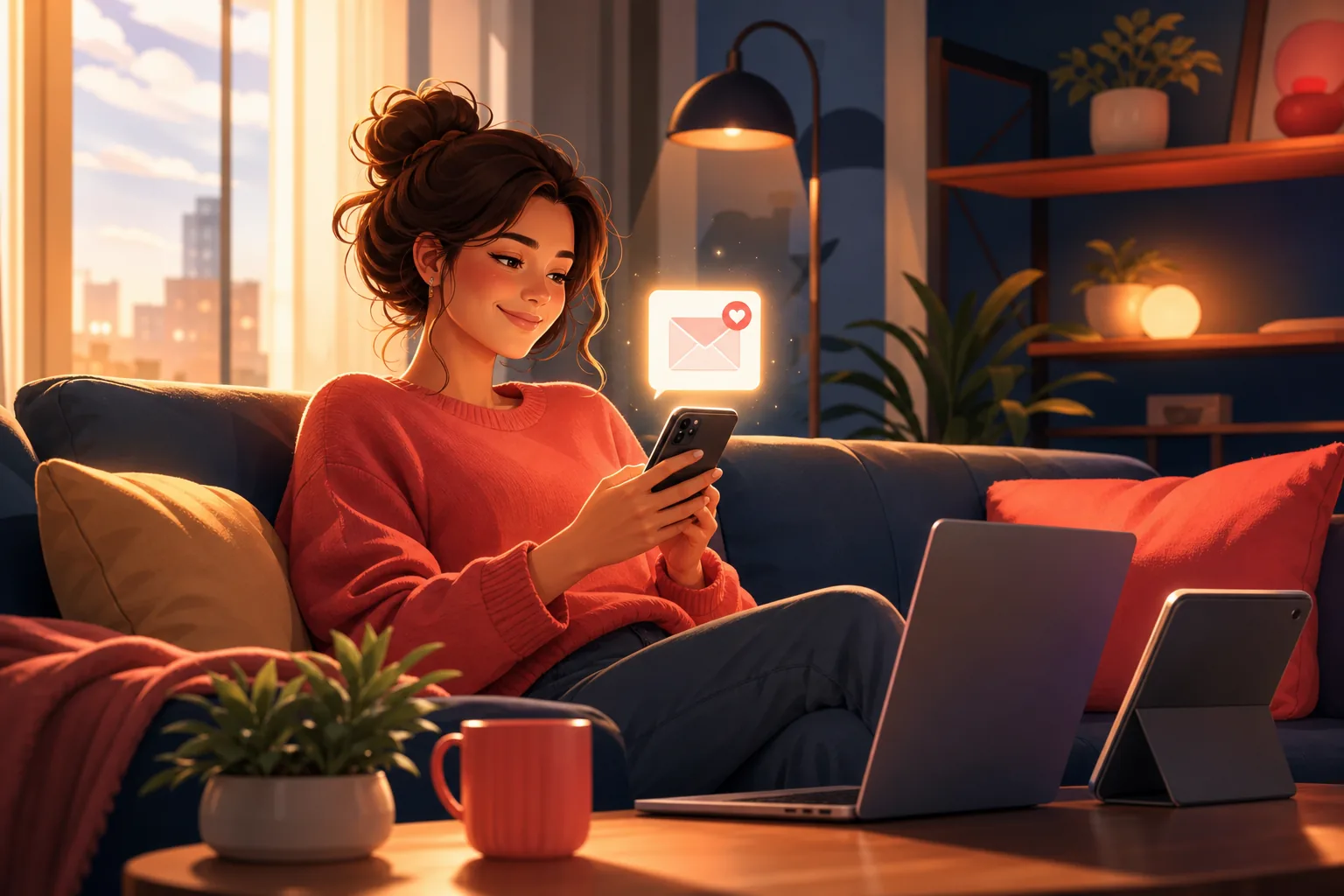
3 of 10 emails opened beats 3 of 10 pushes delivered
YouTube's filter decides whether a push is even sent to your phone. An email is always sent and waits in your inbox until you open it, on whatever device you happen to pick up.
Get an alert that works on any phone
Search any YouTube channel on Sublark, enter your email, and get a reliable alert within the hour of every upload. No permissions to fix, no battery savers to fight, free for viewers.
Find your channel- Free for viewers
- Within the hour of every upload
- Same inbox on iPhone, Android, and desktop
Are you a creator? Give your subscribers reliable upload alerts →
Frequently Asked Questions
How do I fix YouTube notifications on my iPhone?
Work through the delivery chain in order. Open Settings, tap Notifications, find YouTube, and turn Allow Notifications on with Lock Screen and Banners enabled. Then turn off Low Power Mode and switch on Background App Refresh for YouTube. Update the app in the App Store, confirm you are signed in to the right Google account, and set the channel bell to All, not Personalized. If alerts still fail after all that, YouTube's own caps and its 2026 inactive-subscriber filter are the likely cause, and no iPhone setting can override them.
Why are my YouTube notifications not working on Android?
Android has more places to block a notification than iPhone. First confirm the system permission: Settings, Apps, YouTube, Notifications, all switched on. Then set the app to Unrestricted battery use, because aggressive battery savers freeze YouTube in the background and drop pushes. Some brands like Xiaomi, Samsung, and OnePlus add extra auto-launch or protected-app lists you must enable too. Update the app and set the bell to All. If notifications still miss uploads, the block is on YouTube's side, not your phone's, and the fix has to live outside YouTube.
Why do YouTube notifications work on one phone but not another?
Each phone has its own operating system, its own notification permissions, and its own battery rules, so the same account can behave differently on each device. An iPhone with Background App Refresh off will miss alerts that an Android phone delivers fine, and a battery-saver Android will drop pushes an iPhone shows. Signing in to a different Google account on one device changes things too. The one constant that survives every phone difference is an email alert, because email lands in the same inbox on every device you own.
Does turning the bell on guarantee YouTube notifications in 2026?
No. The bell tells YouTube you want alerts, but delivery is a separate system. YouTube caps notifications at 3 per channel in any 24-hour window, and since February 2026 it also skips push notifications to subscribers it scores as inactive for a channel, even with the bell on All. On top of that, your phone's permission and battery settings can silently block whatever YouTube does send. So the bell being on is necessary but no longer enough to guarantee you hear about an upload.
What is the most reliable way to get YouTube alerts on any phone?
Use an alert YouTube does not run. An email alert from Sublark watches the channels you choose and emails you as soon as it detects an upload, usually within the hour. Because it sits outside YouTube's notification pipeline, there is no 3-per-day cap, no engagement score, and no phone permission or battery setting to break. The email lands in the same inbox on your iPhone, your Android, your laptop, and your tablet. Setup is one step: search a channel, enter your email, done. It is free for viewers.
Never Miss a YouTube Upload Again
Get an email the moment your favorite YouTube channels upload a new video. No missed notifications, no algorithm deciding for you — just a simple alert in your inbox.
Get Email Alerts — Free- Free forever
- Instant upload alerts
- Unsubscribe anytime
Are you a creator? Give your subscribers reliable upload alerts →
Written by Sublark Team
Content Team
Related Articles
Do YouTubers Know When You Subscribe? (+10 Questions)
Do YouTubers know when you subscribe? Not by name. Here's what creators actually see, plus 10 common YouTube notification questions answered.
How to Turn Off YouTube Notifications (Without Missing Uploads)
How to turn off YouTube notifications on iPhone, Android and computer: one channel, all alerts, recommendations, emails, and how to keep the channels you love.

How to Turn Off YouTube Shorts (and Keep Your Favorite Channels)
How to turn off YouTube Shorts in 2026: set the Shorts feed limit to zero, see fewer Shorts on Home, handle PC and kids, and still catch every upload.
Never miss an upload from your favorite channels
Get a simple email alert every time a channel you love posts a new video. Free, instant, no algorithm in the way.
Get Email Alerts — Free