
Why Did YouTube Stop Notifying Me? What Changed in 2026
Why did YouTube stop notifying you? You did nothing wrong. Five things changed in 2026. Here's how to diagnose which one hit you, and the fix.
Sublark Team
Content Team
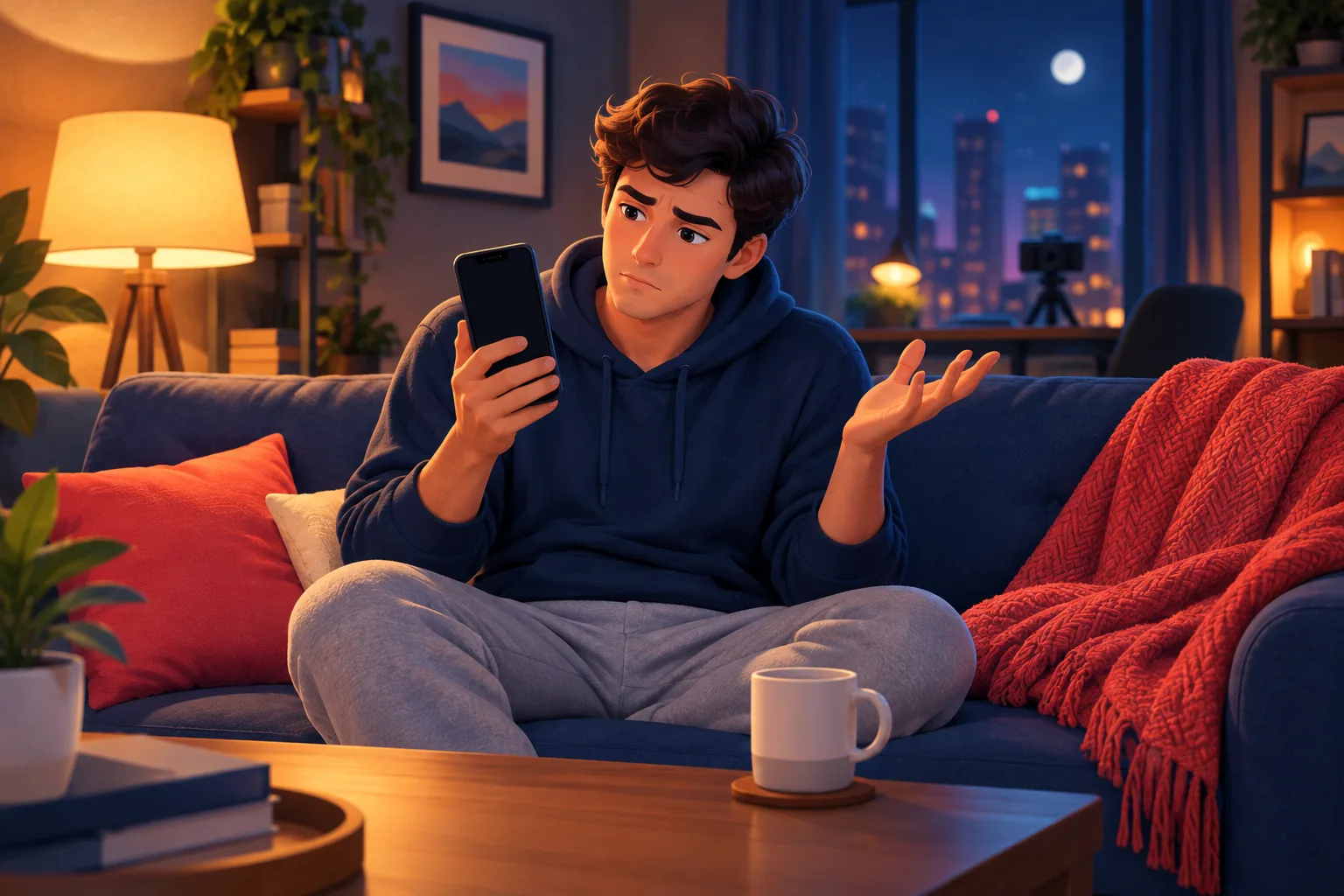
Your phone used to buzz when a favorite channel uploaded, and now it is silent even though you never changed a thing. If you are asking why YouTube stopped notifying you, the short answer is that you did not break anything, YouTube changed how notifications work in 2026.
In this guide:
- Why this is not your fault
- Cause 1: the 2026 engagement filter (the big one)
- Cause 2: the 3-notifications-per-day cap
- Cause 3: delayed and batched delivery
- Cause 4: your home feed hides subscriptions
- Cause 5: device and app settings muting alerts
- How to diagnose which cause hit you
- The fix that ignores all five
Why this is not your fault
You did not turn your notifications off by accident, and you are not imagining it. The reason YouTube stopped notifying you is almost always a change on YouTube's side, layered on top of ordinary device settings you never touched.
This matters because most advice assumes you misconfigured something. You probably did not. The bell can still read "All" while YouTube quietly declines to deliver, so re-checking the toggle you already set will not help.
There are five separate causes that make YouTube go silent, and they stack. You could be hit by one or several at once. The rest of this guide walks each cause in plain terms, links to the deep-dive on each, then ends with the one fix that sidesteps all of them.
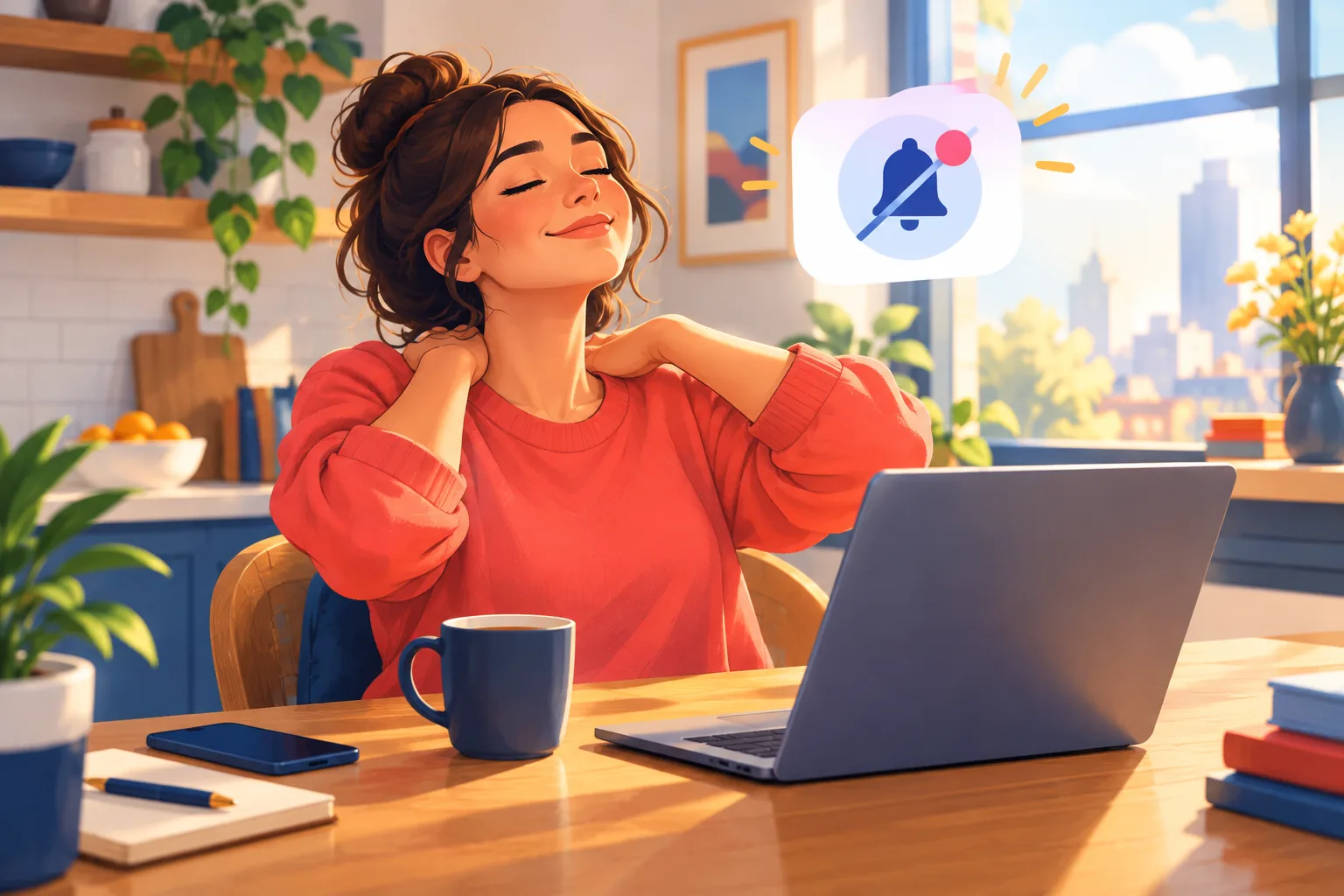
Cause 1: the 2026 engagement filter
The single biggest reason YouTube stopped notifying you in 2026 is an engagement filter that skips subscribers it decides are inactive. Since February 11, 2026, YouTube stops sending push notifications to people it scores as inactive on a channel, even when the bell is set to "All."
The filter judges you per channel, not per account. If you have not watched, liked, or commented on a specific channel for roughly a month, YouTube can go silent on that channel while still notifying you about creators you watch weekly. It started as a March 2025 experiment that reached only around 30% of opted-in subscribers, then became the permanent default in February 2026.
Here is the cruel part: the viewers most likely to be skipped are the ones who rely on the bell precisely because they do not check YouTube daily. For the full breakdown of who is hit and how the scoring works, read YouTube's 2026 bell change, explained.
Your setting reflects intent, not delivery
"All" now describes what you asked for, not what YouTube will send. Checking the toggle again will not fix anything, because the toggle was never the problem.
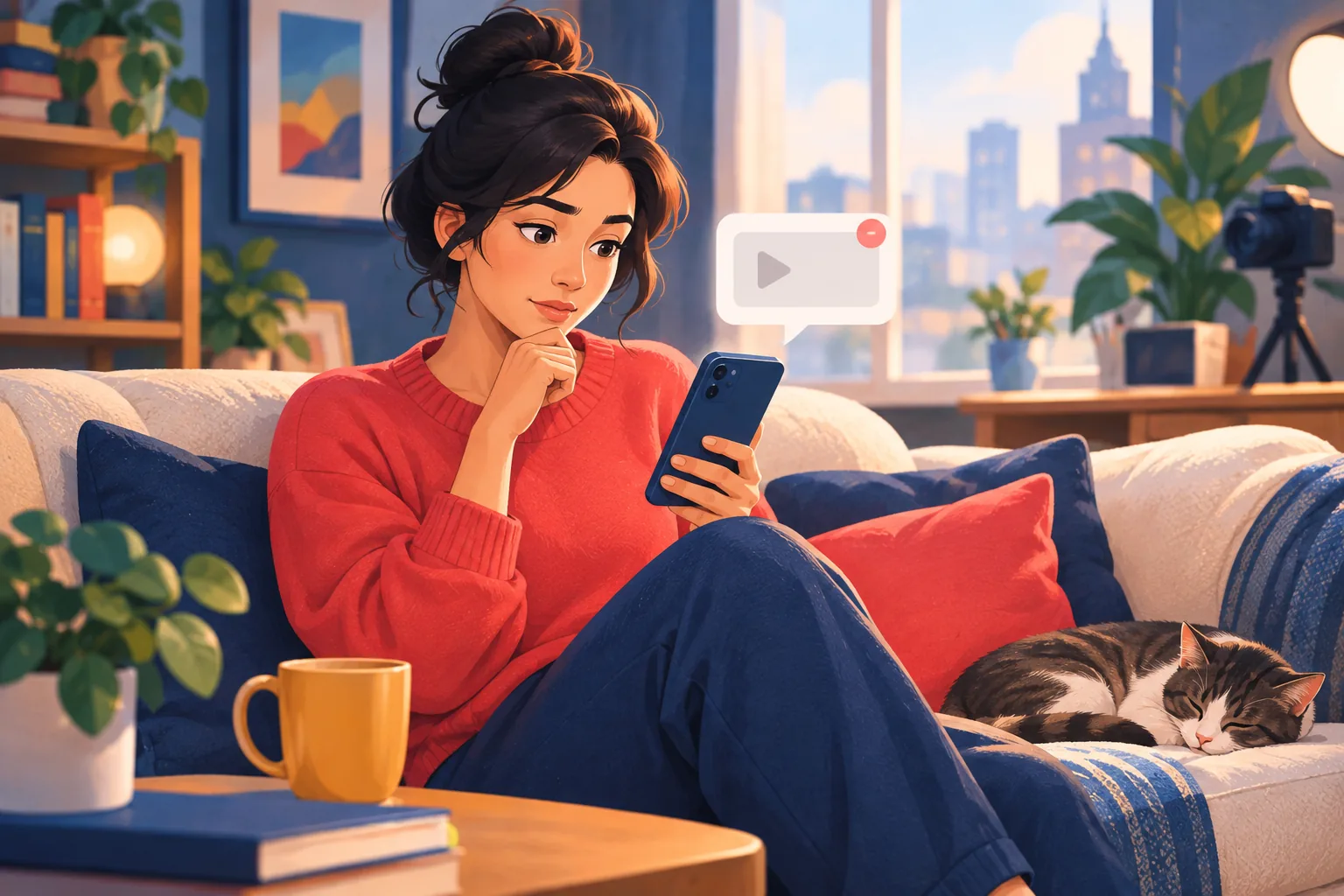
Cause 2: the 3-notifications-per-day cap
If a channel you follow posts a lot and then went quiet, the cause may be the daily cap. YouTube limits notifications to 3 per channel in any 24-hour window, so a channel uploading four times in a day leaves you unnotified about the fourth.
This one is easy to mistake for a broken bell. You get some alerts from a busy channel, then nothing for the rest of the day, and it looks like notifications stopped entirely. In reality YouTube just hit the ceiling and held the extras back.
The cap hurts most with high-volume channels: news, gaming, live-heavy creators, and anyone running a multi-video day. Our full guide to YouTube's 3-notifications-per-day limit covers exactly how it triggers and how to work around it.
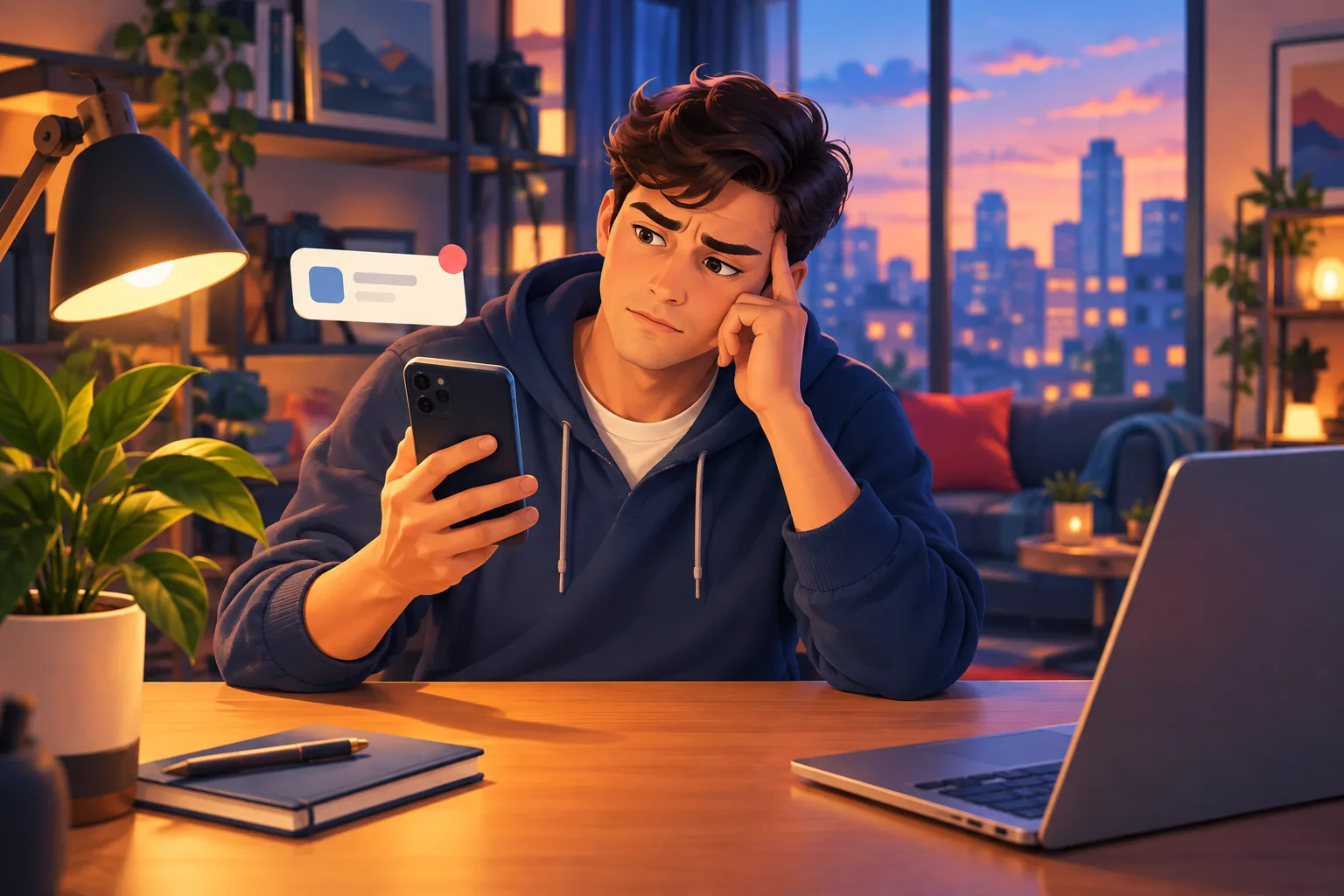
Cause 3: delayed and batched delivery
Sometimes YouTube did not stop notifying you, it just notified you late. YouTube batches and delays push notifications to manage load and to time them for when it thinks you will open them, so an alert can land hours after the upload or not surface until you open the app.
A delayed notification feels identical to a missing one. You check your phone all evening, see nothing, and assume the bell failed. Then the alert quietly arrives the next morning, long after a live stream ended or a limited drop closed.
Delivery timing is not something you can configure, because it lives entirely on YouTube's side. If your alerts show up but always feel late, read why your YouTube notifications are delayed by hours for the mechanics behind it.
Late is the same as missed when timing matters
A live stream, a premiere with active chat, or a giveaway is only useful while it is happening. A notification that arrives after the moment has passed did its job too late to help.
Cause 4: your home feed hides subscriptions
If you rely on scrolling YouTube to catch new uploads rather than push alerts, the home feed itself may be why you stopped seeing them. YouTube's home page is algorithmic, so it shows what it predicts you will watch, not a complete list of everything your subscriptions posted.
That means a channel can upload, you can open YouTube, and the video still never appears on your home screen. The algorithm decided something else deserved the slot. Your Subscriptions tab is closer to complete, but even it can reorder and prioritize by recency and engagement.
This is a different failure from the bell, but it produces the same result: uploads you never see. For the full picture, read why your home feed ignores channels you subscribed to.
Cause 5: device and app settings muting alerts
Before you blame YouTube for everything, rule out your own device, because muted settings produce the exact same silence. If every notification stopped at once, not just a few channels, the cause is almost always on your phone rather than YouTube's servers.
Check these in order. Confirm the YouTube app has notification permission in your phone settings. Make sure the app is not muted inside YouTube's own notification settings. Then check that Focus mode, Do Not Disturb, or a battery-saver setting is not silently holding alerts back.
The tell here is scope. If all notifications died together, look at your device. If only some channels went quiet while others still buzz, that points back to YouTube's engagement filter or the daily cap. Our guide on not getting YouTube notifications even with the bell on walks through every device setting to check.
How to diagnose which cause hit you
You can narrow down your cause in about a minute with two questions. First, did all notifications stop or only some? Second, do late or missing alerts follow a pattern?
Use this quick router:
- All notifications died at once → start with Cause 5, your device or app settings.
- Only some channels went quiet → likely Cause 1, the engagement filter, especially for channels you have not watched in weeks.
- A busy channel notified you, then stopped for the day → Cause 2, the 3-per-day cap.
- Alerts arrive, but always hours late → Cause 3, delayed delivery.
- You see nothing when scrolling YouTube itself → Cause 4, the algorithmic home feed.
Most people find more than one applies. That is normal, because these causes stack. The takeaway is that no single toggle fixes all five, since three of them live entirely on YouTube's side where you have no control.
The fix that ignores all five
The reliable fix is an alert that lives outside YouTube's notification system entirely. If the problem is that YouTube controls delivery, the answer is a channel YouTube does not control: your email inbox.
Sublark watches the channels you pick and emails you as soon as it detects an upload, usually within the hour. Because the alert does not run through YouTube's pipeline, it cannot be filtered for inactivity, capped at 3 per day, batched into a late digest, or buried by the home feed algorithm. An upload you would have missed still lands in your inbox.
Setup is one step. Search a channel on Sublark, enter your email, and you are done. Add favorites like MrBeast, Mark Rober, or Veritasium once each, and every future upload emails you. It is free for viewers, needs no app, and reaches you on any device. Learn the full method on the email notifications hub, or start from the wider YouTube notifications not working hub if you want to try device fixes first.
3 of 10 emails opened beats 3 of 10 pushes delivered
YouTube's engagement filter decides whether a push is even sent. An email is always sent and waits in your inbox until you open it, no engagement score required.
Why did YouTube stop notifying you? Because in 2026, the bell became a request YouTube can override for five different reasons. The way to stop guessing which one is to route your alerts somewhere YouTube cannot touch. Search your first channel on Sublark and get every upload within the hour, no matter what YouTube does next.
Get an upload alert YouTube can't suppress
Stop wondering why the bell went quiet. Search any YouTube channel on Sublark, enter your email, and get a reliable alert within the hour of every upload. No engagement filter, no daily cap, no late delivery. Free for viewers.
Find your channel- Free for viewers
- Within the hour of every upload
- No engagement score, no daily cap, no home-feed roulette
Are you a creator? Give your subscribers reliable upload alerts →
Frequently Asked Questions
Why did YouTube stop notifying me all of a sudden?
In most cases you did nothing wrong. YouTube changed how notifications work in 2026, and the biggest change is an engagement filter. Since February 11, 2026, YouTube stops sending push notifications to subscribers it scores as inactive on a channel, even when your bell is set to All. If you have not watched, liked, or commented on that channel for roughly a month, its alerts go silent. Older causes still stack on top, including a 3-per-day cap and device settings that mute alerts without warning.
Why did YouTube stop sending notifications in 2026?
YouTube stopped sending some notifications in 2026 because of a permanent change rolled out on February 11, 2026. YouTube now checks whether you have recently engaged with a channel before it delivers an alert, and it silently skips people it treats as inactive. This started as a March 2025 experiment that reached only about 30% of opted-in subscribers. The setting still reads All, so nothing looks different, which is why the change feels so sudden and confusing to viewers who never touched their bell.
Why are all my YouTube notifications not working anymore?
If every YouTube notification stopped, the cause is usually on your device, not YouTube's servers. Check that YouTube has notification permission in your phone settings, that the app is not muted, and that Focus, Do Not Disturb, or battery-saver mode is not holding alerts back. If only some channels went quiet while others still work, that points to YouTube's 2026 engagement filter or the 3-per-day cap instead. Ruling out device settings first tells you which problem you actually have.
Did I turn my YouTube notifications off by accident?
Probably not. The most common reason notifications stop is not a setting you changed but a change YouTube made in 2026, plus device-level muting you may not have noticed. Your bell can still read All while YouTube declines to send the alert. It is worth checking that the bell is on and that your phone allows YouTube notifications, but if those look correct and uploads still slip past, the cause is YouTube's engagement filter, not a toggle you flipped.
How do I make sure I never miss a YouTube upload again?
Use an alert that lives outside YouTube's notification system. An email alert from Sublark is sent within the hour of every upload and cannot be capped, delayed, or suppressed for inactivity, because YouTube does not control your inbox. Search a channel on Sublark, enter your email, and every future upload from that channel lands in your inbox. It is free for viewers, needs no app, and reaches you on any device regardless of your engagement score.
Never Miss a YouTube Upload Again
Get an email the moment your favorite YouTube channels upload a new video. No missed notifications, no algorithm deciding for you — just a simple alert in your inbox.
Get Email Alerts — Free- Free forever
- Instant upload alerts
- Unsubscribe anytime
Are you a creator? Give your subscribers reliable upload alerts →
Written by Sublark Team
Content Team
Related Articles
Do YouTubers Know When You Subscribe? (+10 Questions)
Do YouTubers know when you subscribe? Not by name. Here's what creators actually see, plus 10 common YouTube notification questions answered.
How to Turn Off YouTube Notifications (Without Missing Uploads)
How to turn off YouTube notifications on iPhone, Android and computer: one channel, all alerts, recommendations, emails, and how to keep the channels you love.
How to Turn Off YouTube Shorts (and Keep Your Favorite Channels)
How to turn off YouTube Shorts in 2026: set the Shorts feed limit to zero, see fewer Shorts on Home, handle PC and kids, and still catch every upload.
Never miss an upload from your favorite channels
Get a simple email alert every time a channel you love posts a new video. Free, instant, no algorithm in the way.
Get Email Alerts — Free