
Why Your Home Feed Ignores Channels You Subscribed To
YouTube algorithm not showing subscribed channels on your Home feed? Here's why the algorithm buries creators you follow, and the one feed you control.
Sublark Team
Content Team
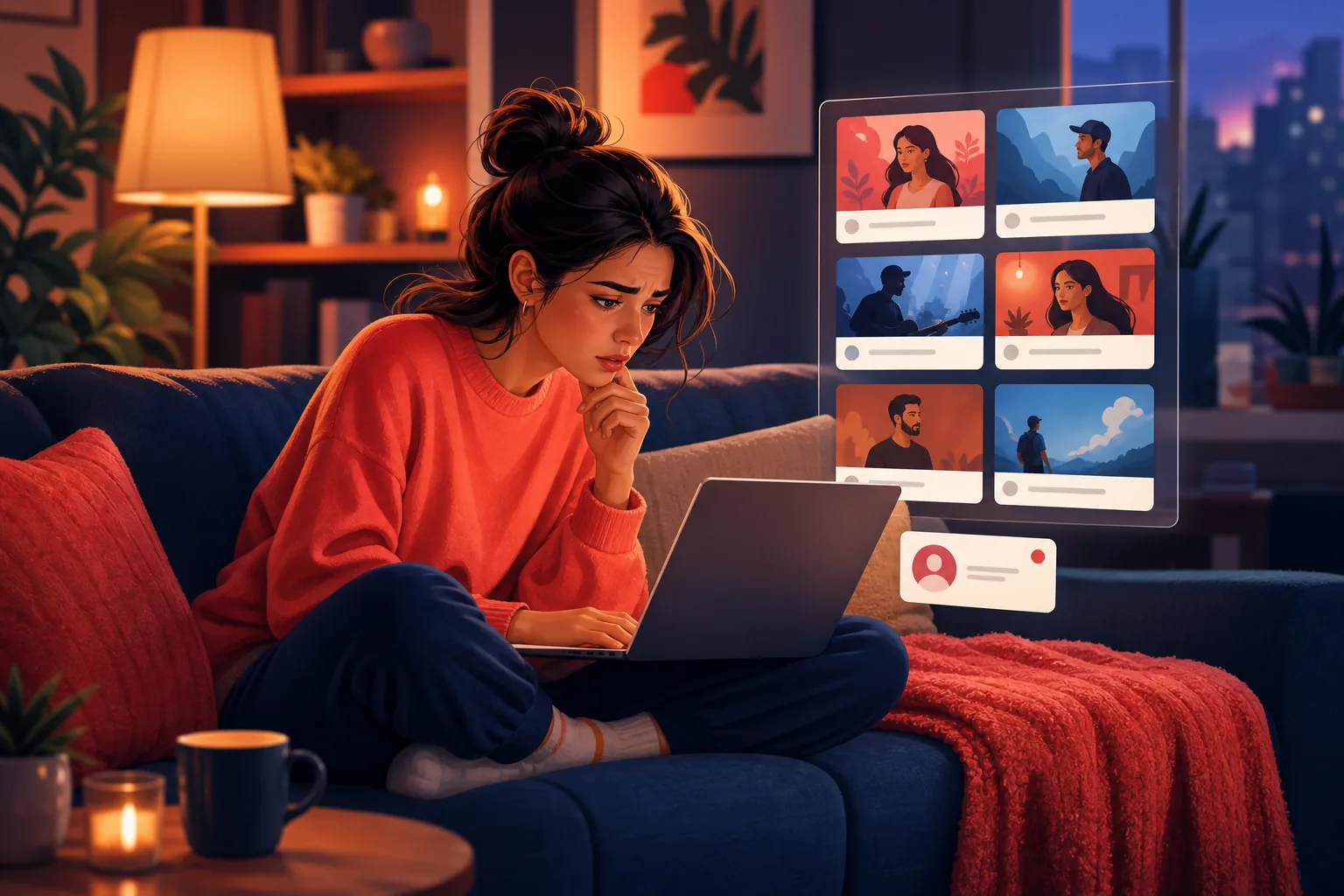
You open YouTube, expecting to see your favorite creators, and instead the Home feed is wall-to-wall strangers. The channels you actually subscribed to are nowhere in sight.
In this guide:
- Why the Home feed is not a subscriptions feed
- What the algorithm optimizes for instead of your loyalty
- How the 2026 inactive filter buries channels you love
- The Subscriptions page, and why it is only a partial fix
- The one feed you actually control
The Home feed was never a subscriptions feed
The YouTube algorithm is not showing your subscribed channels on Home because the Home tab is a recommendation engine, not a record of who you follow. It is designed to guess what will keep you watching, not to show you the creators you deliberately chose.
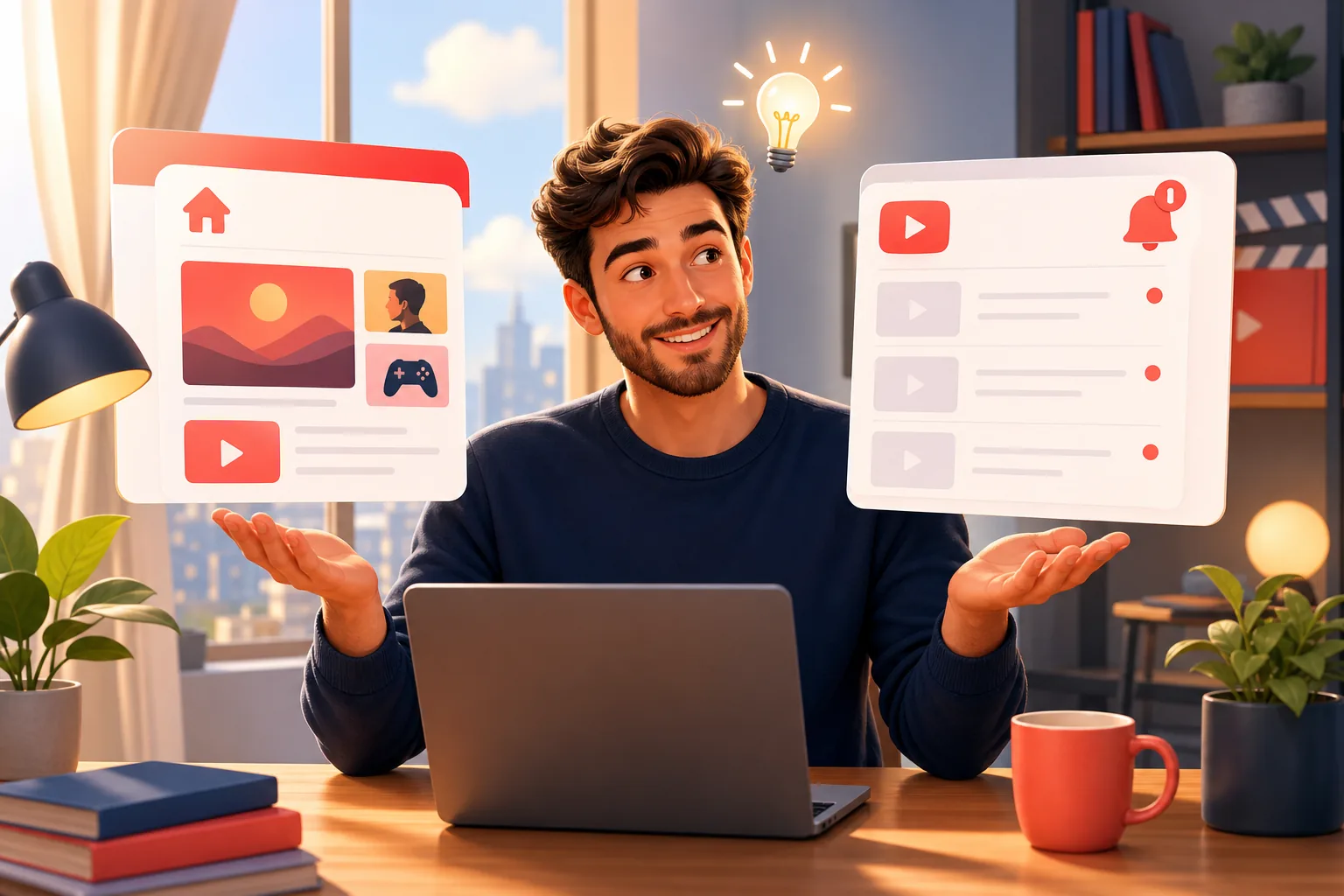
Most people assume subscribing means "put this channel on my main screen." It does not. Subscribing adds a channel to a separate Subscriptions page and bumps the creator's count. The Home feed treats your subscriptions as just one input among dozens, alongside your watch history, trending videos, and what similar viewers clicked.
So a brand-new upload from a channel you love can be completely absent from Home while three recommended videos from channels you have never heard of sit at the top. This is working as designed, even though it feels broken. Our hub on YouTube notifications not working maps every way this ranking hides content you asked for.
Two feeds, two jobs
The Home tab exists to keep you watching anything. The Subscriptions page exists to show you what you follow. If your subscribed channels are missing, you are almost certainly looking at Home.
The algorithm optimizes for watch time, not your loyalty
The Home feed ranks videos by predicted watch time, not by how much you care about a creator. That single design choice explains most of why your subscriptions get crowded out.
YouTube's recommendation system asks one question about every slot on your screen: which video is most likely to keep you watching right now? A subscribed channel you love but rarely open loses that contest to a punchy recommended video the algorithm is confident will hook you. Your loyalty is not the metric. Predicted engagement is.
This is why the feed can feel like it forgot you subscribed at all. A creator like Veritasium posting a long, thoughtful video may rank below a stream of shorter recommended clips, simply because the algorithm bets those clips win the next few minutes of your attention. The subscription is intact. The Home feed just does not prioritize it.
The 2026 inactive filter buries channels you stopped watching
The newest and most frustrating cause is that YouTube now actively deprioritizes channels it decides you have gone quiet on. Take a short break from a creator and the algorithm quietly stops surfacing them.
On February 11, 2026, YouTube made permanent the suppression of push notifications to bell subscribers it scores as inactive for a channel, per coverage from PPC Land and 9to5Google. This grew out of a 2025 experiment that reached only about 30% of opted-in subscribers. The same engagement scoring pushes those channels down your Home feed.
The logic is backwards for viewers. The channels you were most likely to forget are the exact ones YouTube quietly hides, which defeats the point of subscribing in the first place. If you have not opened Mark Rober in a month, his next build can vanish from Home and skip your notifications entirely, even with the bell on "All." Our explainer on the 2026 bell change covers why "All" no longer means all.
Engagement scoring works against your memory
The system assumes that if you stopped watching, you stopped caring. But most viewers just got busy. YouTube treats a two-week break as a signal to bury the channel, right when a reminder would help most.
The Subscriptions page helps, but only partly
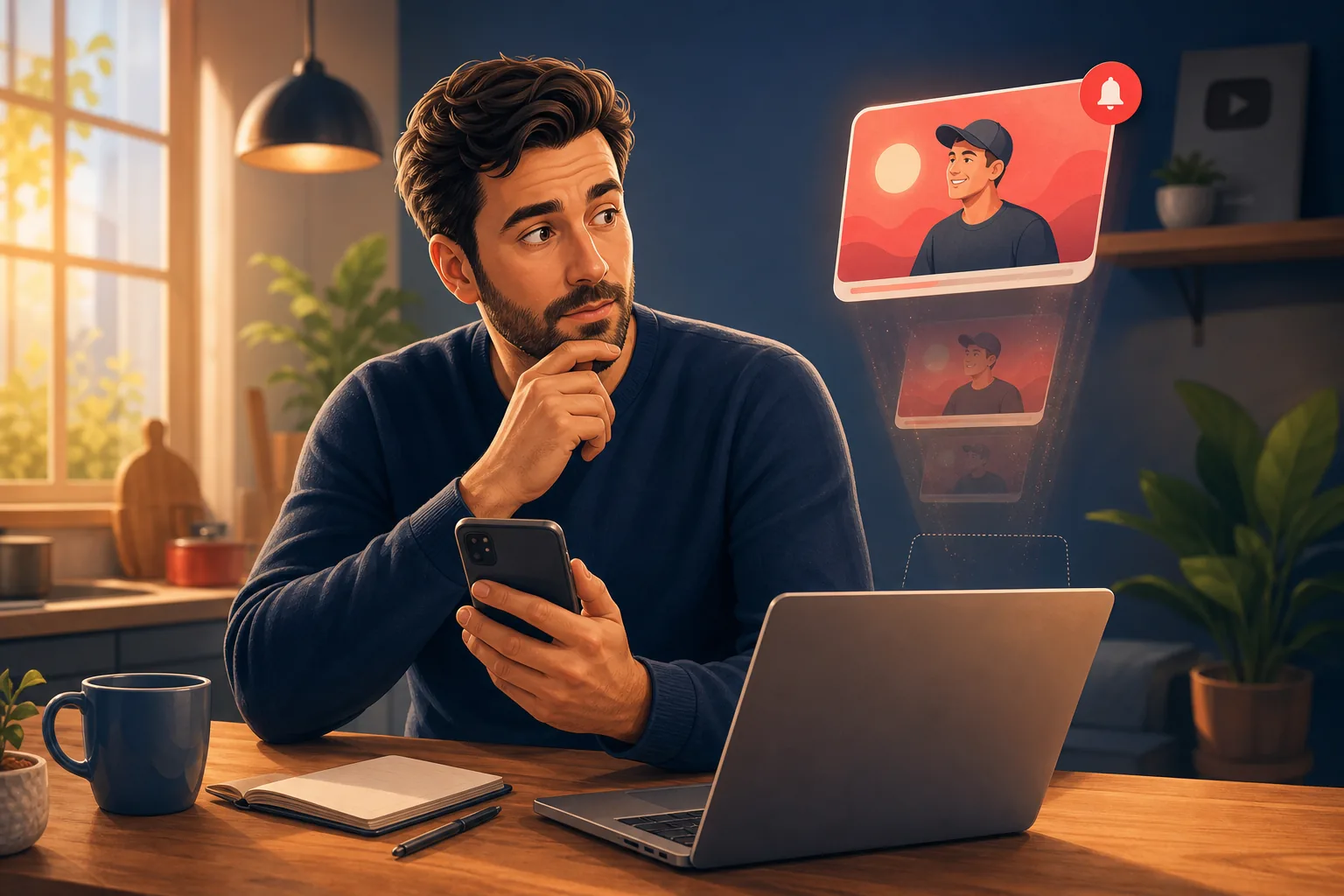
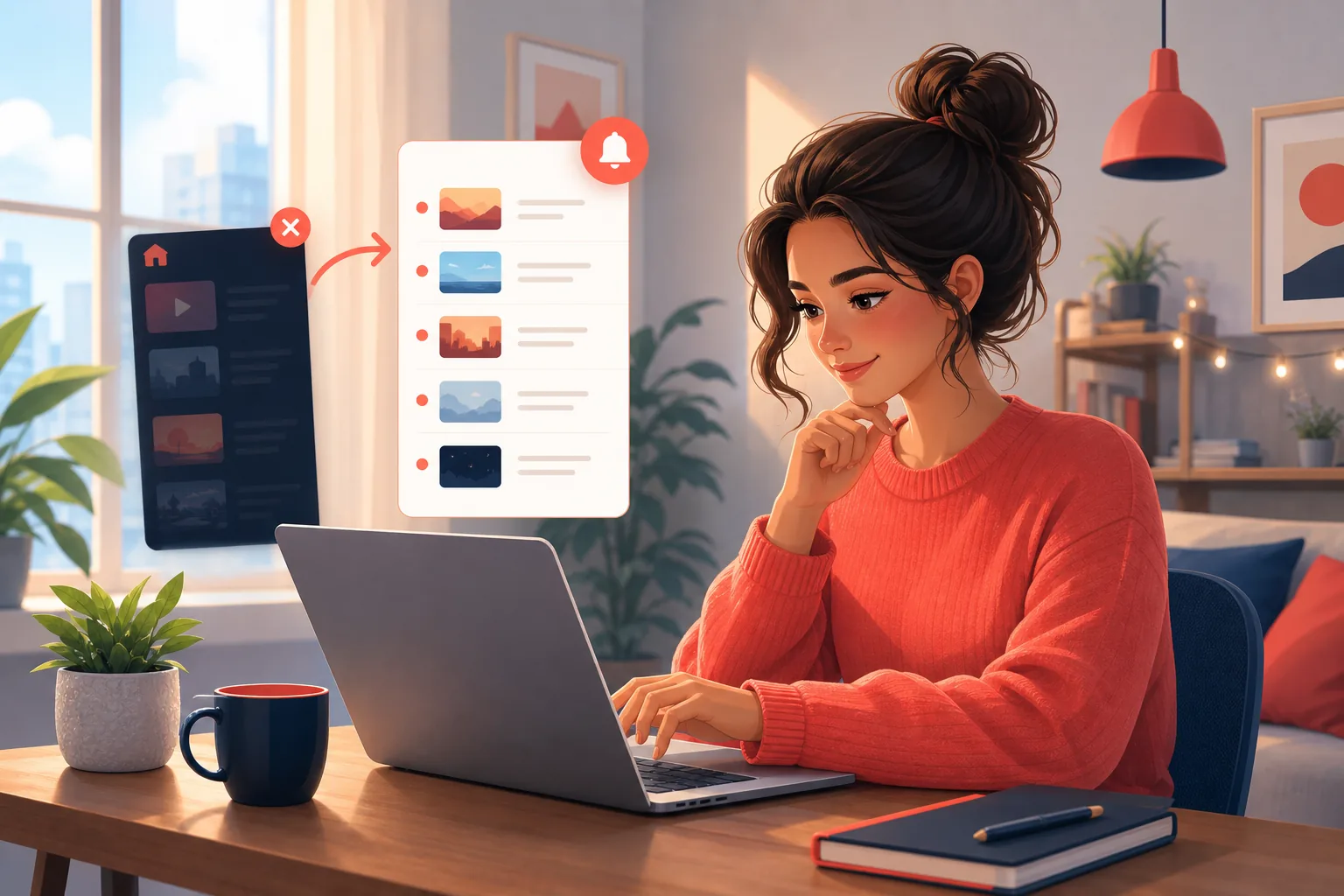
If your subscribed channels are missing from Home, the first native fix is to stop looking at Home and open the dedicated Subscriptions page. It shows only the channels you follow, in a far more chronological order than the algorithmic Home tab.
On the app or a browser, tap or click Subscriptions in the left menu or bottom bar. This view lists uploads roughly newest-first from your subscribed channels, which is much closer to what you expected subscribing to do. If a grid-or-list toggle appears, the list view often surfaces more uploads per screen.
But it is only a partial fix. YouTube still filters Shorts, live streams, and premieres into separate shelves, and the same engagement scoring can rank a dormant channel lower even here. We cover that in detail in our guide on the Subscriptions feed not showing all videos. So the Subscriptions page is the best native option, but it is not a complete record of every video a creator posted, and it still lives inside YouTube's ranking.
The one feed you actually control
The reliable fix is a feed YouTube does not rank, filter, or score. Email is that feed, and it lists every upload the moment it is detected, no matter how the Home algorithm feels about the channel that day.
Sublark watches the channels you pick and emails you as soon as it detects a new upload, usually within the hour. It does not care whether the video is a standard upload, a Short, or a live stream, and it is never subject to Home-feed recommendations, the 3-per-day notification cap, or the 2026 inactive filter. Nothing gets crowded out by a stranger's video, and nothing gets buried because you took a break.
Setup is one step. You search for a channel, enter your email on its alert page, and you are done. It is free for viewers and needs no app. You can find any channel in seconds, whether it is MrBeast dropping a big video, Fireship posting a quick dev explainer, or a smaller creator your Home feed keeps skipping.
Not a slot in a ranked feed
An email alert is not competing for a spot on your Home screen. It is one message per upload, sent to a channel YouTube does not curate, so the creators your feed hides still reach you.
Email is also the channel you own. YouTube ended its own email upload notifications back in 2020, citing a low open rate, and left this exact gap. The bell and the Home feed are unreliable by design, tuned for YouTube's watch-time goals, not yours. Email sits outside all of it. A creator like Marques Brownlee posting a review, or Linus Tech Tips posting a new build, reaches your inbox whether or not the algorithm decided to feature them.
That is the clean split most viewers want. Let the Home feed do its recommendation thing, and let email handle the actual "tell me when my channels upload" job, since email has none of the algorithm's ranking, caps, or activity tests.
See every upload, not just the ones YouTube ranks
Search any YouTube channel on Sublark, enter your email, and get a reliable alert within the hour of every upload. No Home-feed ranking, no inactive filter, free for viewers.
Find your channel- Free for viewers
- Within the hour of every upload
- Never ranked or filtered by the algorithm
Are you a creator? Give your subscribers reliable upload alerts →
Frequently Asked Questions
Why is the YouTube algorithm not showing subscribed channels on my Home feed?
Because the Home feed is a recommendation surface, not a list of your subscriptions. YouTube's Home tab is built to maximize watch time, so it fills the screen with videos it predicts you will click, which often means recommended channels you have never followed. Your subscribed creators compete for the same slots and frequently lose, especially if you have not watched them recently. Since February 2026, YouTube also actively deprioritizes channels it scores as inactive for you. Home was never meant to be a complete feed of who you subscribed to.
How do I make YouTube show my subscribed channels again?
Stop relying on the Home tab and open the dedicated Subscriptions page instead. On the app or a browser, tap Subscriptions in the menu, and you get a far more chronological list of your subscribed channels' uploads. The Home feed will keep prioritizing recommendations no matter what you do, because that is its job. For the most complete view, use an email alert per channel, which lists every upload the moment it is detected and is never ranked or filtered by the algorithm.
Does watching a channel more often make it appear on my Home feed?
Yes, to a point. YouTube's Home feed weighs how recently and often you engage with a channel, so watching a creator regularly makes their uploads more likely to surface. But this cuts both ways. Take a break from a channel and the algorithm quietly buries it, which is the opposite of what a subscription should do. You should not have to keep watching a creator just to keep seeing them. An email alert removes that pressure entirely, since it never scores your engagement.
Is the Home feed the same as the Subscriptions feed?
No, they are two different things. The Home tab is a personalized recommendation feed that mixes subscribed and unsubscribed channels based on predicted watch time. The Subscriptions page shows only channels you actually follow, in a far more chronological order. Most people who complain that YouTube stopped showing their subscriptions are looking at Home, not Subscriptions. Even the Subscriptions page filters Shorts and live streams into separate shelves, so neither native feed is a perfect record of every upload.
What is the most reliable way to see every upload from my subscribed channels?
Use an alert that lives outside YouTube's feed and notification system. Sublark watches the channels you choose and emails you as soon as it detects a new upload, usually within the hour, whether it is a standard video, a Short, or a live stream. Because email is not a ranked feed, it is never subject to Home-feed recommendations, the 3-per-day notification cap, or the 2026 inactive filter. Search a channel, enter your email, and every future upload lands in your inbox. It is free for viewers.
Never Miss a YouTube Upload Again
Get an email the moment your favorite YouTube channels upload a new video. No missed notifications, no algorithm deciding for you — just a simple alert in your inbox.
Get Email Alerts — Free- Free forever
- Instant upload alerts
- Unsubscribe anytime
Are you a creator? Give your subscribers reliable upload alerts →
Written by Sublark Team
Content Team
Related Articles
Do YouTubers Know When You Subscribe? (+10 Questions)
Do YouTubers know when you subscribe? Not by name. Here's what creators actually see, plus 10 common YouTube notification questions answered.
How to Turn Off YouTube Notifications (Without Missing Uploads)
How to turn off YouTube notifications on iPhone, Android and computer: one channel, all alerts, recommendations, emails, and how to keep the channels you love.
How to Turn Off YouTube Shorts (and Keep Your Favorite Channels)
How to turn off YouTube Shorts in 2026: set the Shorts feed limit to zero, see fewer Shorts on Home, handle PC and kids, and still catch every upload.
Never miss an upload from your favorite channels
Get a simple email alert every time a channel you love posts a new video. Free, instant, no algorithm in the way.
Get Email Alerts — Free