
How to Notify Subscribers of a New Video (Beyond the Bell)
You uploaded, but will your fans find out? Here is how to notify subscribers of a new video reliably, in the channels you actually control.
Sublark Team
Content Team

You hit publish, the progress bar fills, and the video goes live. Now the real question starts: out of everyone who subscribed, how many will actually find out?
In this guide:
- Why the bell alone will not reach your subscribers
- The channels you can use to announce a new video, ranked by reliability
- Why email is the one announcement channel you actually own
- How to announce every upload without adding a second job
- A short checklist to run on your very next upload
Why the bell alone will not reach your subscribers
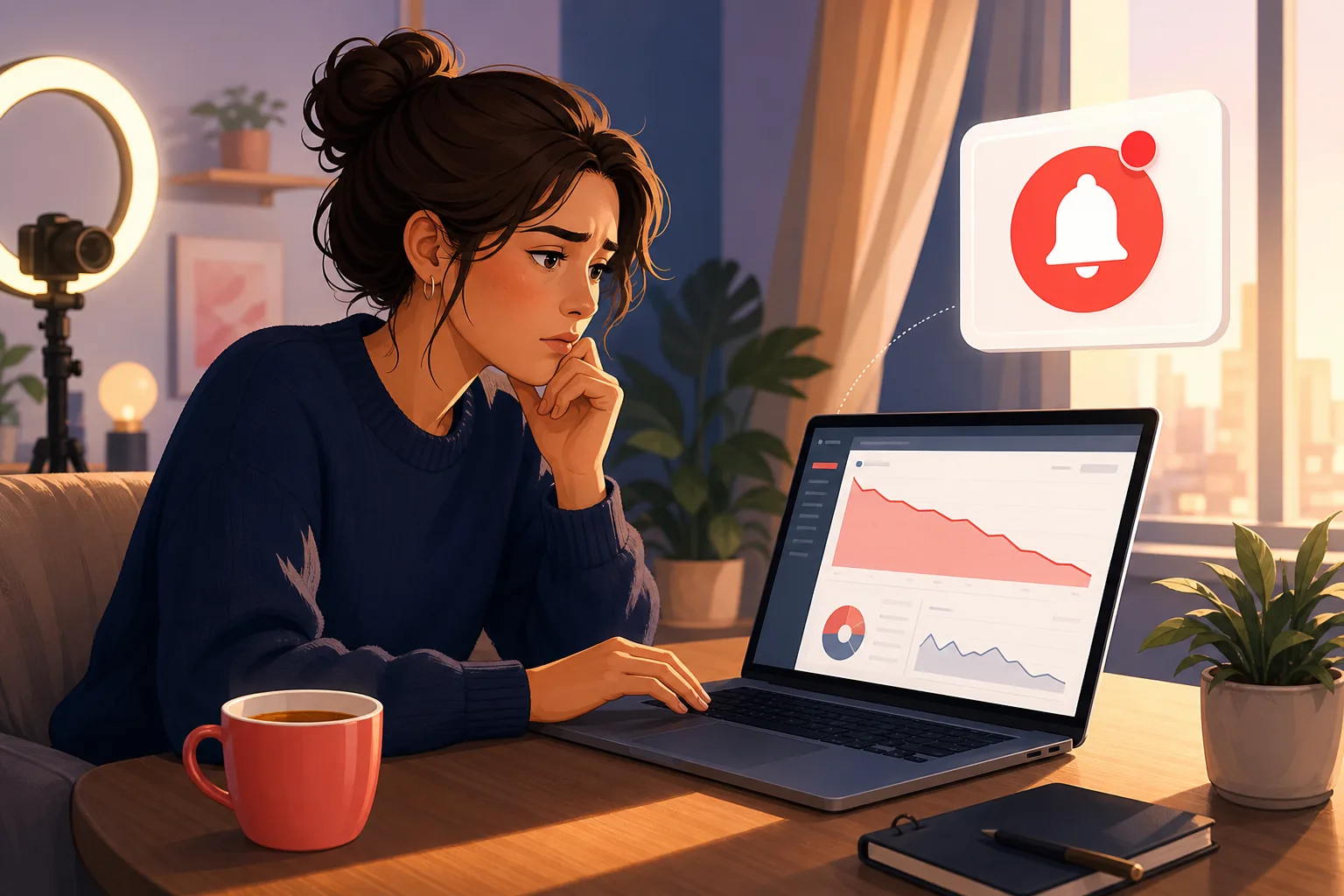
The bell alone will not reach your subscribers, and that is by design, not a bug you can fix. YouTube treats the notification bell as a suggestion to itself, not a promise to your fans.
Three rules shrink the bell's reach. YouTube caps notifications at 3 per channel in 24 hours, so a busy fan may never see yours. It times each push to predicted engagement, so casual viewers get skipped. And since February 11, 2026, it suppresses notifications to subscribers it judges inactive, even when they set the bell to All.
The result is quiet. One creator's testing found the bell reaching only about 30% of opted-in subscribers. Your subscriber count says one thing, but the number of fans who hear about a new upload says another. We break down what the 2026 change means for creators in YouTube just stopped notifying your subscribers.

The channels for announcing a new video, ranked by reliability
You have several channels for announcing a new video, and they are not equal, so it helps to rank them by how reliably each one reaches your fans. Lead with the reliable ones and treat the rest as a bonus.
Here is the honest ranking, from most reliable to least:
- Email to a list you own. No cap, no engagement filter, no ranking. Every alert lands in the inbox. This is the only channel where you hold the addresses.
- Your other platforms. A post on Instagram, TikTok, or X reaches whoever those algorithms decide to show, which is a slice, but it is a different slice than YouTube's.
- The YouTube Community tab. Useful for engaged fans who visit your channel, but the same recommendation system ranks it, so most subscribers never see it. We compare it head to head in Community posts vs email.
- The notification bell. Automatic, so keep it, but never count on it. It reaches the smallest, most engagement-filtered slice of all.
The pattern is clear once you see it. Every YouTube-owned channel routes through an algorithm you do not control. The channel you own sits at the top for a reason.

Why email is the one channel you actually own
Email is the one announcement channel you actually own, and that ownership is the whole point. You hold the addresses, so nobody sits between you and your fan deciding whether the message gets through.
There is no cap of 3 per day, no engagement score ranking your fans, and no feed placing your announcement below a thousand others. The message goes to every inbox on your list. Industry newsletter open rates average 37 to 41%, and every send actually lands rather than vanishing like a skipped push. The framing worth keeping is simple: three of ten emails opened beats three of ten pushes delivered, because you own the send.
This is not about leaving YouTube behind. Keep uploading and keep the bell on. Email is insurance layered on top, so the fans you already earned stay reachable no matter what the algorithm does next. If you have watched your "Bell notifications sent" number drop in Studio, this is the channel that plugs the gap.

How to announce every upload without a second job
You can announce every upload without turning announcements into a second job, because your upload can be the trigger. The fear that stops most creators is the idea of writing a newsletter for every video, and that fear is misplaced.
Sublark is built for exactly this. You claim your channel, and fans get a page where they opt in with their email address. Every time you publish, Sublark emails your list within the hour of detecting the upload, using the video you already made. There is no newsletter to write, no lead magnet to design, and no separate announcement to send. The announcement is your video going live.
Your fans get the better end of the deal too. Instead of a bell that may never ring, they get a dependable email alert whenever you upload, sent to an inbox they check every day. You do the work once, at setup, and every future upload announces itself. The capture tactics live in how to build an email list from your YouTube subscribers.

Your checklist for the next upload
You can put this system in place before your next upload, and it starts working on that video. The setup is short because owning your announcement channel is a one-time task, not a daily one.
Run this checklist:
- Claim your channel on Sublark. Go to Sublark for creators and claim your channel to create the opt-in page fans use to subscribe by email.
- Add the opt-in link to your video descriptions. Pin it in a comment and mention it for a few seconds in your outro. That is where most opt-ins come from.
- Keep announcing everywhere else too. Post to the Community tab and your other platforms as usual. They are a bonus on top of the channel you own.
- Upload. Every time you publish, Sublark emails your list within the hour, so the announcement reaches your real fans automatically.
Announce once, reach reliably
The goal is not to work harder on announcements. It is to route the announcement through a channel that cannot skip your fans. Set it up once, and every future upload tells your list on its own, no newsletter and no engagement score required.

The bell was never a promise, and the Community tab was never a guarantee. If you want your fans to actually hear about your next video, announce it through a channel you own. The deeper economics of that decision live in our creator's guide to owning your audience. Claim your channel on Sublark and let every upload announce itself to the fans you already earned.
Make sure your fans hear about your next video
Claim your channel on Sublark and turn every upload into an email your real fans actually receive. Within the hour of publishing, your list gets the alert, with no bell cap and no engagement filter deciding who hears from you.
Claim your channel- Free to claim
- Reaches your fans within the hour of every upload
- No newsletter or lead magnet required
Just a viewer? Get upload alerts for your favorite channels →
Frequently Asked Questions
How do I notify subscribers of a new video on YouTube?
Publishing the video triggers the bell, but the bell is unreliable, so you should announce it in more than one place. Post it to the Community tab, share it on your other social accounts, and, most importantly, send it to a channel you own like email. The bell caps notifications at 3 per channel per day and skips subscribers YouTube judges inactive, so it never reaches everyone. Layering an email alert on top guarantees the fans on your list hear about every upload, on the same day, with no engagement filter deciding who gets the message.
Why are my subscribers not getting notified when I upload?
Most missed notifications are YouTube's design, not your mistake. Since February 2026, YouTube suppresses push notifications to subscribers it judges inactive on your channel, even when they set the bell to All. On top of that, the bell caps notifications at 3 per channel in 24 hours and times each push to predicted engagement. So even fans who opted in may never get pinged. The reliable fix is to add a channel you control, like email, that reaches every fan without a cap or an engagement score.
What is the best way to announce a new YouTube video?
The best approach is to announce every upload in multiple places and lead with a channel you own. YouTube's own tools, the bell and the Community tab, reach only a slice of your audience, so treat them as a bonus rather than the plan. An email alert is the most reliable single channel because you hold the addresses and nobody throttles the send. Claim your channel on Sublark and every upload emails your list within the hour, so the announcement reaches your real fans without depending on the algorithm.
Does the Community tab notify all my subscribers?
No. The Community tab shows your post to a fraction of your subscribers, chosen by the same recommendation system that ranks the home feed. It is useful for engaged fans who already visit your channel, but it is not a reliable way to reach everyone who followed you. Reach depends on the algorithm, not on your subscriber count. To make sure an announcement lands, pair the Community tab with a channel you own, like email, that delivers to every fan regardless of how active YouTube thinks they are.
How does Sublark help me announce new videos to fans?
Sublark turns your upload into an email announcement automatically. You claim your channel, and fans get a page where they opt in with their email address. Every time you publish, Sublark emails your list within the hour of detecting the upload, using the video you already made. There is no newsletter to write and no separate announcement to send, because your upload is the trigger. You just share the opt-in link in your descriptions, and the list builds itself from your real fans over time.
Turn every upload into an announcement you control
Claim your channel on Sublark and build an email list of your real fans. Every upload reaches every inbox within the hour, so no algorithm gets to decide who hears about your next video.
Claim your channel- Free to claim
- Reaches fans within the hour of every upload
- No lead magnet required
Just a viewer? Get upload alerts for your favorite channels →
Written by Sublark Team
Content Team
Related Articles

beehiiv vs Kit vs Sublark for YouTubers: What Each Is For
A fair comparison of beehiiv, Kit, and Sublark for YouTubers. See which newsletter and upload-alert tool fits your channel, and why you may want two.
"Bell Notifications Sent" Dropping in YouTube Studio? Here's Why
Your 'Bell notifications sent' number is falling in YouTube Studio while subscribers rise. Here's what the metric means, why it's dropping, and the fix.

Best Time to Post on YouTube in 2026 (and When Fans Get Alerted)
The best time to post on YouTube, from 2026 data and your own Studio report, plus how YouTube times subscriber alerts and how to schedule uploads.
Turn your subscribers into an audience you own
Claim your channel and every upload emails your real fans automatically. No newsletter to write, no algorithm in the way.
Claim Your Channel — Free