
"Bell Notifications Sent" Dropping in YouTube Studio? Here's Why
Your 'Bell notifications sent' number is falling in YouTube Studio while subscribers rise. Here's what the metric means, why it's dropping, and the fix.
Sublark Team
Content Team
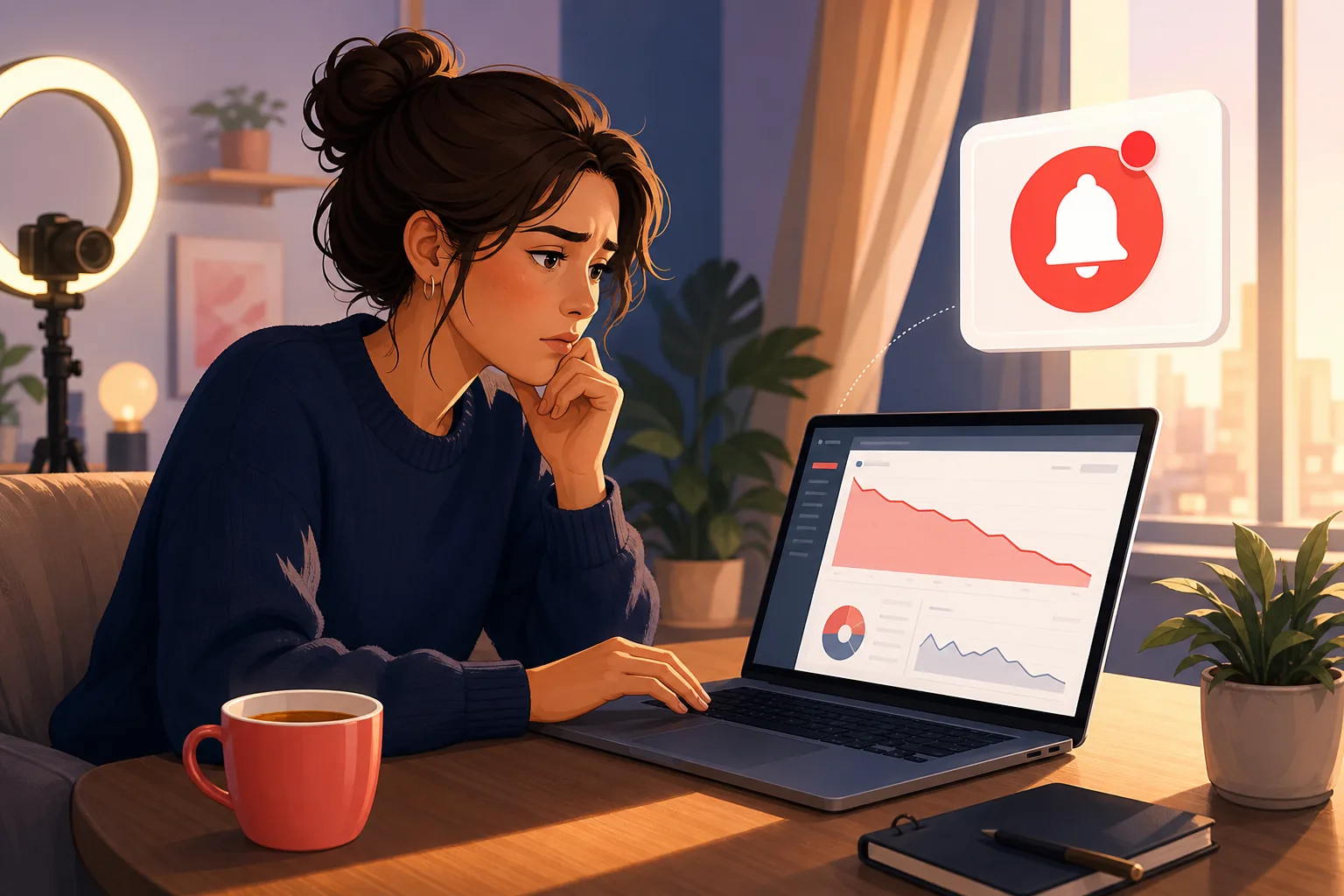
You opened YouTube Studio, checked your analytics, and noticed the "Bell notifications sent" number sliding down month after month. Your subscriber count kept climbing the whole time, which makes the drop feel confusing and a little alarming.
In this guide:
- What "Bell notifications sent" actually measures
- Why the number is dropping even as subscribers rise
- Why it is not your fault, and not a penalty
- Why you cannot turn it back on from Studio
- How to reach the fans the bell now skips
What "Bell notifications sent" actually measures
"Bell notifications sent" counts how many subscribers YouTube chose to push an upload alert to when you posted a video. It is not your subscriber count, and it is not how many people tapped the bell. It is deliveries the platform decided to send.
You find it in YouTube Studio by opening a video's analytics, switching to Advanced mode, and looking at the "Bell notifications" impressions row. That figure represents the subscribers YouTube actually notified, out of the much larger group who subscribed or opted in.
The key word is "chose." YouTube runs its own filter over your subscriber list and decides who qualifies for a push on any given upload. The metric shows the output of that filter, so it moves with YouTube's rules, not with how many fans you have.
Where to find it
Open a video in Studio, click into its analytics, switch to Advanced mode, and find the "Bell notifications" impressions row. That single number is the count of subscribers YouTube pushed an alert to for that video.
Is "Bell notifications sent" the same as impressions? No.
"Bell notifications sent" is not the same as your regular impressions, and confusing the two hides what is really happening. Impressions count how many times your thumbnail appeared across YouTube's surfaces, like the home feed and search. Notifications count only the subscribers YouTube pushed an upload alert to.
That is why the two numbers can move in opposite directions. The algorithm might surface your video more widely, lifting impressions, while the bell filter tightens and drops your notification count. They measure two separate distribution channels.

Once you see them as different pipes, the drop stops looking like a mystery. Your thumbnail can be doing fine in search and still reach fewer inboxes on upload, because the two systems answer to different rules.
Why the number is dropping while your subscribers rise
Your "Bell notifications sent" number is dropping because of the February 2026 bell change, and it can fall even while you gain subscribers every week. Subscriber count and notification reach are now two separate numbers that no longer track together.
Here is the timeline. YouTube began testing this rule in March 2025, and on February 11, 2026 it became a standing rollout. 9to5Google covered the change as it landed. The rule suppresses push notifications to subscribers YouTube judges inactive on your channel, even the ones who set the bell to All.
So the math splits. You can add a thousand subscribers this month, but if a large slice of your existing list gets flagged as inactive, the number YouTube actually pushes to keeps shrinking. Your audience grew on paper; the reachable part of it did not.
We walk through the full arithmetic of this gap in why only about 10% of your subscribers see your uploads.
Read the number correctly
A falling "Bell notifications sent" count does not mean your fans left. It means YouTube is choosing not to notify subscribers you still have. The people are still on your list; the platform simply stopped delivering to them.
Did I do something wrong? No, and here's why
You did not do anything to lose bell notifications, and the drop is not a penalty on your channel. It reflects a platform-wide policy that applies to every creator, not a signal that your content slipped.
Nothing in your uploads, tags, titles, or posting schedule caused this. The filter that decides who gets a push lives entirely on YouTube's side and runs the same way across the platform. Your video quality is not on trial here.

It helps to name who the change actually silences. YouTube judges inactivity per channel, so your casual fan, the one who watches once a month when they have a free evening, is exactly the person most likely to be skipped. The heavy daily viewer keeps getting notified. The drifting fan, the one a reminder would reactivate, gets nothing. We break down what that means for your reach in the 2026 bell change guide for creators.
Why you cannot turn bell notifications back on
You cannot turn bell notifications back on for your subscribers, because there is no creator setting for it. The rule runs on YouTube's side and overrides the viewer's own bell choice.
Even a fan who deliberately set the bell to All can be skipped once YouTube judges them inactive on your channel. There is no toggle in Studio, no support request, and no workaround that forces the notification through. The lever simply is not yours to pull. This is the same platform pattern behind the cap of 3 notifications per channel per 24 hours: the delivery rules belong to YouTube, not to you.
That is why the old advice, "just ask people to hit the bell," no longer holds up as a reach strategy. Your fans can do everything right and still not hear from you. The deeper economics of this live in our creator's guide to owning your audience.
How to reach the fans the bell now skips
The way to reach subscribers the bell now skips is to give them a channel YouTube cannot throttle, and email is the strongest one. You hold the addresses, so every upload alert reaches every inbox with no engagement score and no daily cap deciding who qualifies.
Compare the two systems honestly. The bell runs your fans through filters you do not control: the daily cap, the 2026 inactivity suppression, and delivery timing set by prediction. Email has none of them. The numbers back it up, too. Industry newsletter open rates average 37 to 41%, and unlike a push, every email actually lands in the inbox. The framing to keep is simple: three of ten emails opened beats three of ten pushes delivered.

Setting this up takes three steps, and none of them are technical:
- Claim your channel on Sublark. Go to Sublark for creators and claim your channel. You get a page where fans opt in with their email to be alerted on every upload.
- Share your follow-by-email link. Put it near the top of your descriptions, pin it in a comment, and mention it for a few seconds in your outro. That is where most opt-ins come from.
- Keep uploading. Every time you publish, Sublark emails your list within the hour. No newsletter to write, no lead magnet to design.

That is the whole response to a falling notification count. You are not adding a second job; you are recovering the reach the bell used to give you, on a channel you own. If you want the full case with the stats behind it, see why every YouTuber needs an email list.
A dropping "Bell notifications sent" number is a warning, not a verdict. The bell is unreliable by design now, and email is the reliable channel you keep. Build it while your at-risk fans are still one click away.
Reach the fans the bell now skips
Claim your channel on Sublark and turn subscribers into an email list of your real fans. Every upload emails your list within the hour, with no engagement filter deciding who hears from you.
Claim your channel- Free to claim
- Reaches your fans within the hour of every upload
- No lead magnet or newsletter required
Just a viewer? Get upload alerts for your favorite channels →
Frequently Asked Questions
What is the 'Bell notifications sent' metric in YouTube Studio?
It is the count of subscribers YouTube actually pushed an upload alert to when you posted a video. In Studio, you find it in Advanced mode as the "Bell notifications" impressions row for a video. It measures deliveries the platform chose to send, not how many people subscribed or tapped the bell. Because YouTube decides who qualifies for a push, the number reflects the platform's filtering, not your audience size. A falling count means fewer subscribers cleared that filter, not that fans left.
Is 'Bell notifications sent' the same as impressions?
No. Regular impressions count how many times your thumbnail was shown across YouTube's surfaces like the home feed and search. "Bell notifications sent" is a separate, narrower number: only the subscribers YouTube pushed an upload alert to. It lives in the Advanced mode of your video analytics, not on the main dashboard. Impressions can rise from the algorithm surfacing your video, while notifications fall because the bell filter tightened. They measure two different distribution channels, so they move independently.
Why is my notification count dropping when subscribers are going up?
Because subscriber count and notification reach are now two separate numbers. Since the February 2026 bell change, YouTube suppresses push notifications to subscribers it judges inactive on your channel, even when they set the bell to All. So you can gain subscribers every week while the slice that qualifies for a push keeps shrinking. Your list grew, but the platform narrowed who it will actually alert. That gap is exactly why "Bell notifications sent" can fall as your subscriber line rises.
Did I do something to lose bell notifications?
No. A falling "Bell notifications sent" number is not a penalty and not a sign your content slipped. It reflects a platform-wide policy change from February 2026 that withholds pushes from subscribers YouTube considers inactive on your channel. The filter lives entirely on YouTube's side and applies to every creator. Nothing in your uploads, tags, or posting schedule caused it. The number dropped because the door narrowed for everyone, so the honest response is to build reach on a channel you control.
Can I turn bell notifications back on for my subscribers?
No, there is no creator setting for it. The rule that suppresses notifications to inactive subscribers runs on YouTube's side and overrides the viewer's own bell choice. Even a fan who set the bell to All can be skipped once the platform judges them inactive on your channel, and you cannot opt them back in from Studio. There is no toggle, no support request, and no workaround inside YouTube. The only reliable path to those fans is a direct channel like email that the platform does not filter.
How do I reach subscribers who stopped getting the bell?
Give them a channel YouTube cannot throttle, and email is the strongest one. You hold the addresses, so every upload alert reaches every inbox with no engagement score and no daily cap deciding who qualifies. With Sublark, you claim your channel, share a follow-by-email link in your descriptions and outro, and fans opt in with their email. Every time you upload, Sublark emails your list within the hour, reaching the exact fans the bell now skips, without a lead magnet or a newsletter to write.
Own Your YouTube Audience
Claim your channel on Sublark and turn subscribers into an email list of your real fans. Every upload emails your list automatically — no algorithm deciding who hears from you.
Claim Your Channel — Free- Free to claim
- Emails your fans on every upload
- No newsletter to write
Just a viewer? Get upload alerts for your favorite channels →
Written by Sublark Team
Content Team
Related Articles

beehiiv vs Kit vs Sublark for YouTubers: What Each Is For
A fair comparison of beehiiv, Kit, and Sublark for YouTubers. See which newsletter and upload-alert tool fits your channel, and why you may want two.

Best Time to Post on YouTube in 2026 (and When Fans Get Alerted)
The best time to post on YouTube, from 2026 data and your own Studio report, plus how YouTube times subscriber alerts and how to schedule uploads.

Build an Email List From YouTube Without a Lead Magnet (2026)
How to build an email list from YouTube without a lead magnet or newsletter: claim your channel, share one link, and every upload emails your fans.
Turn your subscribers into an audience you own
Claim your channel and every upload emails your real fans automatically. No newsletter to write, no algorithm in the way.
Claim Your Channel — Free