
YouTube Community Posts vs Email: Which Reaches Your Fans?
Does YouTube community tab reach hit all your subscribers? Compare community posts vs email for actually reaching fans, with a clear breakdown.
Sublark Team
Content Team
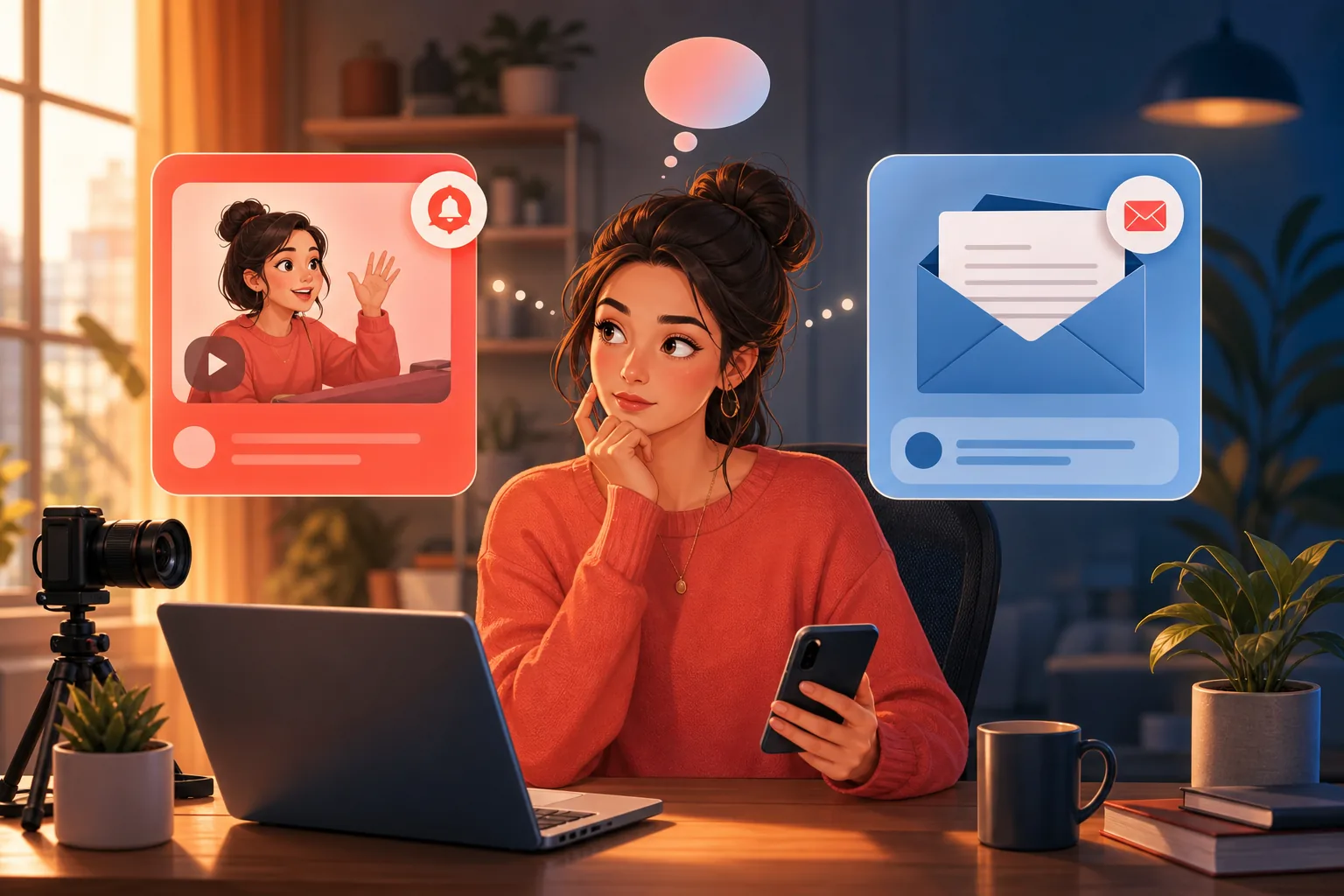
You post a poll or an update to your community tab, and a few hours later the view count barely moves. Meanwhile your subscriber number keeps climbing, so where did everyone go?
In this guide:
- What YouTube community posts are and how their reach works
- Why community tab reach is a fraction, not your full list
- How email delivery is different, and why you own it
- A side-by-side comparison of community posts vs email
- The honest verdict: use both, rely on email
What are YouTube community posts, and how does reach work?
YouTube community posts are the text, image, poll, and quiz updates you publish to your channel's Community tab. They are a genuinely useful way to talk to fans between uploads, and they cost nothing to post.
Here is the part that surprises most creators: a community post is not sent to your subscribers. YouTube's algorithm distributes it. When you publish, the platform surfaces the post to a portion of your audience through the home feed and, for some fans, the notification bell.
YouTube decides who sees it. It looks at how engaged each subscriber is with your channel and shows the post to the fans it predicts are most likely to react. That is why the same account can post twice in a week and see wildly different view counts.
So community tab reach is a slice the platform hands you, not a broadcast to everyone. This is not YouTube being difficult, it is simply how algorithmic distribution works. Reach is unreliable by design.
Reach is not your subscriber count
Your community post reach is how many subscribers YouTube chose to surface the post to, not how many people subscribed. The two numbers are separate, and the reachable one is usually much smaller.
Why community tab reach is only a fraction of your subscribers
Community tab reach is only a fraction of your subscribers because YouTube shows each post to a predicted-interest slice, then expands or limits it based on early engagement. If a post does not gain traction quickly, the platform stops spreading it.
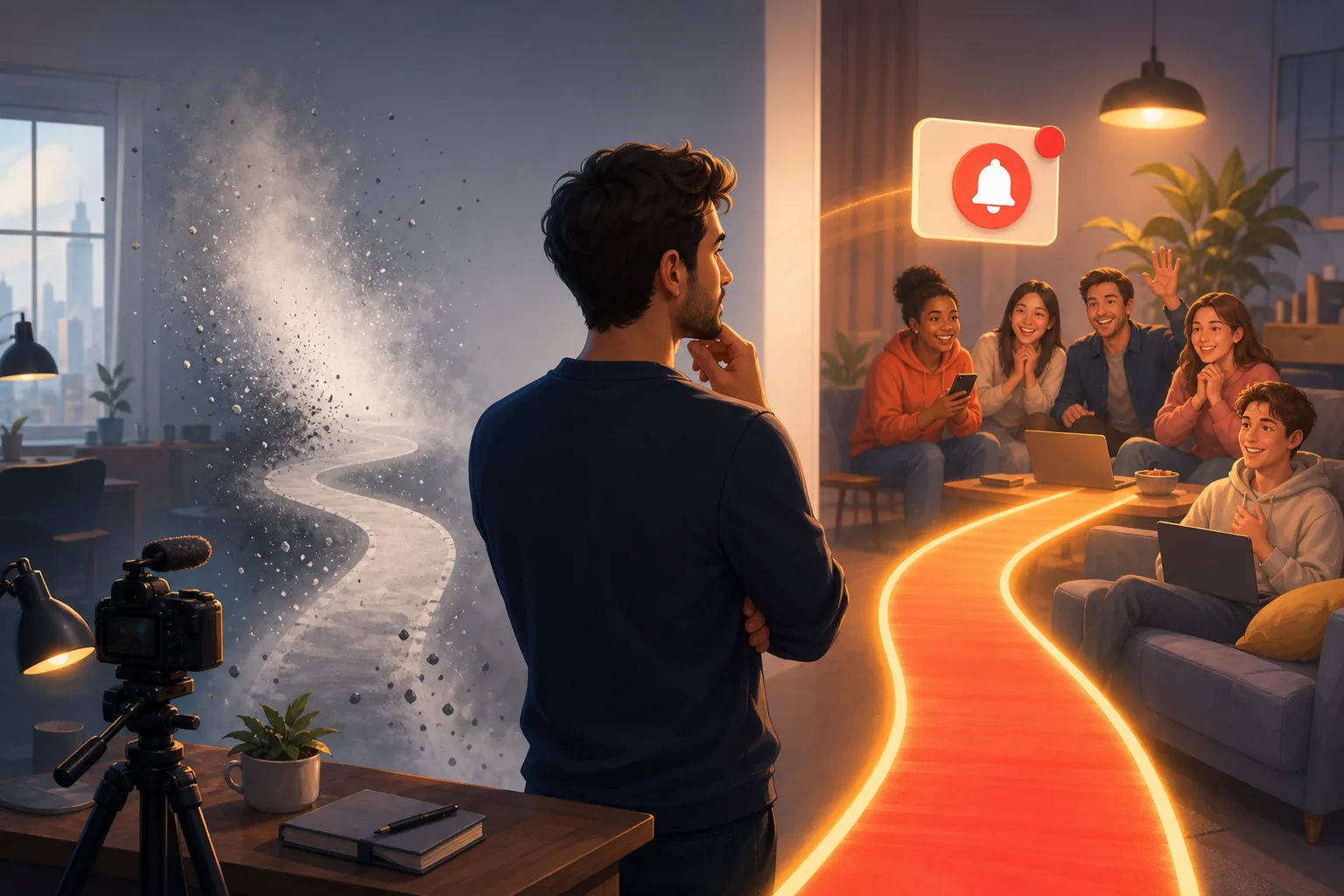
This mirrors what is happening with upload notifications, so the pattern is worth naming. Since the February 2026 bell change, YouTube suppresses push notifications to subscribers it judges inactive on your channel, even the ones who set the bell to All. The same engagement filtering that narrows your notifications narrows your community reach.

The result is a gap between the audience you built and the audience you can reach. We work through the full arithmetic of that gap in why only about 10% of your subscribers see your uploads, and the same math applies to the community tab.
The casual fan is the one who loses out. YouTube judges engagement per channel, so the viewer who watches you once a month is exactly the person least likely to be shown your community post. The heavy daily fan keeps seeing everything. The drifting fan, the one an update would reactivate, sees nothing.
A low view count is not a penalty
A community post with few views does not mean fans left or that your content slipped. It means YouTube distributed the post to a small slice of your list. The people are still subscribed, the platform just did not surface it to them.
How email delivery is different: you own the audience
Email is different because there is no algorithm deciding who qualifies. You hold the addresses, so every message you send lands in every inbox on your list. Delivery is deterministic, not predicted.
That single fact changes everything about reliability. A community post lives on YouTube's surfaces, which means YouTube controls how far it travels. An email lives in an inbox you sent it to, which means it reached the person the moment you pressed send.
You also own the relationship. If YouTube changes its distribution rules tomorrow, as it did with the bell in February 2026, your email list is untouched. Nobody can throttle a channel you control. That is the core idea behind the creator's guide to owning your audience.
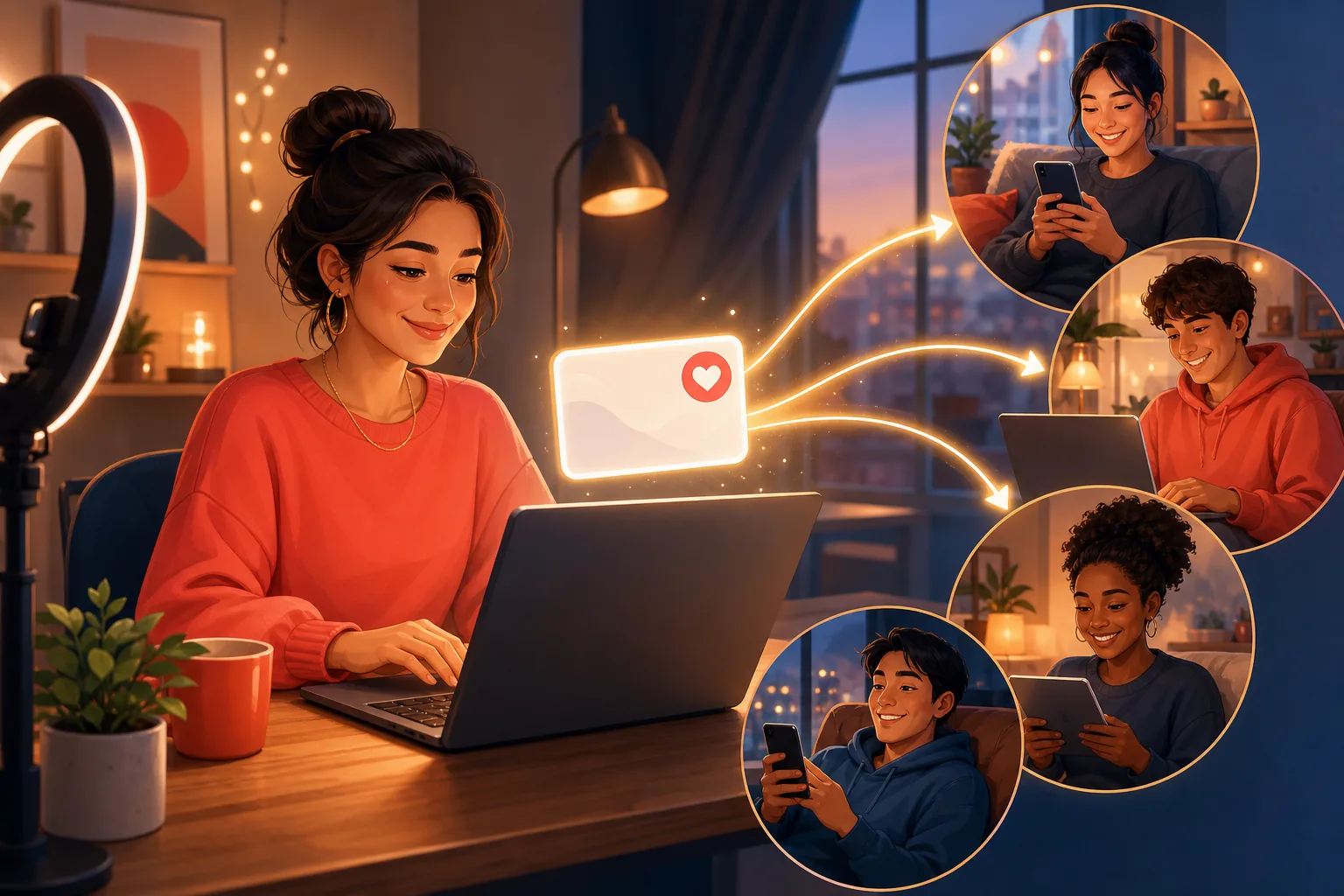
The numbers hold up too. Industry newsletter open rates average 37 to 41%, and unlike an algorithmic surface, every email actually arrives before it can be opened. The framing to keep is simple: three of ten emails opened beats three of ten posts surfaced. If you want a plain path to email alerts for fans, see how YouTube email notifications work.
Community posts vs email: the side-by-side comparison
The clearest way to weigh community posts vs email is to line them up across the things that actually decide whether a fan hears from you. Here is the honest breakdown.
| YouTube community posts | ||
|---|---|---|
| Who sees it | A predicted-interest slice YouTube chooses | Every subscriber on your list |
| Do you own the audience | No, it lives on YouTube | Yes, you hold the addresses |
| Deliverability | Algorithm-dependent, varies per post | Deterministic, lands in every inbox |
| Algorithm-dependent | Yes, reach is decided for you | No, you decide who to send to |
| Cost | Free to post | Free for fans; free to claim on Sublark |
| Best use | Casual engagement: polls, quizzes, quick updates | Reliable reach: upload alerts, announcements |
Read the table honestly and neither channel wins outright. Community posts are excellent for in-app conversation, because polls and quizzes only work where your fans already are. But when the message has to reach people, email is the channel that does not gamble with delivery.
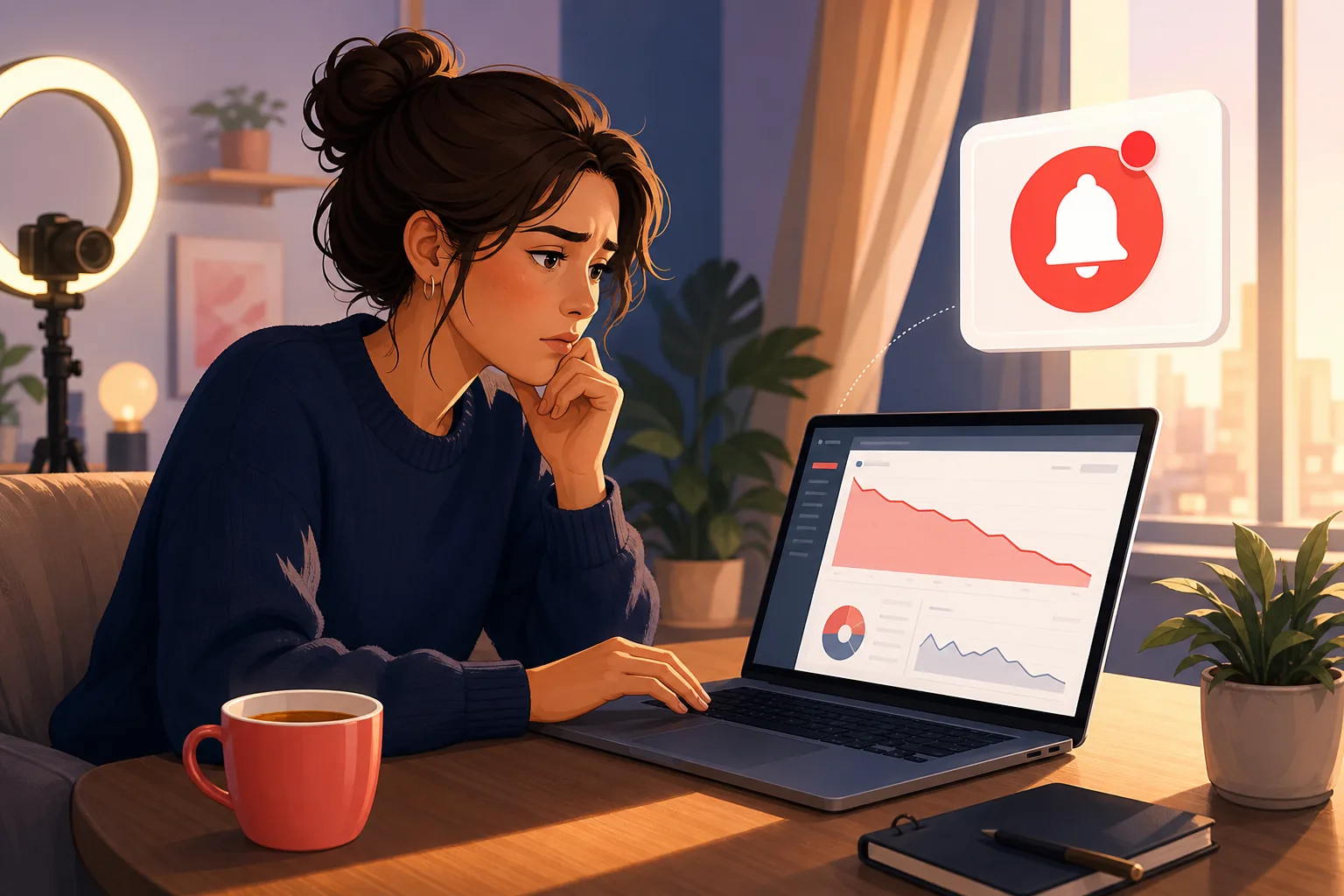
This same reliability gap is why the Bell notifications sent metric keeps dropping in YouTube Studio for many creators. The tools that live on YouTube's surfaces all answer to the algorithm. Email is the one that answers to you.
The honest verdict: use both, rely on email
The honest verdict is to use both channels, and treat email as the reliable layer you count on. They are not rivals, they are two jobs.
Keep posting to your community tab. Run the polls, share the behind-the-scenes photo, ask fans what they want next. It is a great, free way to spark conversation with the fans who are already active on your channel. Just do not expect it to reach everyone, because it was never built to.
Then put email underneath it as the channel that guarantees delivery. When a video goes live, an email reaches every fan who opted in, no matter what the algorithm decides that day. That is the layer you own, and the one that survives the next platform change.

Building that layer takes three steps, and none are technical:
- Claim your channel on Sublark. Go to Sublark for creators and claim your channel. You get a page where fans opt in with their email to be alerted on every upload.
- Share your follow-by-email link. Put it near the top of your descriptions, pin it in a comment, and mention it in your outro. That is where most opt-ins come from.
- Keep uploading. Every time you publish, Sublark emails your list within the hour. No newsletter to write, no lead magnet to design.
Community posts and email both have a place in reaching your fans. The difference is that one hands the decision to an algorithm, and the other hands it to you. Build the channel you own while your at-risk fans are still one click away.
Reach every fan, not just the slice the algorithm picks
Claim your channel on Sublark and turn subscribers into an email list of your real fans. Every upload emails your list within the hour, with no algorithm deciding who hears from you.
Claim your channel- Free to claim
- Reaches your fans within the hour of every upload
- No lead magnet or newsletter required
Are you a creator? Give your subscribers reliable upload alerts →
Frequently Asked Questions
Do YouTube community posts reach all my subscribers?
No. Community posts are distributed by YouTube's algorithm, not sent to everyone. When you publish one, YouTube shows it to a fraction of your subscribers through the notification bell and the home feed, and it decides who qualifies based on how engaged each fan is with your channel. There is no setting that pushes a community post to your full subscriber list. So the community tab reach you get is a slice YouTube chooses, which is why the same post can land with very different view counts each time.
What is YouTube community tab reach?
Community tab reach is how many of your subscribers actually see a community post you publish. It is not your subscriber count. YouTube surfaces the post to a portion of your audience through the home feed and the bell, then measures who saw and engaged with it. Because the platform picks that portion by predicted interest, reach varies post to post and is usually a small share of your total subscribers. You cannot set it manually, since the distribution runs on YouTube's side rather than yours.
Are community posts better than email for reaching fans?
They serve different jobs. Community posts are great for casual, in-app engagement like polls and quick updates, but their reach is algorithm-dependent and you do not own the audience. Email is the reliable layer: you hold the addresses, so every message lands in every inbox with no algorithm deciding who qualifies. The honest answer is to use both, and treat email as the channel you count on. Community posts spark conversation, while email guarantees the message actually reaches the fan.
Why did my community post get so few views?
Because YouTube distributed it to only part of your subscriber base. Community posts are surfaced through the home feed and the bell by the algorithm, which shows the post to fans it predicts are most likely to engage. If the post did not gain early traction, YouTube limits how far it spreads, so the view count stays low. It is not a penalty and not a sign your fans left. The reachable slice is simply smaller than your subscriber count, the same gap that affects upload notifications.
How do I reach subscribers who never see my community posts?
Give them a channel YouTube cannot filter, and email is the strongest one. With Sublark, you claim your channel and fans opt in with their email to be alerted on every upload. You hold the list, so each message reaches every inbox with no engagement score and no algorithm deciding who qualifies. Sublark emails your fans within the hour of every upload, reaching the exact people your community posts and the bell now skip, without a lead magnet or a newsletter to write.
Never Miss a YouTube Upload Again
Get an email the moment your favorite YouTube channels upload a new video. No missed notifications, no algorithm deciding for you — just a simple alert in your inbox.
Get Email Alerts — Free- Free forever
- Instant upload alerts
- Unsubscribe anytime
Are you a creator? Give your subscribers reliable upload alerts →
Written by Sublark Team
Content Team
Related Articles

beehiiv vs Kit vs Sublark for YouTubers: What Each Is For
A fair comparison of beehiiv, Kit, and Sublark for YouTubers. See which newsletter and upload-alert tool fits your channel, and why you may want two.
"Bell Notifications Sent" Dropping in YouTube Studio? Here's Why
Your 'Bell notifications sent' number is falling in YouTube Studio while subscribers rise. Here's what the metric means, why it's dropping, and the fix.

Best Time to Post on YouTube in 2026 (and When Fans Get Alerted)
The best time to post on YouTube, from 2026 data and your own Studio report, plus how YouTube times subscriber alerts and how to schedule uploads.
Never miss an upload from your favorite channels
Get a simple email alert every time a channel you love posts a new video. Free, instant, no algorithm in the way.
Get Email Alerts — Free