
YouTube Email List: 12 Stats on Why You Need One (2026)
The bell reaches a sliver of your subscribers. 12 sourced stats on why a YouTube email list is the audience you own, and how to start one on your next upload.
Sublark Team
Content Team

Your subscriber count is the number YouTube shows off, but it is not the number of people YouTube tells about your uploads. These 12 sourced stats show how wide that gap is in 2026, and why a YouTube email list is the one way to close it.
In this guide:
- 6 stats on how few subscribers the bell reaches
- The 2026 rule that cut alerts to "inactive" fans
- Email open-rate stats, side by side with the bell
- What YouTube never gives you: your fans' contact details
- How to start a YouTube email list on your next upload
The bell stats: how few subscribers YouTube notifies
YouTube notifies only a slice of your subscribers about each upload, and its own help pages explain why.
- New subscribers start on Personalized, not All. "When you subscribe to a channel, you'll automatically get personalized notifications," says YouTube Help. Personalized means alerts for "some uploads," picked by YouTube.
- Personalized alerts can arrive hours late. YouTube sends them "at the optimal time for each individual subscriber," which can be hours after you publish, per YouTube's creator help page. Only subscribers on All are "typically told within minutes."
- About 10% of one creator's subscribers click the bell. Tech creator Lon Seidman checked his analytics and wrote that "only about 10% of my subscribers actually click the bell."
- Only 3.9% of those bell-clickers enabled phone alerts. Seidman found that "just 3.9% actually enabled YouTube notifications on their device." Multiply the two, and roughly 4 of every 1,000 of his subscribers had both the bell and phone alerts on.
- Each viewer gets at most 3 alerts per channel per day. "Viewers can get a maximum of 3 notifications from each channel in a 24 hour period," per YouTube Help. Publish more than 3 videos in a short time, and YouTube "may temporarily stop sending notifications for 24 hours."
- Upload alerts are silent by default. "All video upload notifications are sent silently by default," and sounds stay off from 10 PM to 8 AM, per YouTube Help. An alert can land without the fan ever noticing it.
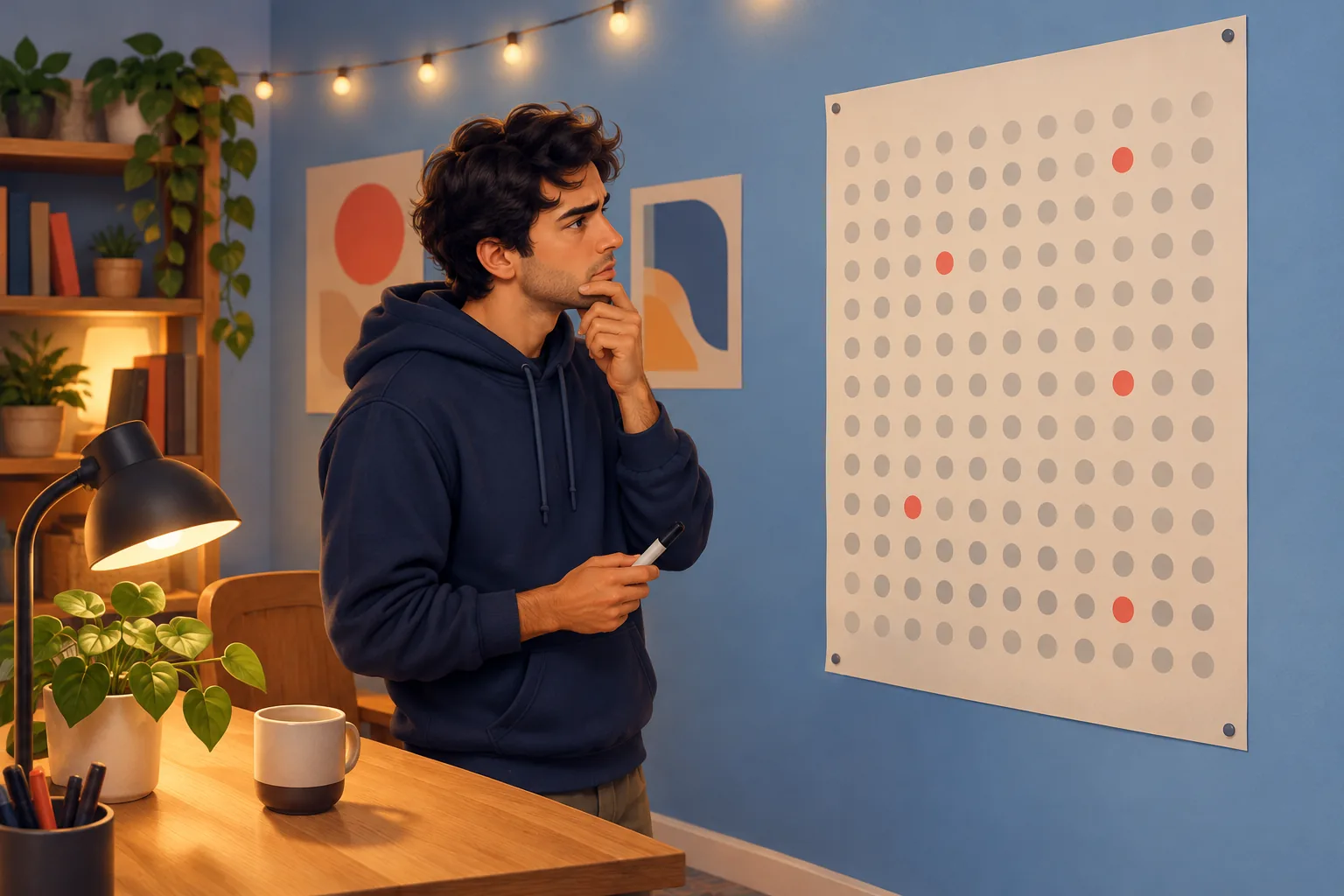
Stack those filters and the bell reaches a small fraction of your subscriber count. We run the full arithmetic in why only ~10% of your subscribers see your uploads.
The 2026 rule that stops alerts to "inactive" fans
Since April 21, 2026, YouTube stops push notifications to subscribers on All who haven't watched the channel in about a month. Their alerts go to the in-app inbox only.
- The inactive-subscriber rule is now permanent. Per PPC Land, it applies when a subscriber meets three conditions at once: no watching the channel for about a month, recent alerts they did not engage with, and the bell set to All. TeamYouTube first described the experiment on March 26, 2025. A new round of testing began February 11, 2026, and the permanent rollout was announced April 21, 2026.
In plain terms, a fan who misses a few weeks of your videos stops getting push alerts, even on All. No setting in YouTube Studio changes that.
The bell is opt-in, then filtered again
A fan opts in twice, once to subscribe and once to choose All. YouTube then filters that group again by recent watching. An email list has no such filter: everyone who joins gets the email for every upload.

For what the change means for your channel, see the 2026 bell change explained for creators.
YouTube email list vs the bell: the open-rate stats
A YouTube email list reaches fans more reliably than the bell, because nothing filters who receives it. Here are the open rates next to YouTube's own history.
- YouTube's own upload emails were opened less than 0.1% of the time. That was the reason YouTube gave for ending email notifications for new videos on August 13, 2020, per Android Police. Those were YouTube's automated emails, not a list of fans who chose one creator.
- Newsletter open rates are hitting 41%+. beehiiv's State of Newsletters 2026 reports open rates "hitting 41%+," and says its publishers sent 28 billion emails last year.
- The average open rate across Mailchimp users is 35.63%. That figure comes from Mailchimp's email benchmarks, last updated in December 2023.
| The YouTube bell | A YouTube email list | |
|---|---|---|
| Who receives it | Subscribers YouTube selects | Everyone who joined |
| Default for new fans | Personalized: "some uploads" | Every upload |
| Daily limit | 3 alerts per channel per 24 hours | No YouTube cap |
| Fans who stopped watching | Inbox only after about a month | Still get the email |
| Who holds the contact | YouTube | You, with a CSV export |
The framing to remember: three of ten emails opened beats three of ten pushes delivered, because you control the send.
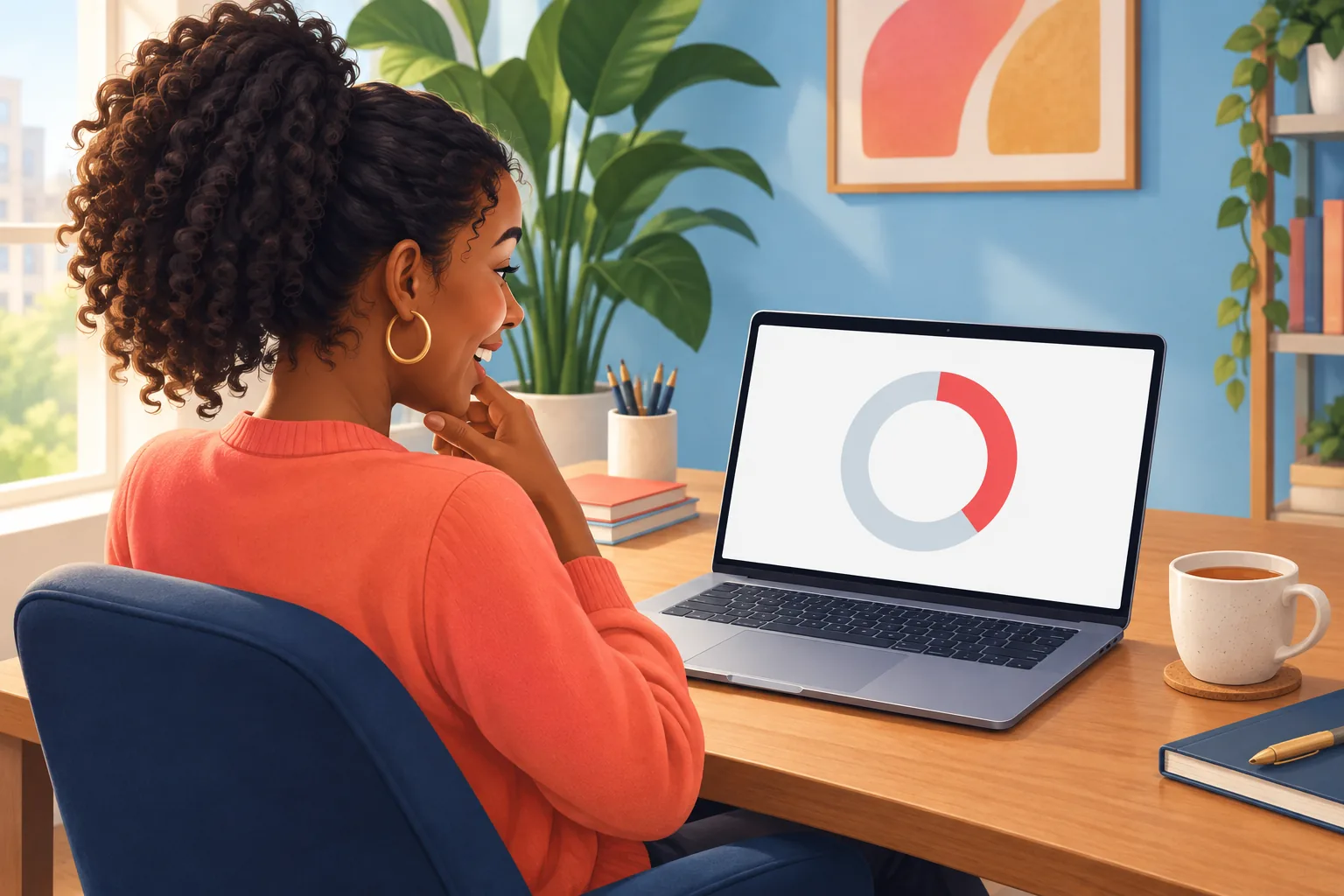
Fans want this too: an email whenever a channel uploads is what most viewers thought subscribing would do.
The ownership stats: what YouTube never gives you
YouTube never gives creators their subscribers' contact details, so your audience lives on YouTube's terms. Two stats show what that costs.
- Subscriptions are private by default. "Subscriptions are private by default," says YouTube Help, and the Recent subscribers list in Studio shows only public subscribers from the last 28 days. You cannot export your subscribers or email them. Our guide to seeing who your subscribers are covers what Studio does show.
- Three strikes in 90 days can remove a channel. "3 strikes in the same 90-day period may result in your channel being permanently removed from YouTube," per YouTube Help. The subscriber count goes with the channel.
The one asset that survives a platform change
An email list is a set of addresses you can export as a CSV file whenever you like. If YouTube changes its rules tomorrow, your subscriber count is worth what the new rules decide. Your email list works the same way it did yesterday.
That is the difference between renting an audience and owning one. The full argument lives in our creator's guide to email, and what happens if the algorithm changes tomorrow plays out the worst case.
You don't need a newsletter or a lead magnet
A YouTube email list does not have to be a newsletter. An upload-alert list does one job: it tells fans a new video is live.
Most creator lists die because the creator signs up to write every week. Sublark skips that job. When you publish, it drafts the upload email from the video itself, in your voice, with your thumbnail and a link to watch. You approve it with one click, or switch on Auto-Send and it goes out on its own, usually within the hour.

There is no lead magnet to design and no funnel to build. Fans join because they want your next video, which is the most natural reason to share an email address. The full setup is in how to build an email list from YouTube without a lead magnet.
How to start a YouTube email list on your next upload
You can start a YouTube email list in three steps, before your next video goes out.
- Claim your channel. Enter your @handle on Sublark's homepage and confirm the channel is yours. Fans can then join at sublark.com/your-channel with just an email address.
- Share the link where fans already look. Put it first in your channel links, at the top of each description and in a pinned comment. Our guide to adding links to your YouTube channel explains why the first link matters most. Mention it in your outro too.
- Keep uploading. Each new video creates an upload email for your list. Approve it, or let Auto-Send handle it.

To see what your fans will see, open a channel page such as Mark Rober's, or browse creators already on Sublark.
Turn subscribers into an email list you own
Claim your channel on Sublark. Fans join with just an email, and every upload creates an email to them, sent automatically or after your one-click OK.
Claim your channelThe bottom line on a YouTube email list
Every stat here points the same way. YouTube decides who hears about your uploads, and in 2026 that group got smaller. A YouTube email list is the channel you own, and you can start one on your next upload by claiming your channel on Sublark.

Frequently Asked Questions
Why does a YouTuber need an email list?
Because YouTube decides which subscribers hear about each upload, and an email list does not. New subscriptions default to Personalized alerts, which cover only some uploads. YouTube caps alerts at 3 per channel per day, and since April 21, 2026 it stops push alerts to All subscribers who haven't watched the channel in about a month. An email list reaches everyone who joined, every time. It is also the one audience you can export and keep if YouTube's rules change.
Is an email list better than YouTube subscribers?
They do different jobs. Subscribers help YouTube recommend your videos, but YouTube decides which of them get told about each upload. An email list is a direct line: every fan who joined receives your upload email, and you can export the list anytime. Newsletter open rates are hitting 41%+ on beehiiv, while one creator found only about 10% of his subscribers even clicked the bell. The strongest setup uses both, with email as the reliable channel you own.
Can I get my YouTube subscribers' email addresses?
No. YouTube does not share subscriber email addresses with creators, and subscriptions are private by default, so most subscribers never appear by name in YouTube Studio. There is no way to export your subscriber list or email it. The only way to get fans' emails is to ask them to join a list you control. With Sublark, fans enter their email on your channel page, and each upload creates an email to them, sent automatically or after your one-click approval.
Do I have to write a newsletter to have an email list?
No. An upload-alert list does one job: it tells fans a new video is live. Sublark drafts that email for you from each upload, with your thumbnail and a link to watch. You approve it with one click, or turn on Auto-Send and it goes out on its own, usually within the hour. You never plan an editorial calendar or design a lead magnet. If you later want to write to your fans, you can send your own emails too.
How do I start an email list for my YouTube channel?
Claim your channel on Sublark by entering your @handle on the homepage and confirming the channel is yours. Fans can then join at sublark.com/your-channel with just an email address. Share that link first in your channel links, at the top of your descriptions, in a pinned comment and in your outro. Each time you publish, Sublark creates an upload email for your list, so it grows from viewers who chose to follow you.
How many of my subscribers actually get notified about my videos?
Usually far fewer than your subscriber count. New subscribers default to Personalized alerts, which YouTube sends for some uploads, at a time it picks. Each viewer gets at most 3 alerts per channel per 24 hours, and All subscribers who haven't watched in about a month get inbox alerts only. Tech creator Lon Seidman found that about 10% of his subscribers clicked the bell, and only 3.9% of those had turned on device notifications.
Build the audience YouTube can't throttle
Claim your channel on Sublark and turn your subscribers into an email list you own. Every upload creates an email to your fans, sent automatically or after your OK, with no bell setting or daily cap in the way.
Claim your channel- Free to claim
- Auto-Send or one-click approval
- Export your list anytime
Just a viewer? Get upload alerts for your favorite channels →
Written by Sublark Team
Content Team
Related Articles

beehiiv vs Kit vs Sublark for YouTubers: What Each Is For
A fair comparison of beehiiv, Kit, and Sublark for YouTubers. See which newsletter and upload-alert tool fits your channel, and why you may want two.
"Bell Notifications Sent" Dropping in YouTube Studio? Here's Why
Your 'Bell notifications sent' number is falling in YouTube Studio while subscribers rise. Here's what the metric means, why it's dropping, and the fix.

Best Time to Post on YouTube in 2026 (and When Fans Get Alerted)
The best time to post on YouTube, from 2026 data and your own Studio report, plus how YouTube times subscriber alerts and how to schedule uploads.
Turn your subscribers into an audience you own
Claim your channel and every upload emails your real fans automatically. No newsletter to write, no algorithm in the way.
Claim Your Channel — Free