
Losing Subscribers on YouTube? 6 Real Reasons and What to Do
Losing subscribers on YouTube? Here are the 6 real reasons your count drops, how to see where you lost them in Studio, and how to keep the fans who matter.
Sublark Team
Content Team
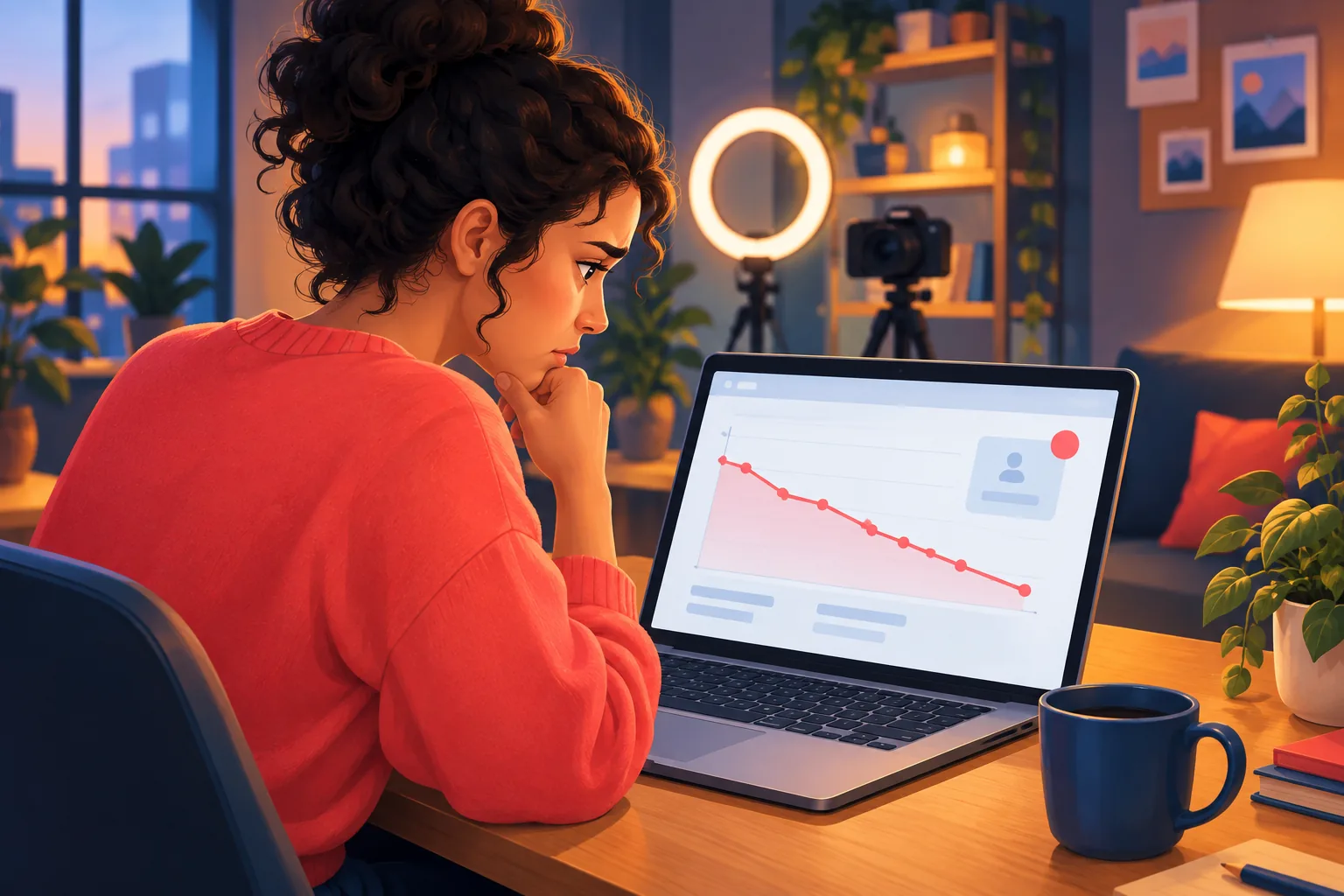
Your subscriber count went down overnight, and nothing about your channel changed. Losing subscribers on YouTube feels personal, but most drops have a boring, fixable explanation.
In this guide:
- Whether losing subscribers is normal
- The 6 real reasons a YouTube subscriber count drops
- How to see where you lost subscribers in YouTube Studio
- Whether you can see who unsubscribed
- How to keep the fans who matter
Is losing subscribers on YouTube normal?
Yes. Every channel loses some subscribers every day. YouTube Help says "it's common to see fluctuations in your subscriber count," and lists ordinary unsubscribes as the first reason.
The number to watch is your net change over 28 or 90 days, not one bad day. A channel that gains 40 and loses 12 in a week is growing. Panic only when losses keep climbing for several weeks in a row.
6 reasons you are losing subscribers on YouTube
Each reason below has a different fix. The first three come straight from YouTube Help.
1. Viewers unsubscribe as part of normal churn
Normal churn is the steady trickle of people leaving any channel. Tastes change, kids grow up, and viewers who subscribed for one video drift away. YouTube Help says viewers "subscribing and unsubscribing to your channel normally" is the most common cause of a drop.
Churn is healthy. It means your count reflects real people, not a frozen number.

2. YouTube removed spam subscribers
YouTube regularly checks the accounts on your channel and drops spam ones from your count. Per YouTube Help, spam includes "subscribers gained through artificial means, such as purchasing subscribers through a third-party service." These removed subscribers "don't impact views or watch time."
If this hits your channel, YouTube Studio shows you an alert. A spam cleanup explains most sudden, large drops.
3. YouTube removed closed accounts
Closed accounts no longer count as subscribers. When someone deletes their Google Account, "they don't exist on YouTube anymore," YouTube Help says. Accounts terminated or suspended by YouTube for a policy violation are removed the same way.
You can see how many of your subscribers left this way in YouTube Analytics. Nobody chose to leave you. The accounts simply stopped existing.

4. Viewers cleaned up their subscription lists
Some viewers prune their lists in one sitting. YouTube tracks these unsubscribes separately, as losses from "the mobile subscription list and computer subscriptions manager," per YouTube Help.
These viewers often have not watched you in a while. Our guide on how to see who your subscribers are explains why so many subscribers are quiet in the first place.
5. Viewers unsubscribed from the Subscriptions feed
A loss from the Subscriptions feed usually follows an upload. YouTube Studio lists "Reduction in subscriber count from the subscriptions feed" as its own source. A spike here right after a video can mean that video missed the mark for part of your audience.
This is the one loss source you can learn from. If one kind of upload keeps causing it, warn your audience before a change of direction, or keep the new topic on a second channel.

6. The public count is rounded
Your public subscriber count is abbreviated. YouTube Help says a channel with 1,234 subscribers shows as "1.23 K," and the display updates at different intervals depending on channel size. A small loss can tip the rounded number down a step, which looks bigger than it is.
Check your exact count in YouTube Studio before you worry.
How to see where you lost subscribers in YouTube Studio
The Subscription source report shows where each loss happened. YouTube Help gives these steps:
- Sign in to YouTube Studio.
- From the left menu, select Analytics.
- On any card, click See more.
- From the top, select Subscription source.
Look for three loss rows. Subscriptions feed means unsubscribes after uploads. Subscriptions channel list means list cleanups. Closed accounts covers closed accounts and spam. Compare the rows across a few weeks to see your real pattern.

Can you see who unsubscribed on YouTube?
No. YouTube never shows which person unsubscribed from your channel, and it sends no alert when someone leaves. The Subscription source report tells you where losses happened, not who left.
Even the Recent subscribers list in Studio only shows people who made their subscriptions public. Our guide on seeing who your subscribers are covers that limit in full.

A subscriber you can lose is not the same as a fan you can reach
A falling count hurts less than a falling reach. Since 2026, YouTube stops push alerts for subscribers who have not watched in a while, even with the bell on All. YouTube Help says those viewers "only receive notifications for that channel inside the app." Many subscribers you keep never hear about your uploads.
That gap is why the subscriber count vs. reachable audience matters more than the badge. It also explains views dropping while subscribers hold steady.

Keep your core fans, whatever the count does
Claim your channel on Sublark and fans get an email within the hour of every upload. You see every fan by name, and the list is yours.
Claim your channelHow to keep the fans who matter
The fix for losing subscribers on YouTube is not chasing the count. It is giving your real fans a second way to hear from you. With Sublark, fans enter their email on your channel page and get an email alert when you upload, usually within the hour.
Unlike YouTube, Sublark shows you the people. Your dashboard lists every fan by email with a status of confirmed, unsubscribed or bounced, so you can see exactly who left your list. You can export it as a CSV at any time. Claim your channel to start, and read how to build an email list from YouTube without a lead magnet.

The bottom line
Losing subscribers on YouTube is normal, and most drops are churn, spam cleanup or closed accounts. Check the Subscription source report, learn from feed unsubscribes, and ignore the daily noise. Then put your core fans on a list you own. The creator's guide to email walks through the full playbook.
Frequently Asked Questions
Why am I losing subscribers on YouTube?
YouTube Help gives three reasons a subscriber count drops. Viewers subscribe and unsubscribe normally, YouTube removes subscribers it identifies as spam, and YouTube removes accounts that were closed. Spam removals come with an alert in YouTube Studio. Beyond those, viewers trim their subscription lists and some unsubscribe straight from the Subscriptions feed after an upload. Open the Subscription source report in YouTube Studio Analytics to see which of these caused your drop.
Can you see who unsubscribed from your YouTube channel?
No. YouTube never tells you which person unsubscribed, and it sends no alert when someone leaves. What YouTube Studio shows is where the unsubscribes happened. The Subscription source report lists losses from the Subscriptions feed, from the subscriptions list or manager, and from closed accounts and spam. If you want to see fans by name, including who left, you need a list you own, such as an email list of your fans.
Is it normal to lose subscribers on YouTube every day?
Yes. YouTube Help says it is common to see fluctuations in your subscriber count, because viewers subscribe and unsubscribe normally. A channel of any size loses a few subscribers most days. What matters is the net trend over 28 or 90 days, not a single bad afternoon. Worry only if losses climb week after week, or if a sudden drop arrives with an alert in YouTube Studio about spam subscribers being removed.
Why did I lose a lot of subscribers at once?
A sudden large drop is usually a cleanup, not a wave of fans leaving. YouTube regularly verifies the accounts on your channel and removes spam subscribers and closed accounts from your count. Subscribers gained through artificial means, such as a paid subscriber service, count as spam. If spam removal hit your channel, YouTube Studio shows an alert. Closed-account losses appear in the Subscription source report under Closed accounts.
How do I stop losing subscribers on YouTube?
You cannot stop every unsubscribe, and you should not try. Focus on the losses you can influence: keep uploads consistent, warn your audience before a big change of topic, and check the Subscription source report after each upload. Then protect the fans who matter most by inviting them onto an email list. A subscriber who also gets an email every time you upload stays reachable even if the YouTube count dips.
See every fan by name
Claim your channel on Sublark. Fans get an email within the hour of every upload, and you get a list of real people you can see and export.
Claim your channel- Free for your fans
- Email within the hour of every upload
- Export your list any time
Just a viewer? Get upload alerts for your favorite channels →
Written by Sublark Team
Content Team
Related Articles

beehiiv vs Kit vs Sublark for YouTubers: What Each Is For
A fair comparison of beehiiv, Kit, and Sublark for YouTubers. See which newsletter and upload-alert tool fits your channel, and why you may want two.
"Bell Notifications Sent" Dropping in YouTube Studio? Here's Why
Your 'Bell notifications sent' number is falling in YouTube Studio while subscribers rise. Here's what the metric means, why it's dropping, and the fix.

Best Time to Post on YouTube in 2026 (and When Fans Get Alerted)
The best time to post on YouTube, from 2026 data and your own Studio report, plus how YouTube times subscriber alerts and how to schedule uploads.
Turn your subscribers into an audience you own
Claim your channel and every upload emails your real fans automatically. No newsletter to write, no algorithm in the way.
Claim Your Channel — Free