
YouTube Live Stream & Premiere Notifications Not Working (2026)
YouTube live stream notification not working? Here is why live and premiere alerts fail more than regular uploads, every fix, and the alert that never misses.
Sublark Team
Content Team
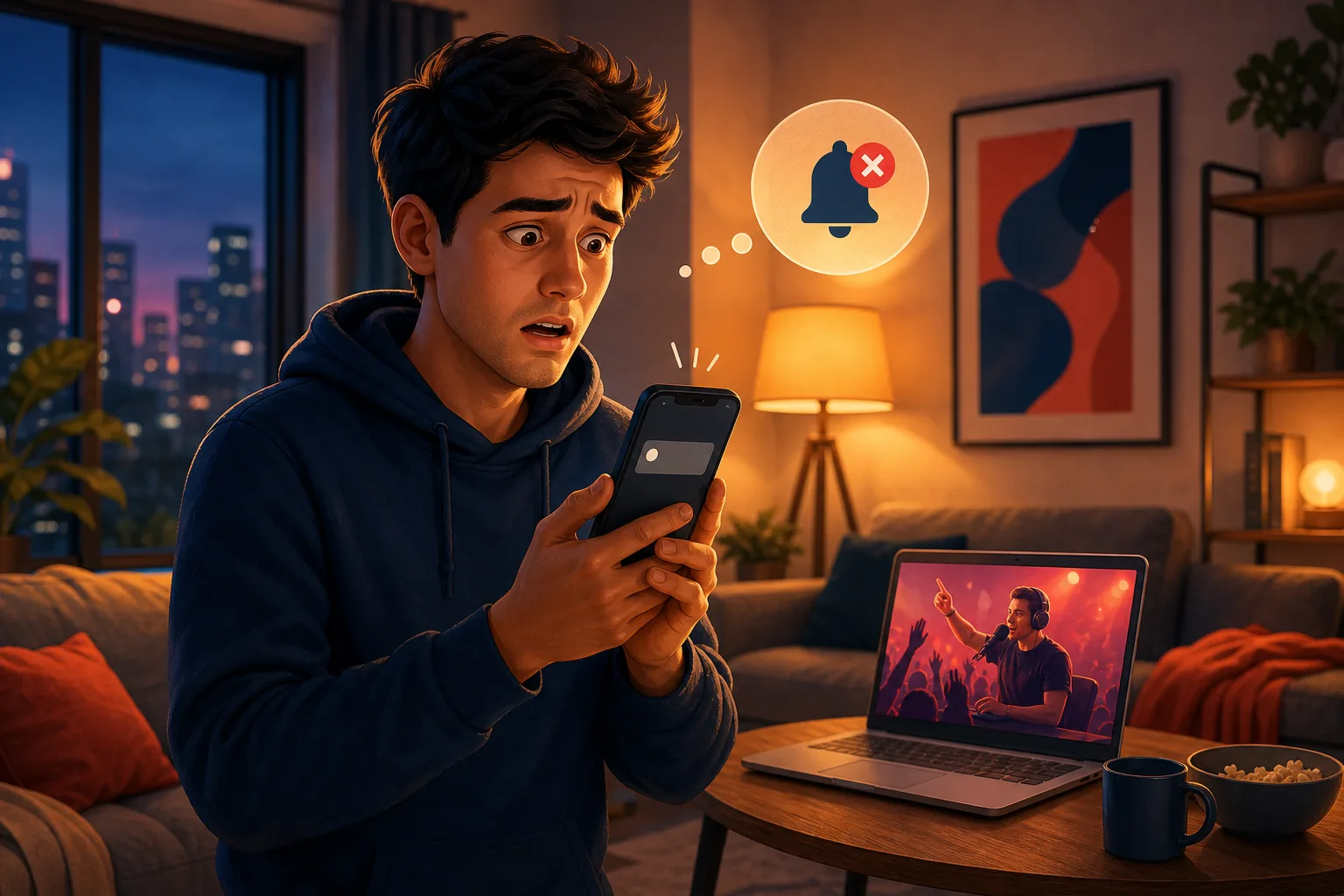
You set a reminder for a favorite creator's live stream, then found out hours later it had already ended. The bell was on, the notification never came, and the moment you wanted to catch live was gone.
This guide explains why your YouTube live stream notification is not working in 2026, why premieres fail the same way, and the one alert that reaches you the moment a stream starts.
In this guide:
- Why live and premiere alerts fail more than regular uploads
- The two separate premiere notifications and how each breaks
- How to turn live notifications on the right way
- The 3-per-day cap, Do Not Disturb, and delayed pushes
- The alert that fires the moment a stream goes live
Why live and premiere alerts fail more than uploads
Live and premiere notifications fail more often than regular uploads because they carry every weakness of the bell plus a hard time limit. A missed upload alert is annoying but you can still watch later; a missed go-live ping means the live moment is simply gone.
The go-live notification only fires when three things line up at once. Your bell must be set to "All," YouTube must score you as an active subscriber for that channel, and the channel must not have already used its notification budget for the day. If any one of those fails, the ping never leaves.
Since February 2026, that middle condition is the quiet killer. YouTube made permanent the suppression of push notifications to bell subscribers it scores as inactive for a channel, per coverage from PPC Land and 9to5Google. Our hub on YouTube notifications not working maps every layer of this system.
The two premiere notifications, and how each breaks
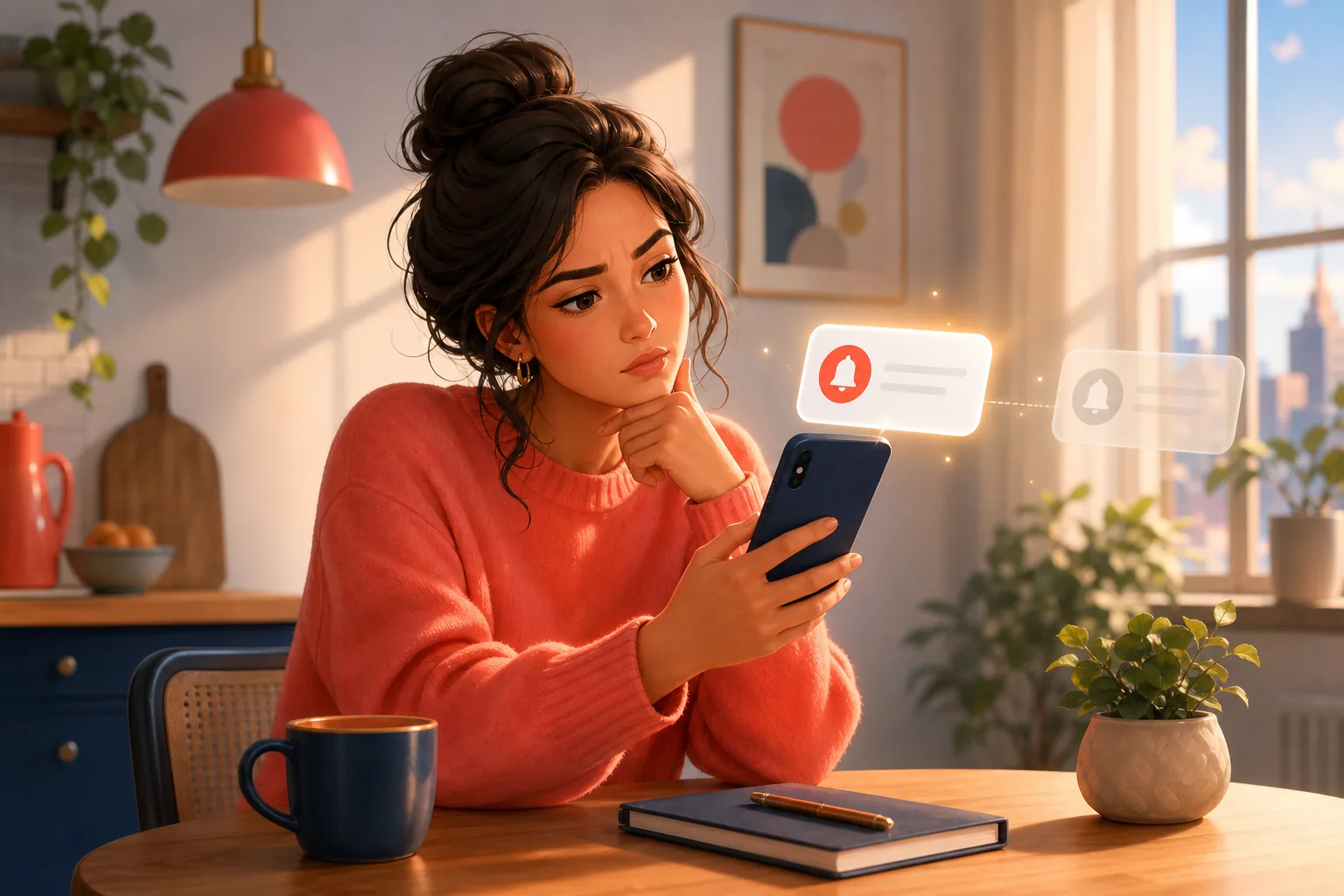
A YouTube premiere is supposed to notify you twice, and either alert can silently fail. Knowing both exist explains why a premiere you were waiting for can start with no warning at all.
The first alert goes out when the creator schedules the premiere, so subscribers can set a reminder. The second is meant to arrive as the premiere begins. Both depend on the bell being set to "All" and on you counting as an active subscriber, so the 2026 inactive filter can wipe out one or both.
A scheduled premiere can start early or late
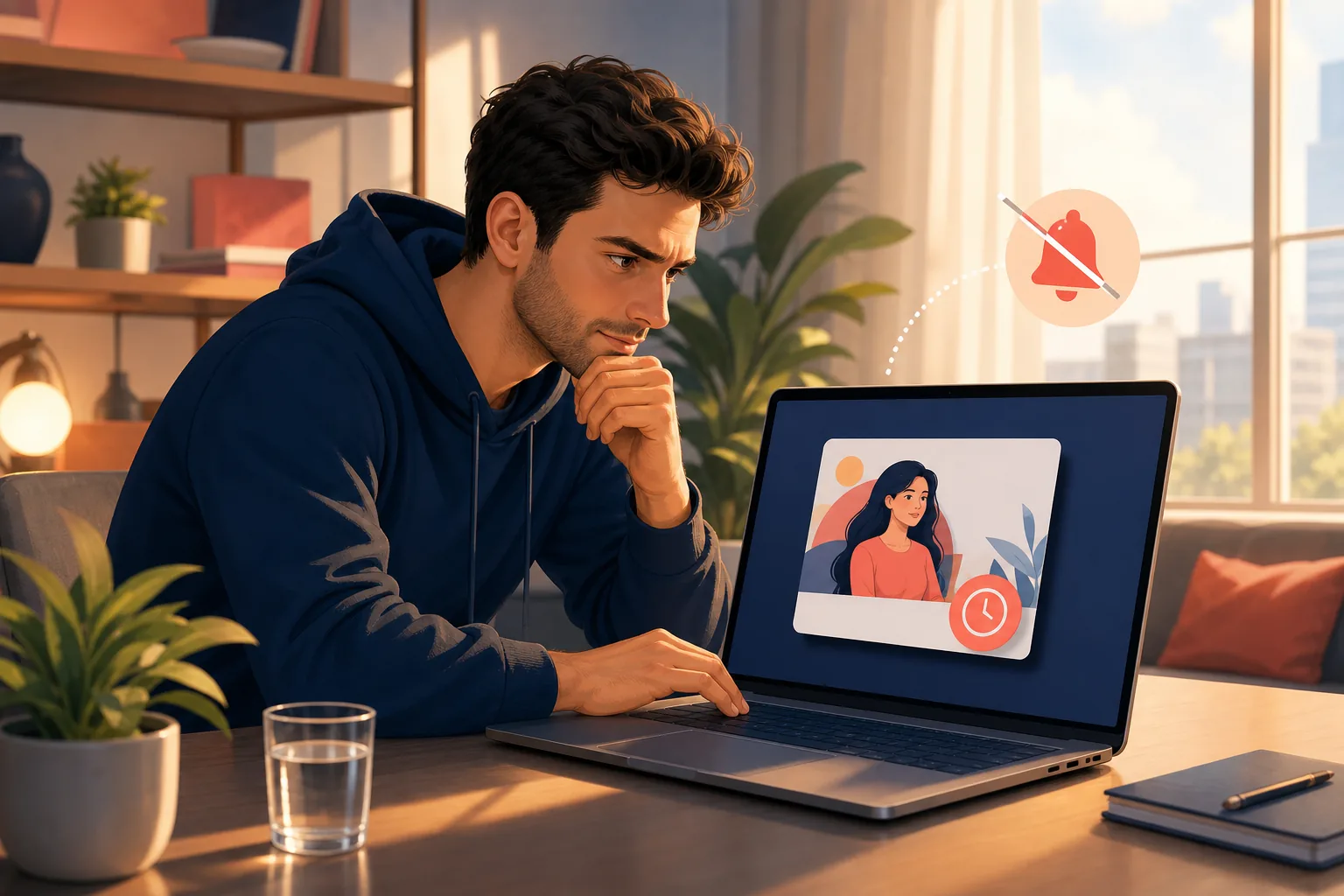
Creators sometimes move a premiere's start time or begin manually. If the go-live ping is delayed or suppressed, the premiere plays in real time without you, and premiere content only counts as "new" once.
Because a premiere from a channel like MrBeast or Mark Rober is an event, missing the alert means missing the shared live chat and the first-watch moment entirely.
How to turn on live notifications the right way
To give live and premiere alerts the best chance, fix both the bell and your device, because YouTube checks each before it sends. Getting only one right is the most common reason a viewer thinks notifications are broken.
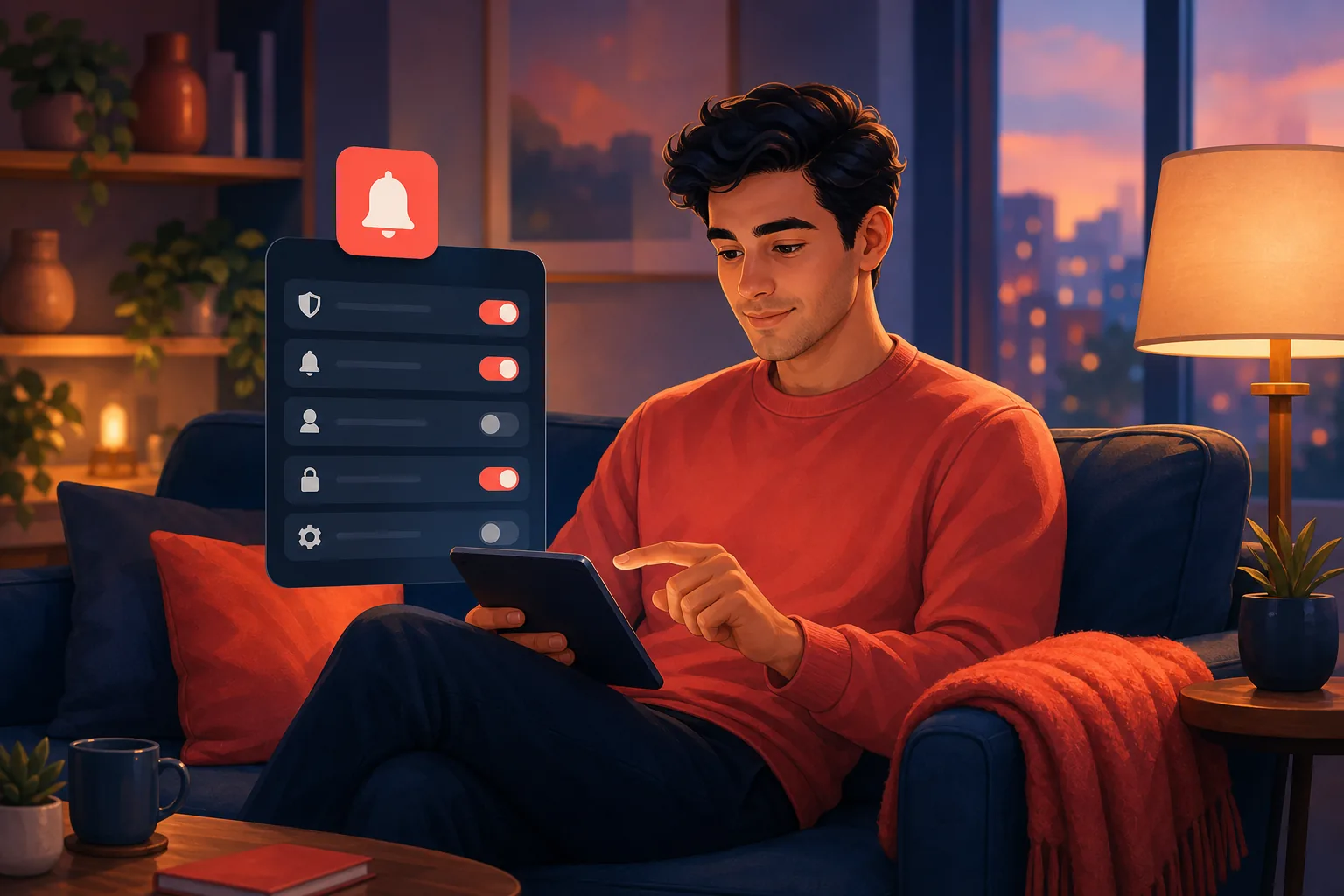
Start on the channel page: tap the bell next to Subscribe and choose "All," not "Personalized." Then open your phone settings and allow notifications for the YouTube app, and turn off Do Not Disturb during the hours a creator usually streams. Inside the YouTube app under Settings then Notifications, confirm Subscriptions and Channel notifications are switched on.
That is the complete correct setup, and it still is not a guarantee. The 2026 inactive filter and the 3-per-day cap sit above your settings, so a perfectly configured bell can still stay silent. This overlaps with not getting notifications even with the bell on, which walks the same checks in depth.
The 3-per-day cap, Do Not Disturb, and delayed pushes
Three smaller causes finish the picture, and streamers hit all three constantly. Each one can swallow a live alert even when your bell is set perfectly.
First, YouTube caps notifications at 3 per channel per 24 hours. A channel like Linus Tech Tips that posts a video, schedules a premiere, and then goes live can burn the whole budget, so the last alerts never fire. Our guide on the 3-per-day limit explains how live pings share that pool.
Second, Do Not Disturb and Focus modes hold notifications on your device, so a go-live ping arrives after you check your phone, long after the stream started. Third, pushes are queued and batched, not instant, which is why alerts often land hours late. For live content, even a few minutes late means you join a stream already in progress or miss it outright.
The alert that fires the moment a stream goes live
The reliable fix is an alert that does not depend on the bell, the cap, or your device's Do Not Disturb. Email is that alert, and it reaches you the moment a new stream or premiere is detected, no matter how YouTube's system feels about you that day.
Sublark watches the channels you pick and emails you as soon as it detects new activity, usually within the hour and often right as a stream goes live. It is never subject to the 3-per-day cap, the 2026 inactive filter, or a queued push that lands minutes late. A live moment from Marques Brownlee or a premiere from Fireship reaches your inbox instead of vanishing into a suppressed ping.
Setup is one step: search a channel on Sublark, enter your email, and you are done. It is free for viewers and needs no app running in the background. You can find any channel in seconds, whether it is a big event stream or a small creator whose go-live pings your phone keeps missing.
Live alerts you own, not pings YouTube can suppress
An email is not a push notification competing with a cap, a filter, and Do Not Disturb. It is one message the moment a stream is detected, sent to a channel YouTube does not gatekeep, so the live moments you care about actually reach you.
Email is also the channel you own. YouTube ended its own email upload notifications in 2020, citing a low open rate, and left exactly this gap for live content too. If your subscription feed also keeps hiding uploads and live shelves, an email alert is the one path YouTube cannot rank or bury.
Never miss a live stream or premiere again
Search any YouTube channel on Sublark, enter your email, and get a reliable alert the moment a stream, premiere, or upload is detected. No bell, no 3-per-day cap, no suppressed pings, free for viewers.
Find your channel- Free for viewers
- Fires the moment a stream is detected
- Never capped or suppressed by YouTube
Are you a creator? Give your subscribers reliable upload alerts →
Frequently Asked Questions
Why is my YouTube live stream notification not working?
Live notifications rely on the same fragile bell system as uploads, plus extra timing that makes them fail more often. YouTube sends a go-live ping only if you have the bell set to All, if you count as active for that channel, and if the channel has not already hit its 3-notifications-per-day cap. Since February 2026, YouTube suppresses notifications to subscribers it scores as inactive, so a stream you would have watched can pass silently. Do Not Disturb, a stale app cache, or a scheduled stream that starts early can also swallow the alert. The go-live moment is brief, so any one failure means you miss it live.
Why didn't I get a notification for a YouTube premiere?
A premiere fires two separate alerts, and either can fail. The first goes out when the creator schedules the premiere, and the second is meant to arrive as it begins, but both depend on the bell being set to All and on you counting as an active subscriber. Since February 2026, YouTube can suppress these entirely if it scores you inactive for that channel. The 3-per-day notification cap, Do Not Disturb, and a delayed push can also stop a premiere alert. Because a premiere plays in real time, a missed alert means you join late or not at all.
How do I turn on live stream notifications on YouTube?
Open the channel's page, tap the bell icon next to the Subscribe button, and choose All so YouTube can send live and upload alerts. Then check your device: in your phone settings, allow notifications for the YouTube app and disable Do Not Disturb during stream times. In the YouTube app under Settings then Notifications, make sure Subscriptions and Channel notifications are on. Even with all of this correct, the 2026 inactive filter and the 3-per-day cap can still block a live alert, so the bell alone is not a guarantee.
Do YouTube premiere and live notifications count toward the 3-per-day limit?
Yes. YouTube caps notifications at 3 per channel per 24 hours, and live go-live pings and premiere alerts draw from that same budget as regular uploads. On a busy day, a channel that posts a video, schedules a premiere, and then goes live can burn through the cap, so the alerts near the end of the day simply do not fire. This hits streamers and event channels hardest, because they often stack multiple time-sensitive notifications into one day. The extra live moments pass with no ping at all.
Why do I get the notification after the live stream already started?
Push notifications are not instant. YouTube batches and queues them, and the go-live ping can land minutes after a stream begins, which for live content is the same as missing it. Delivery slows further on a weak connection, when the app is fully closed, or when your device holds notifications during Do Not Disturb. Since the value of a live alert is the exact moment it starts, even a short delay defeats it. An email alert that fires the moment the stream is detected sidesteps the queue and reaches you reliably.
What is the most reliable way to never miss a live stream or premiere?
Use an alert that lives outside YouTube's bell system. Sublark watches the channels you choose and emails you as soon as it detects a new stream, premiere, or upload, usually within the hour and often right as it goes live. Because email is not ranked, capped at 3 per day, or subject to the 2026 inactive filter, live moments do not slip past. Search a channel, enter your email, and you are set. It is free for viewers, works on any device, and needs no app running in the background.
Never Miss a YouTube Upload Again
Get an email the moment your favorite YouTube channels upload a new video. No missed notifications, no algorithm deciding for you — just a simple alert in your inbox.
Get Email Alerts — Free- Free forever
- Instant upload alerts
- Unsubscribe anytime
Are you a creator? Give your subscribers reliable upload alerts →
Written by Sublark Team
Content Team
Related Articles
Do YouTubers Know When You Subscribe? (+10 Questions)
Do YouTubers know when you subscribe? Not by name. Here's what creators actually see, plus 10 common YouTube notification questions answered.
How to Turn Off YouTube Notifications (Without Missing Uploads)
How to turn off YouTube notifications on iPhone, Android and computer: one channel, all alerts, recommendations, emails, and how to keep the channels you love.

How to Turn Off YouTube Shorts (and Keep Your Favorite Channels)
How to turn off YouTube Shorts in 2026: set the Shorts feed limit to zero, see fewer Shorts on Home, handle PC and kids, and still catch every upload.
Never miss an upload from your favorite channels
Get a simple email alert every time a channel you love posts a new video. Free, instant, no algorithm in the way.
Get Email Alerts — Free